The verdict
Buy for the competitive PC player whose grip fits the classic shell
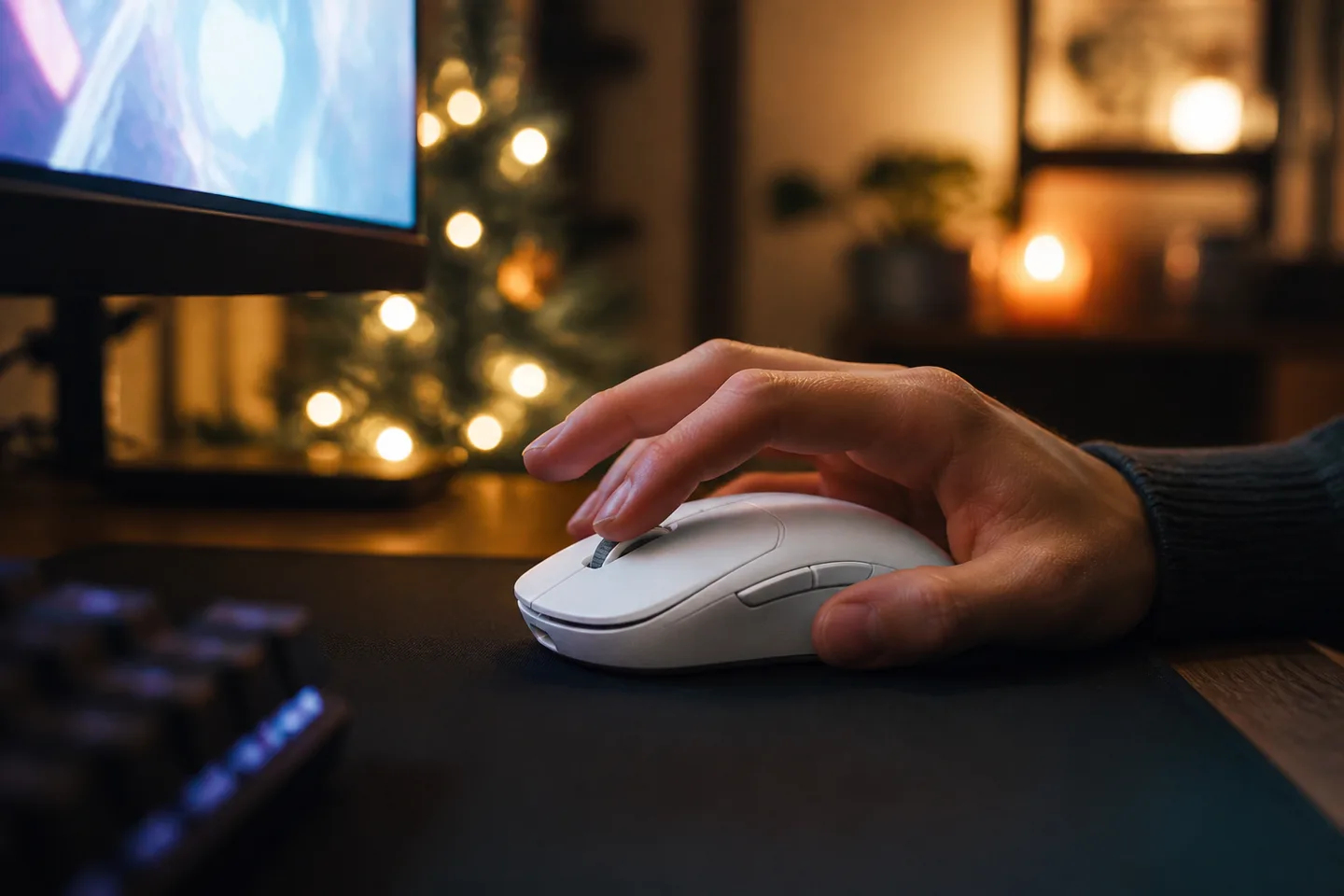
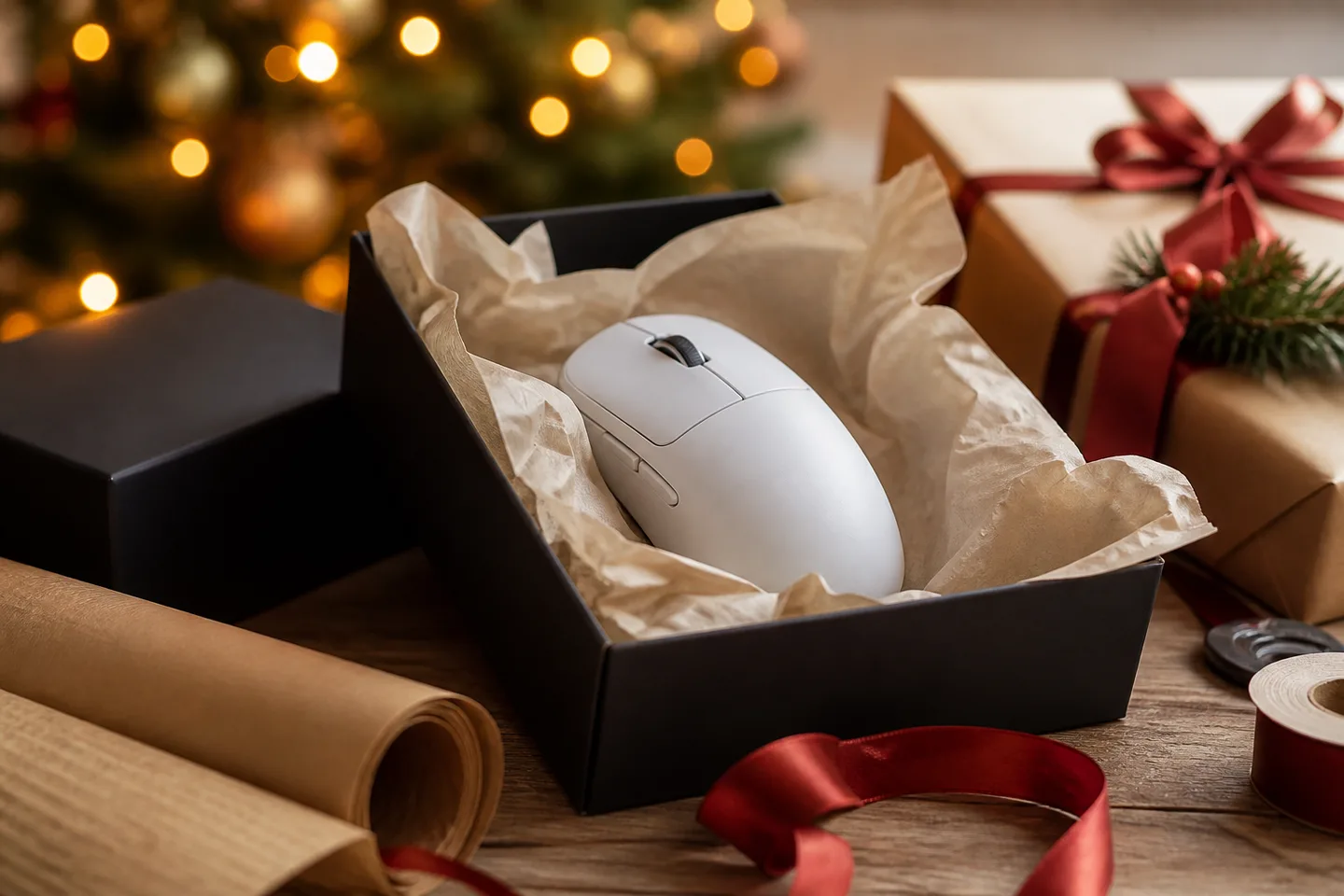
Superlight 2 remains an excellent gift when the recipient wants a neutral, medium-size wireless mouse for shooters and already likes this family of shapes. USB-C, optical-hybrid main switches and mature firmware make it the sensible version of the original. It is less compelling for small hands, strongly right-handed ergonomic preferences, productivity shortcuts, Bluetooth use or someone who already owns a working first-generation Superlight.
Why it works
- ✓ The 60 g solid shell moves easily without relying on honeycomb cut-outs
- ✓ HERO 2 tracking, onboard memory and up to 8,000Hz LIGHTSPEED polling support serious PC play
- ✓ Up to 95 hours of constant motion and USB-C charging reduce routine cable time
Tradeoffs
- × Only two left-side thumb buttons are provided, with no hardware DPI button or Bluetooth
- × Higher polling rates use more battery and CPU resources and may not feel different on every PC or display
- × The newer DEX, 2c and Superstrike variants now address ergonomic, smaller-hand and adjustable-click buyers
Shape and receiver setup matter more than maximum DPI
- Hand fit: the base Superlight 2 uses the established symmetrical medium shell. DEX is a distinct right-handed shape, while the newer 2c is shorter and lighter for smaller hands.
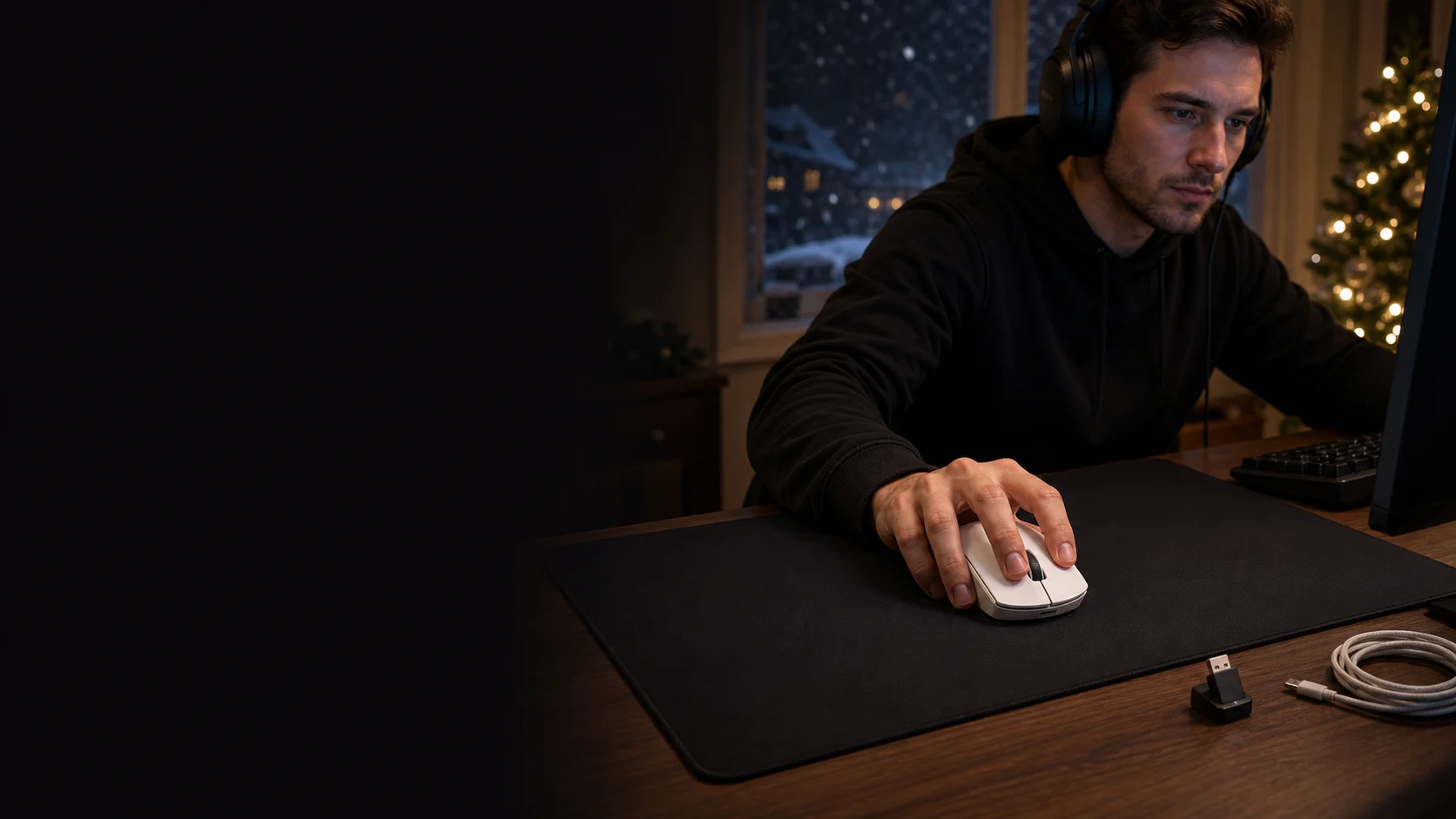
- Connection: it uses the included LIGHTSPEED USB receiver or a wired USB-C connection—not Bluetooth. Keep the receiver near the mousepad using the included extension when interference is possible.
- Performance: update both mouse and receiver in G HUB before expecting 8,000Hz and current 44,000-DPI specifications. Start at 1,000Hz; raise it only when the game and PC remain smooth.
- Upgrade value: from the original Superlight, the tangible changes are USB-C, LIGHTFORCE hybrid switches, HERO 2 and higher polling. A happy owner may prefer fresh skates or a different shape instead.
What should come with the base Superlight 2
| Decision | Included | Not included |
|---|---|---|
| Connection kit | Pro X Superlight 2, LIGHTSPEED USB receiver, USB-A-to-C cable and receiver extension adaptor | Bluetooth, USB-C computer adaptor, charging dock or POWERPLAY mousepad |
| Fit extras | Optional grip tape, aperture door with PTFE foot and documentation | Replacement main skates, right-side thumb buttons or adjustable weights |
Base, DEX, 2c or Superstrike?
| Decision | Choose base Superlight 2 | Choose the alternative |
|---|---|---|
| Shape | A proven symmetrical medium shell suits the recipient's grip | Choose DEX for right-handed ergonomic support or 2c for smaller hands and a shorter body |
| Main clicks | Fixed LIGHTFORCE hybrid clicks are familiar and sufficient | Choose Pro X2 Superstrike when tunable click actuation and rapid reset are genuinely wanted |
| Everyday controls | Five buttons cover a focused shooter setup | Choose a productivity or MMO mouse for Bluetooth, tilt wheel and many shortcuts |
Quick answers before gifting
Is the Superlight 2 ambidextrous?
Its outer shape is symmetrical, but both thumb buttons are fixed on the left side, favouring right-handed use. Left-handed users should assess whether they can comfortably ignore or operate that placement.
Does it connect by Bluetooth?
No. Wireless play uses the included LIGHTSPEED USB receiver. It can also operate over its USB-C cable, but buyers needing easy Bluetooth switching should choose another mouse.
Should everyone select 8,000Hz?
No. High report rates can increase CPU and battery load, and benefits depend on the game, frame rate, display and player. A stable 1,000Hz or 2,000Hz setting is often the practical starting point.
Can it charge on old Logitech POWERPLAY?
It includes a compatible aperture-door system and Logitech lists POWERPLAY support, but POWERPLAY hardware is sold separately. Verify the exact mat generation and included charging puck before gifting a combined setup.
Does it work on Mac?
Basic USB mouse operation may work, but Logitech's current product specification emphasizes Windows and G HUB requirements for advanced features. Confirm current macOS software support before buying it for customization on a Mac.
Sources
- Logitech G: Pro X Superlight 2 — Official current specifications, dimensions, weight, sensor, polling, battery, contents and warranty; checked August 6, 2026.
- Logitech G Support: Pro X Superlight 2 support — Official setup, receiver, firmware, G HUB and documentation reference.
- RTINGS: Logitech G Pro X Superlight 2 review — Independent updated testing of shape, latency, sensor, click feel, connectivity and firmware improvements.
- Tom's Guide: Logitech G Pro X Superlight 2 review — Independent long-term assessment of performance, weight, controls, battery and value.
Exact-product Amazon.ca search for Logitech G Pro X Superlight 2. As an Amazon Associate, XmasGoat earns from qualifying purchases. Verify base Superlight 2—not original, DEX, 2c, SE or Superstrike—colour, LIGHTSPEED receiver, USB-C cable, seller, new condition, Canadian warranty and returns.