The verdict
Buy for the phone gamer who wants a pocketable, plug-in setup
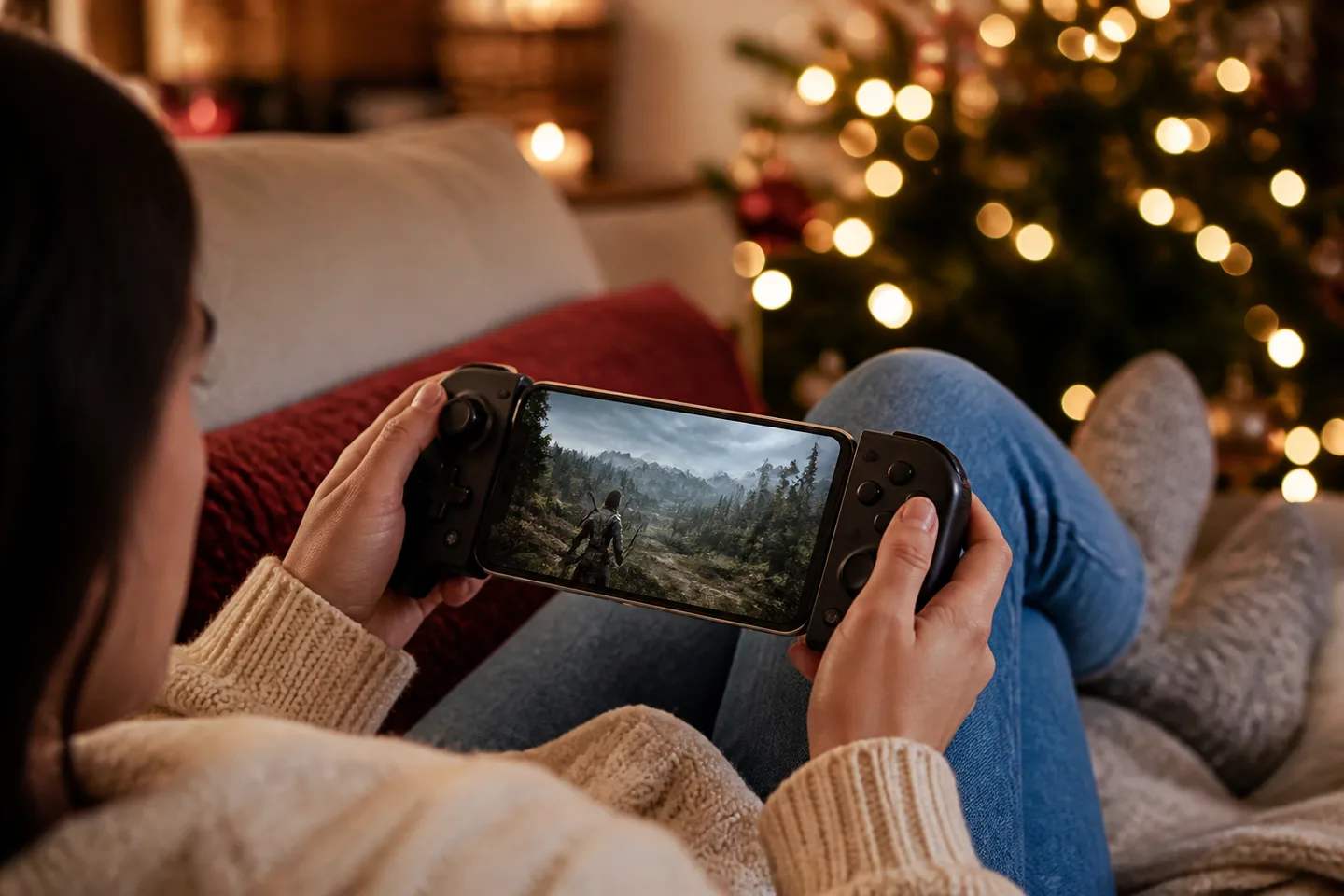
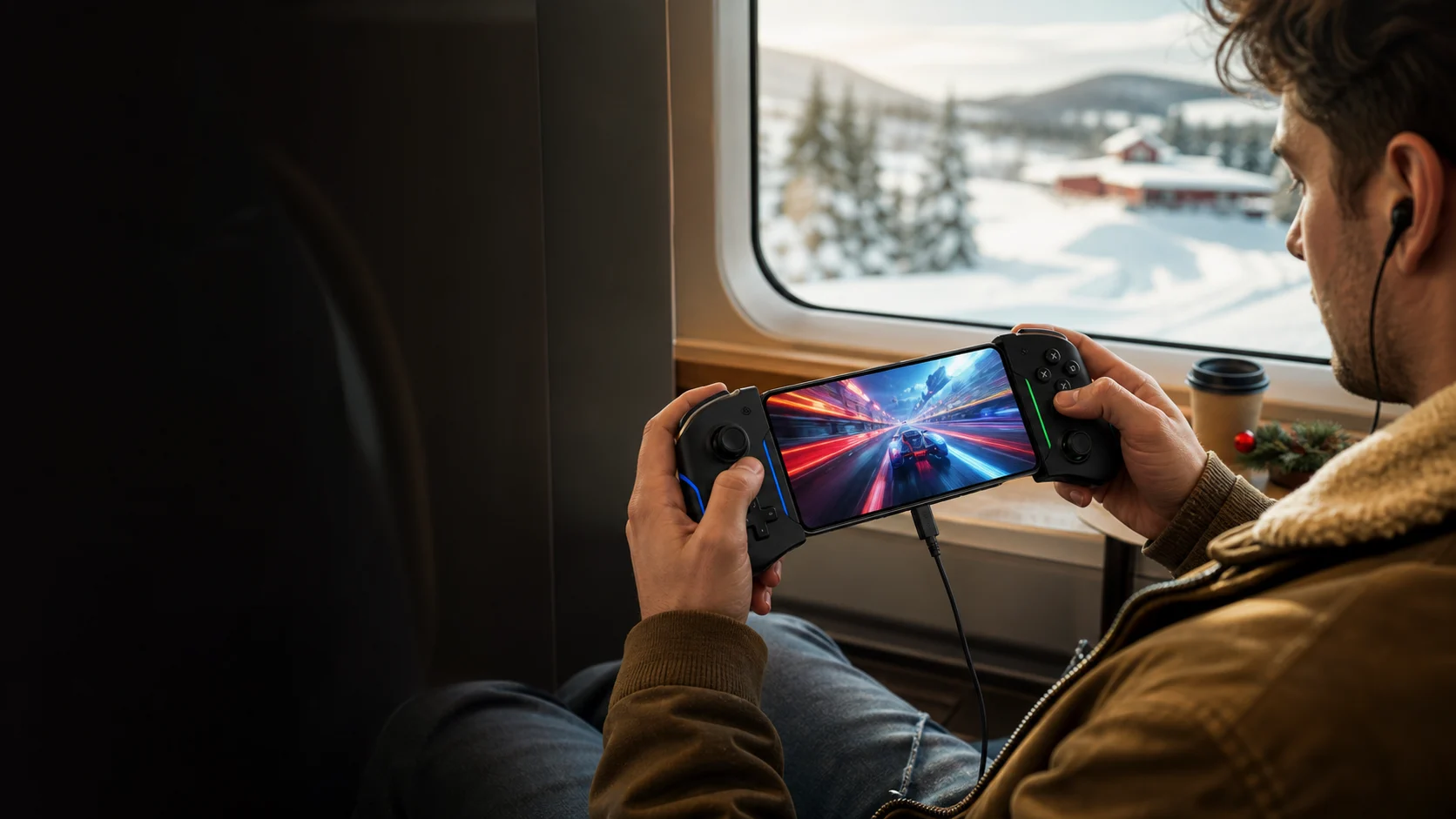
The standard Backbone is a strong gift for someone who already plays controller-compatible mobile games, streams from a console or PC, or uses a supported cloud service. Direct USB-C input feels immediate, setup is quick and the app can organize compatible games. Skip it for a folding phone, an unusually thick case, mostly touch-only games, or anyone who wants full-size grips and wireless use away from the phone; Backbone Pro and native handhelds solve different problems.
Why it works
- ✓ Direct USB-C connection avoids pairing and gives the controller power from the phone
- ✓ Swappable magnetic adapters improve fit with many common phone cases
- ✓ Pass-through charging and a 3.5 mm headset jack support longer sessions without blocking basic accessories
Tradeoffs
- × Compatibility is not universal: connector position, camera bump, phone shape and case thickness can prevent a safe fit
- × The compact grips and controls are less comfortable than a full-size gamepad for some hands
- × Games, console remote play, cloud subscriptions and optional Backbone+ features are separate from the hardware
Four checks prevent the most common wrong gift
- Connector: choose USB-C for a compatible Android phone or iPhone 15 and newer. An older Lightning iPhone needs the distinct Lightning version.
- Fit: check Backbone's current device and case lists using the recipient's exact model. ‘Works with most cases’ does not mean every rugged case, camera bump or folding phone.
- Games: verify two or three games the recipient actually plays support controllers, Remote Play or their chosen cloud platform. Buying the controller does not add controller support to a touch-only game.
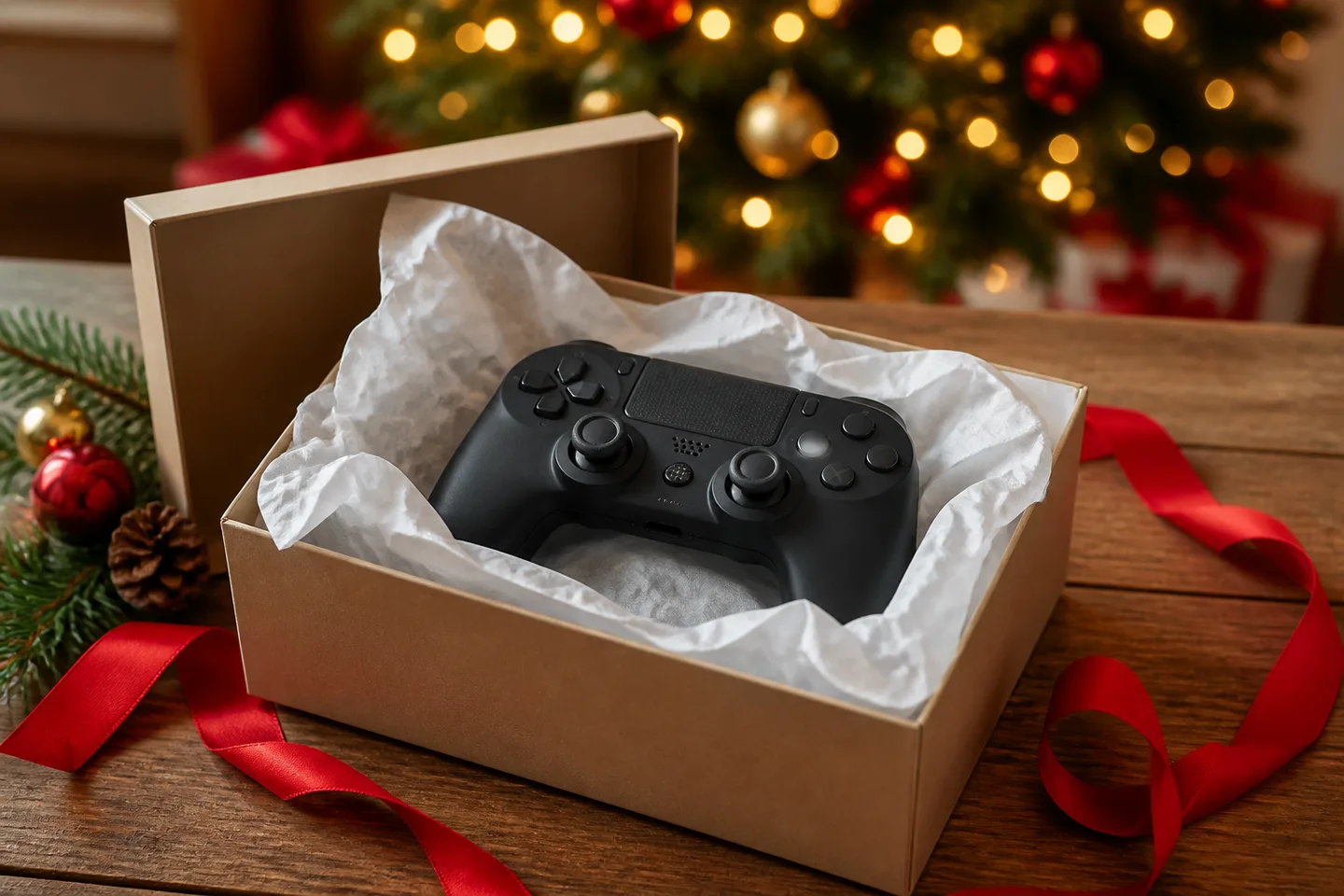
- Edition: black standard and white PlayStation-styled versions use different button labels and appearance. Do not assume the white shell includes a console, game or PlayStation membership.
What the second-generation box should contain
| Decision | Included | Not included |
|---|---|---|
| Hardware | Backbone One USB-C controller and interchangeable magnetic phone adapters | Phone, charging brick, charging cable, carrying case or wireless controller battery |
| Games and services | Backbone app access and the controller's physical inputs | Paid games, console, remote-play entitlement, cloud-gaming plan or permanent Backbone+ membership |
Backbone One, Backbone Pro or a native handheld?
| Decision | Choose Backbone One | Choose the alternative |
|---|---|---|
| Portability | A slim plug-in controller should live in a bag beside an existing phone | Choose Pro when larger grips, wireless play and premium controls justify more bulk and cost |
| Game access | The recipient already owns compatible mobile, streamed or remote-play games | Choose a native handheld when games must run locally and reliably without internet |
| Budget setup | Fast mounting and an integrated app experience are worth paying for | A full controller plus phone clip may be cheaper and more comfortable, but less compact |
Quick answers before gifting
Does Backbone One need charging?
No separate controller charge is required; it draws power through the phone connection. Its USB-C pass-through port can charge the mounted phone while playing, with a compatible charger and cable sold separately.
Will it work over my phone case?
Second-generation magnetic adapters support many cases, but not all. Check the official case list and exact phone model, especially with thick protection, large camera guards or an unusually recessed USB-C opening.
Does it include free games?
Do not value the gift on that assumption. Free-to-play and separately purchased compatible games exist, while remote and cloud play can require a console, account, game licence or subscription.
Is Backbone+ required to use the controls?
The physical controller can play supported games without an ongoing Backbone+ membership. Some enhanced app, social and streaming features may sit in the optional paid service, so check the current app plan before promising them.
Can USB-C headphones plug into its USB-C port?
The documented wired-audio connection is the 3.5 mm headset jack. The USB-C port is described for pass-through charging; use Bluetooth audio from the phone or a 3.5 mm headset rather than assuming USB-C audio support.
Sources
- Backbone Canada: Backbone One USB-C (2nd gen) — Official current Canadian identity, compatibility, adapters, app and hardware features; checked August 6, 2026.
- Backbone Support: Which cases are compatible with Backbone One (2nd Gen)? — Official model-specific case compatibility list and adapter guidance.
- Backbone Support: Pass-through charging and headphones FAQs — Official phone charging behaviour; related support documentation confirms 3.5 mm and Bluetooth audio paths.
- TechRadar: Backbone One 2nd Gen review — Independent assessment of controls, revised case fit, comfort, software and value.
Exact-product Amazon.ca search for Backbone One (2nd Gen) USB-C. As an Amazon Associate, XmasGoat earns from qualifying purchases. Verify USB-C—not Lightning—second generation, exact phone and case compatibility, colour/edition, seller, new condition, warranty, adapters and returns before ordering.