The verdict
Buy for a streamer who wants control, not automatic everything
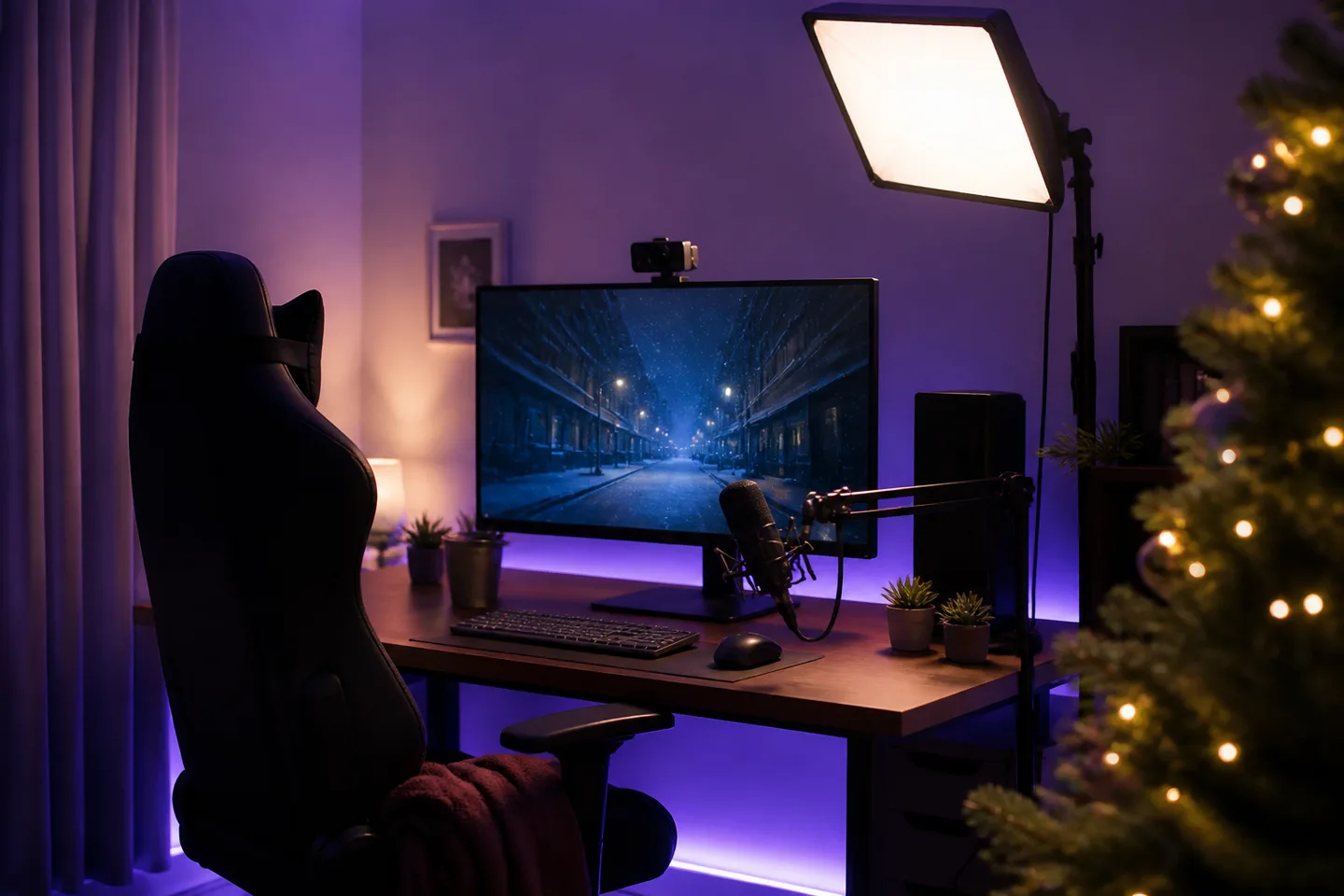
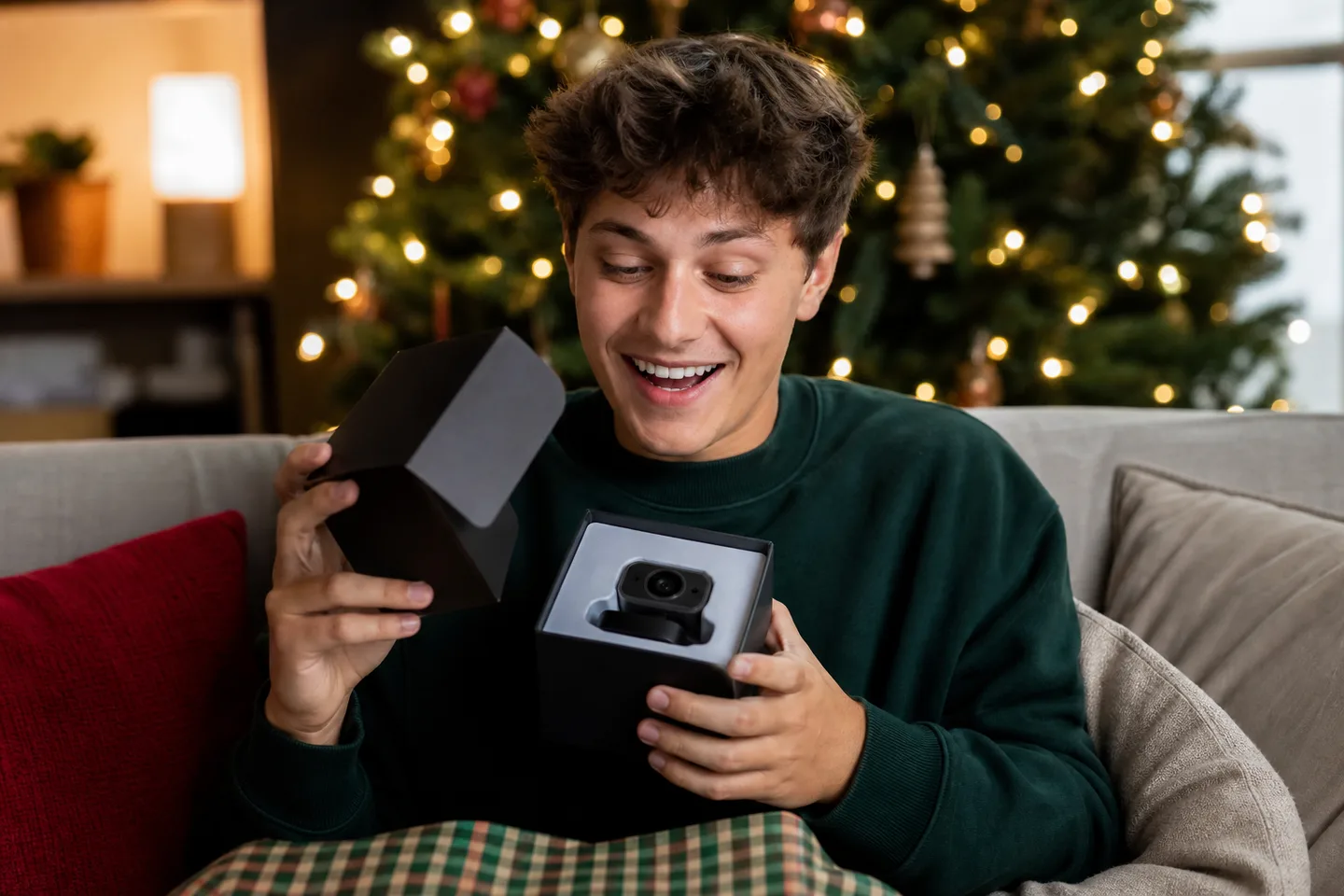
Facecam MK.2 is a strong gift for a Twitch creator, game streamer or polished remote worker who stays in a predictable position and will tune exposure and white balance. At 1080p60, it prioritizes motion, colour and software control over resolution bragging rights. It is a weak fit for room presentations, handheld product close-ups, a one-cable audio-and-video setup, or anyone who expects autofocus, a built-in microphone or native 4K recording.
Why it works
- ✓ Uncompressed 1080p60 and HDR give streamers a clean, fluid source for typical picture-in-picture layouts
- ✓ Camera Hub exposes ISO, shutter, white balance, field of view and processing controls and can save settings to the camera
- ✓ The redesigned monitor mount, standard quarter-inch thread and built-in privacy shutter solve practical setup needs
Tradeoffs
- × There is no microphone, so calls and streams need a headset or separate mic
- × Fixed focus keeps a seated face sharp but will not follow objects held close to the lens
- × It is limited to 1080p capture; Facecam 4K and other rivals offer more cropping room for recorded video
Audit the desk before wrapping the camera
- Audio: Facecam MK.2 contains no microphone. Confirm the recipient already owns a good USB/XLR mic or headset and has an available input.
- Port: use a direct USB 3 connection for the full uncompressed experience. USB 2 is supported only with MJPEG modes, and an adaptor is required when the computer offers USB-C only.
- Framing: its fixed-focus, roughly 84-degree field of view suits a seated creator. It will not autofocus between a face and products held near the lens.
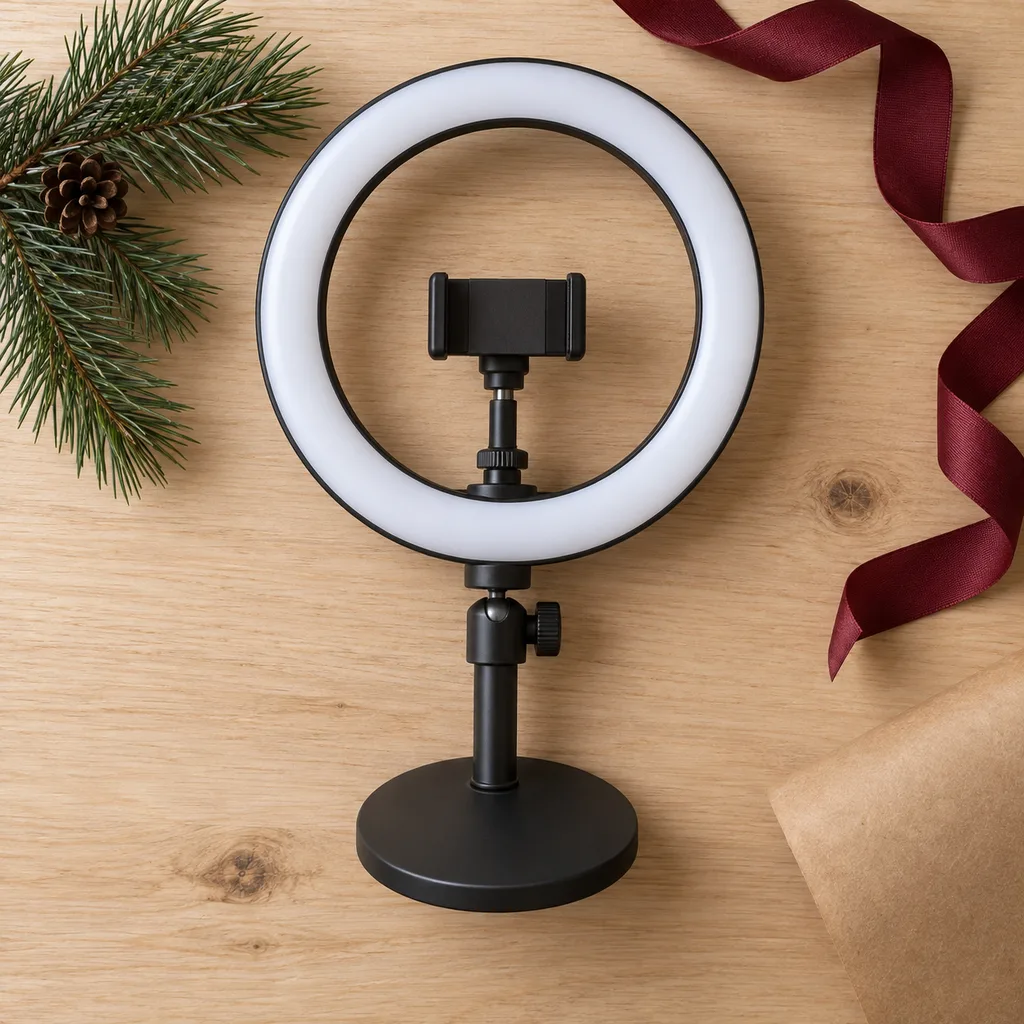
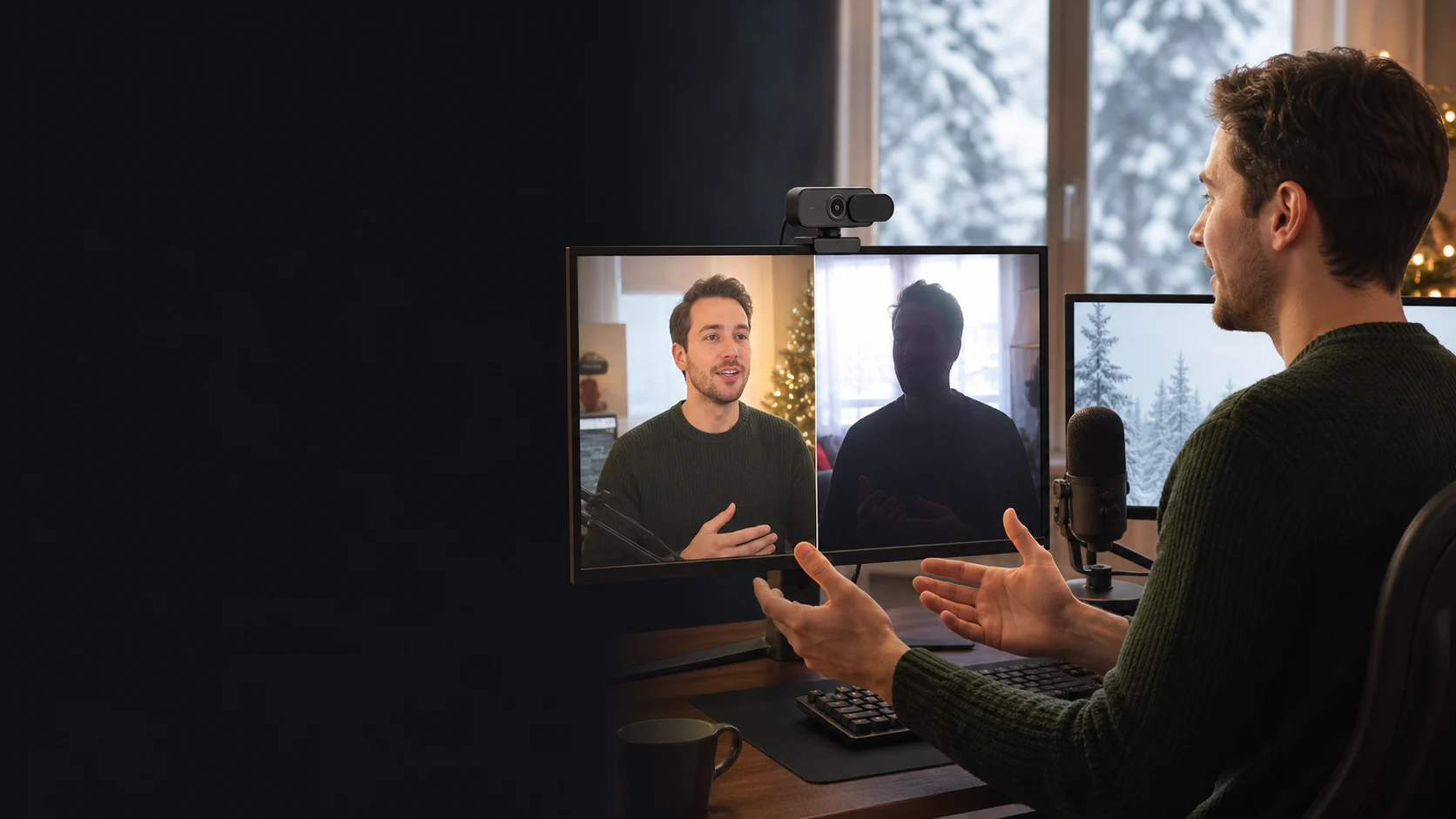
- Lighting: HDR helps with bright windows, but a soft light near the camera usually improves skin tone and noise more than a resolution upgrade. Some Camera Hub controls are restricted while HDR is active.
What should be inside the Facecam MK.2 box
| Decision | Included | Not included |
|---|---|---|
| Camera kit | Facecam MK.2 with integrated privacy shutter and removable monitor mount | Microphone, light, tripod, teleprompter or background screen |
| Connection | Detachable USB-C-to-USB-A cable and access to free Camera Hub software | USB-C-to-C cable, USB hub, power adaptor or guaranteed bandwidth through every dock |
Facecam MK.2, Facecam 4K or an autofocus webcam?
| Decision | Choose Facecam MK.2 | Choose the alternative |
|---|---|---|
| Live streaming | 1080p60, strong controls and a fixed seated composition cover the actual output | Choose Facecam 4K when native 4K recording and deeper digital crops matter |
| Movement | The subject stays within the fixed-focus desk range | Choose autofocus or motorized tracking for demonstrations, whiteboards or moving around a room |
| Simple calls | A separate microphone and manual image tuning are welcome | Choose a less expensive all-in-one webcam when built-in audio and automatic setup matter more |
Quick answers before gifting
Does Facecam MK.2 have autofocus?
No. Its fixed-focus lens is designed to keep a normal seated webcam range sharp without focus hunting. It is not ideal for holding small objects close to the camera.
Can it record 4K video?
No. Its maximum native capture is Full HD 1080p at up to 60 frames per second. Elgato's distinct Facecam 4K is the model to compare for higher-resolution recording.
Can I use it for Zoom without Camera Hub?
It works as a standard UVC webcam in common applications, but Camera Hub is how the user updates firmware, tunes the image and saves preferred settings. Application output modes still vary.
Does HDR reduce the frame rate?
Elgato specifies HDR up to 1080p60 on MK.2, unlike many webcams that fall to 30fps. Available processing controls and performance can still depend on software, USB mode and computer hardware.
Will it work through a USB-C laptop dock?
Possibly, but shared docks can create bandwidth or power conflicts. For reliable uncompressed modes, use a direct USB 3 port or a known high-bandwidth hub and add the correct cable or adaptor.
Sources
- Elgato Canada: Facecam MK.2 premium 1080p webcam — Official current Canadian identity, video modes, HDR, lens, sensor, mount, privacy and comparison details; checked August 6, 2026.
- Elgato Support: Facecam MK.2 system requirements — Official Windows, macOS, USB 3, USB 2 MJPEG and Camera Hub processing requirements.
- Tom's Hardware: Elgato Facecam MK.2 review — Independent image, HDR, controls, construction, mounting, microphone and value assessment.
- PC Gamer: Best webcams in 2026 — Current independent recommendation and comparative testing of 1080p quality, HDR, mount and streaming use.
Exact-product Amazon.ca search for Elgato Facecam MK.2. As an Amazon Associate, XmasGoat earns from qualifying purchases. Verify MK.2—not original, Neo, Pro or 4K—1080p60 identity, mount, USB cable, seller, new condition, Canadian warranty and returns; remember that a microphone is not included.