Under cabinet tablet mount
This mount keeps a tablet safe from spills and visible for recipes or entertainment while cooking.
Tech & Gadgets
6 kinds worth knowing, 9 picks, and what to check before you buy.

People usually buy a tablet stand for someone whose tablet already gets heavy daily use: a student reading notes at a desk, a coworker running video calls, a teen watching shows in bed, or a home cook following recipes. The stands that get used take something awkward off their hands. Think about where the tablet actually lives. If it's always in the kitchen, an under cabinet tablet mount keeps counters clear. If it travels in a backpack, a portable folding tablet travel stand makes more sense. Match the stand to the room and the routine, and check that it fits the tablet they own.
Kind 1 of 6
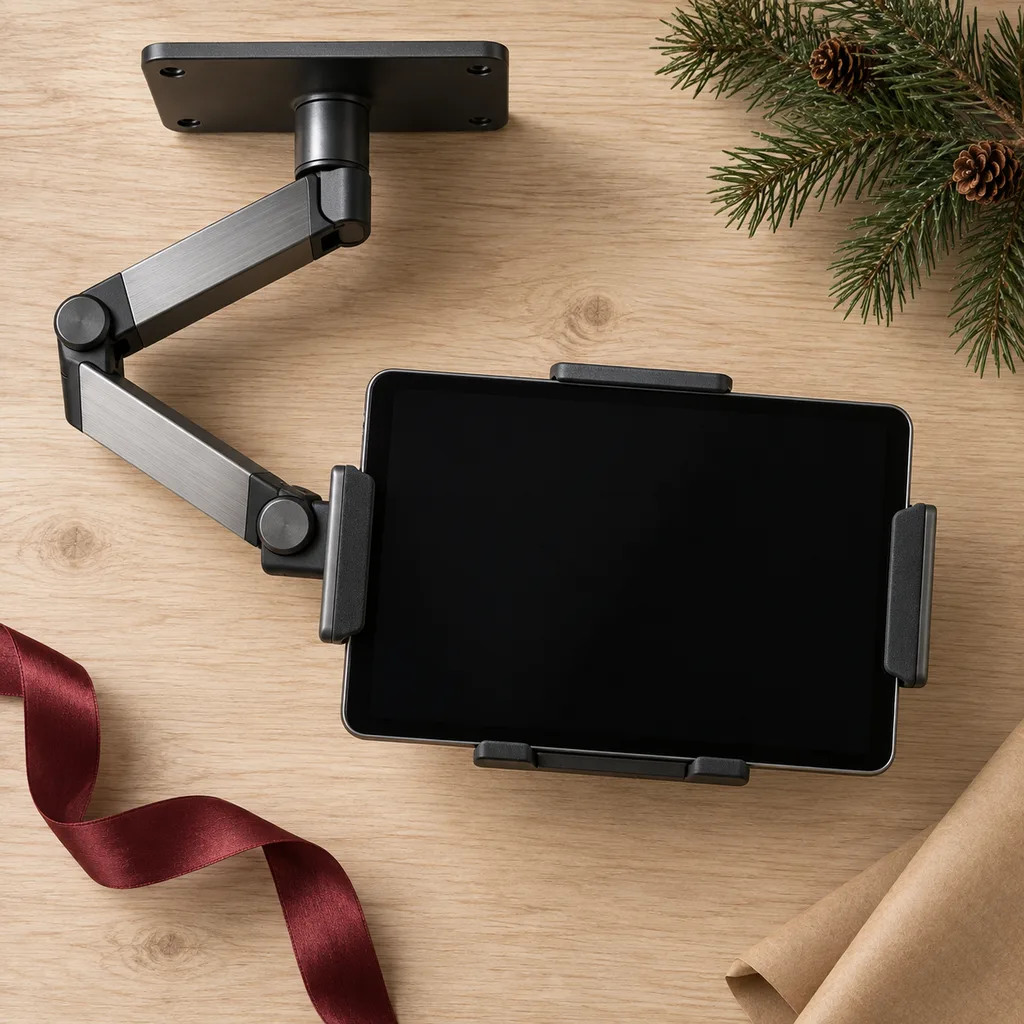
An under cabinet mount attaches beneath an upper cabinet so the tablet hangs above the counter, clear of splashes and flour. It suits anyone who cooks from videos or recipe apps and is tired of propping a tablet against the backsplash. Before buying, check how it attaches (screws, adhesive or a clamp), since renters may not want to drill. Make sure the holder fits the tablet's size, with or without its case, and that the arm swivels or folds up when not in use.
This mount keeps a tablet safe from spills and visible for recipes or entertainment while cooking.
Kind 2 of 6
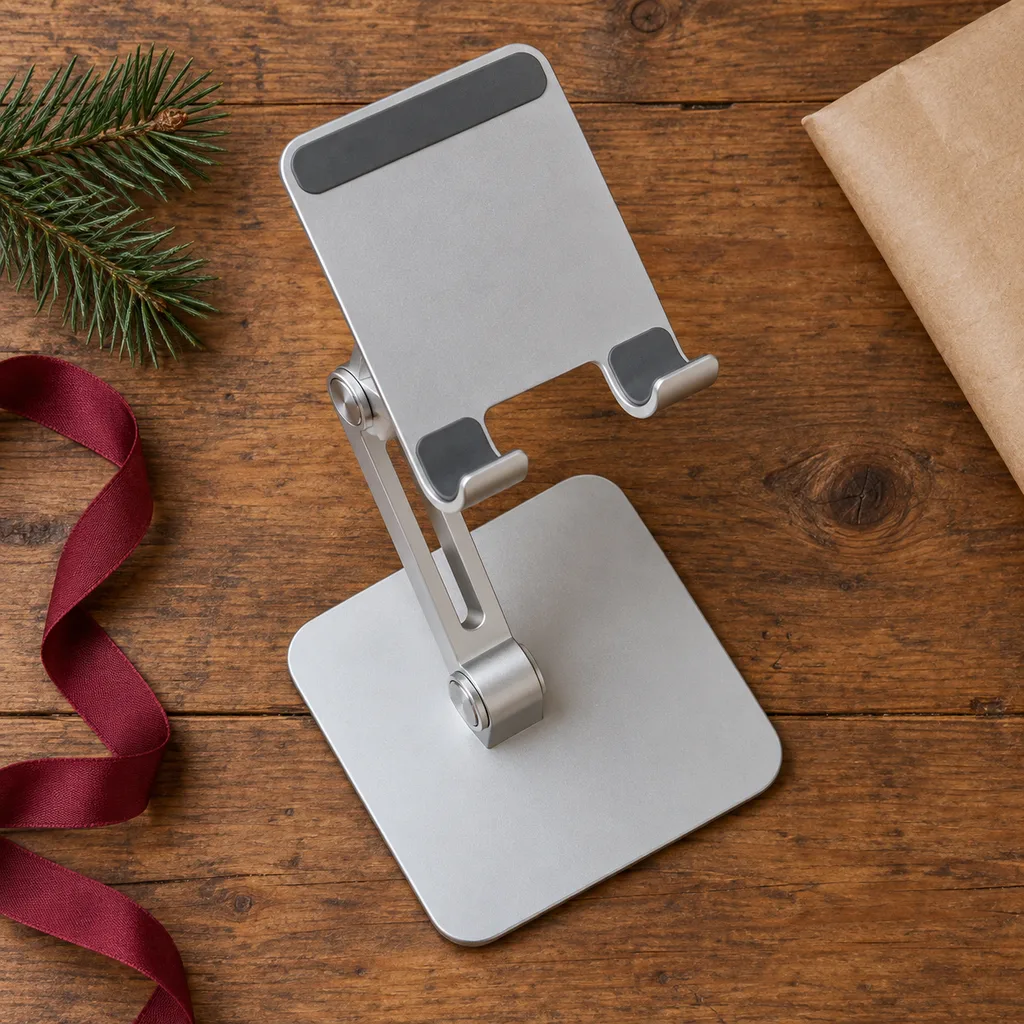
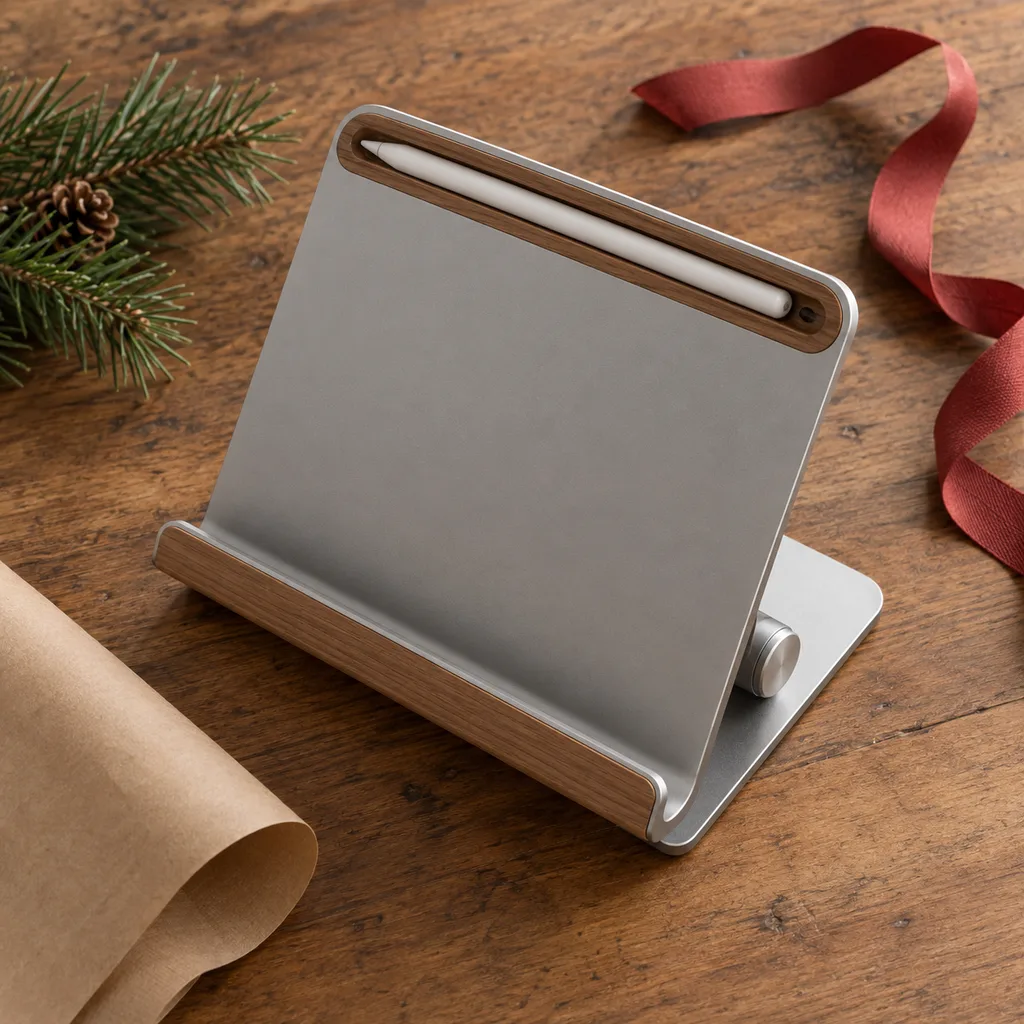
An adjustable display stand sits on a desk or table and lets the tablet tilt and change height for reading, drawing or video calls. It suits students, remote workers and anyone who sketches on a tablet. Look for a hinge that holds its angle without slipping and a base heavy enough that tapping the screen won't tip it. If the person draws, a version with a slot or groove for a stylus keeps the pen from rolling away. Confirm it works in both portrait and landscape.
This versatile stand provides multiple viewing angles for comfortable hands-free use during video calls or media consumption.
A practical stand that keeps a tablet securely upright while also providing a dedicated slot for a digital stylus or pen.
Kind 3 of 6
A riser stand raises the tablet higher than a basic stand, closer to eye level, which makes long study sessions or a second-screen setup more comfortable. It works well for someone who uses a tablet with a keyboard as a small laptop, or as an extra display next to a computer. Check the maximum height, whether the height locks firmly, and whether it leaves room underneath for a keyboard. A wide, stable base matters more here because the tablet sits higher.
Elevates a tablet to eye level, promoting better posture and reducing neck strain during extended work or study sessions.
Kind 4 of 6
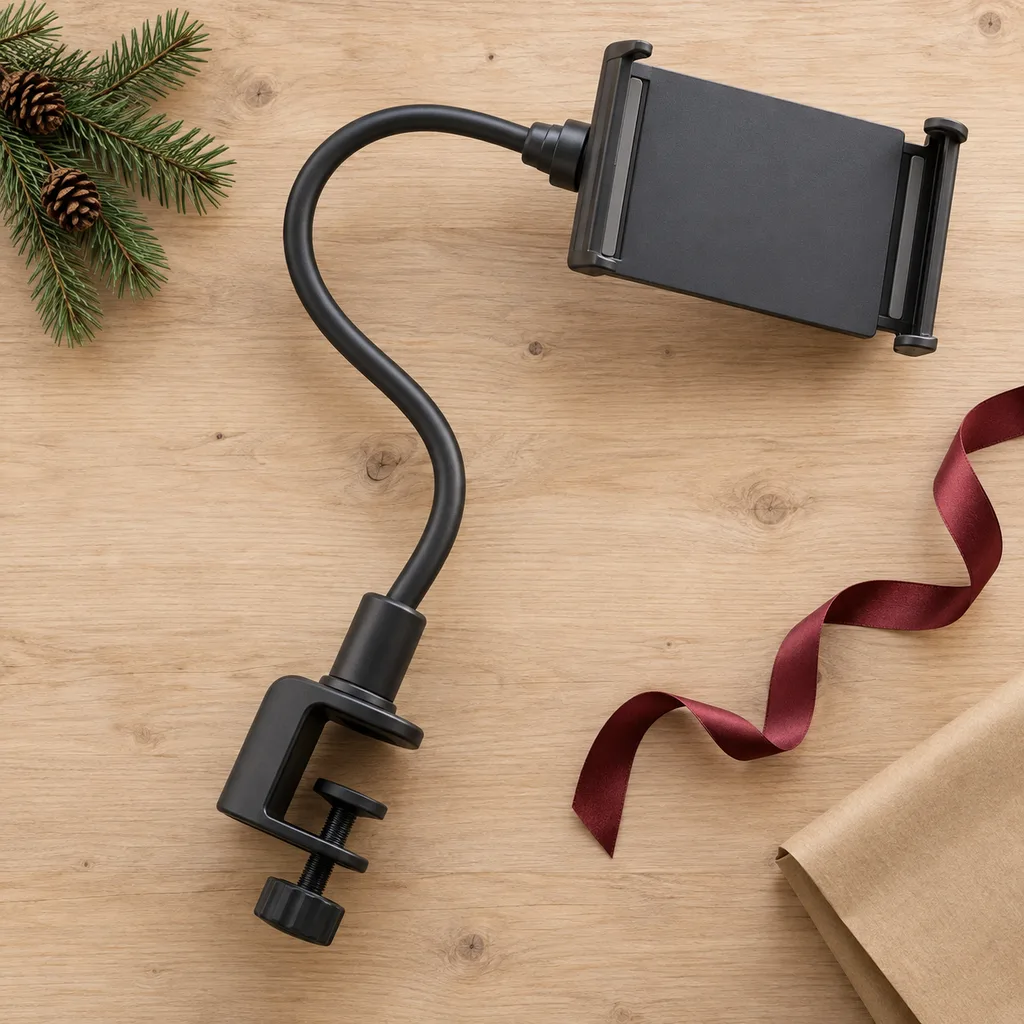
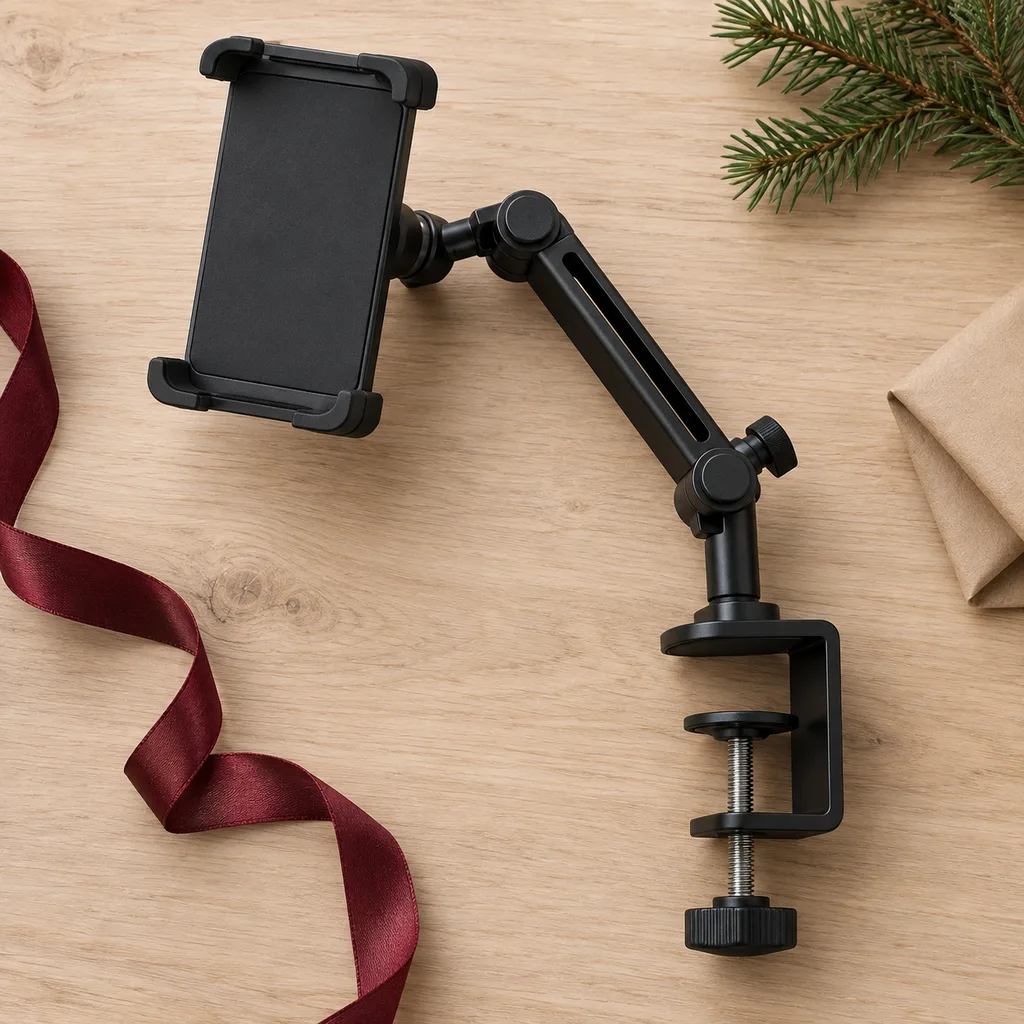
A gooseneck holder uses a long bendable arm that clamps onto a nightstand, headboard or desk edge and holds the tablet wherever it's needed. Teens who watch shows in bed and anyone who reads on the couch tend to like these. Check the clamp's opening width against the furniture it will grip, and whether the arm holds a full-size tablet without drooping. Shorter, thicker arms wobble less. A universal clamp-on mount works on the same idea for desks and shelves.
This holder offers ultimate flexibility for hands-free tablet viewing from any position in bed or on a couch.
This versatile mount attaches securely to various surfaces like desks, shelves, or even microphone stands for flexible tablet positioning.
Kind 5 of 6
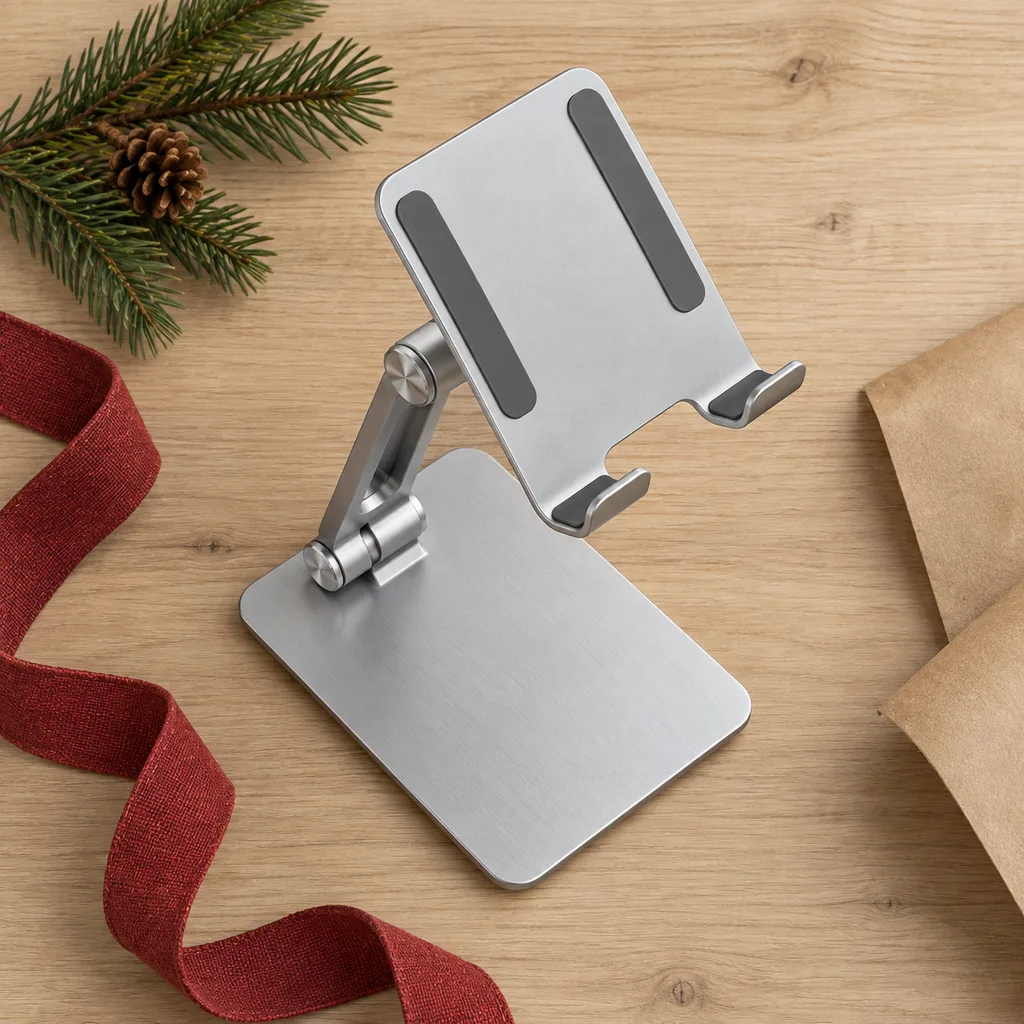
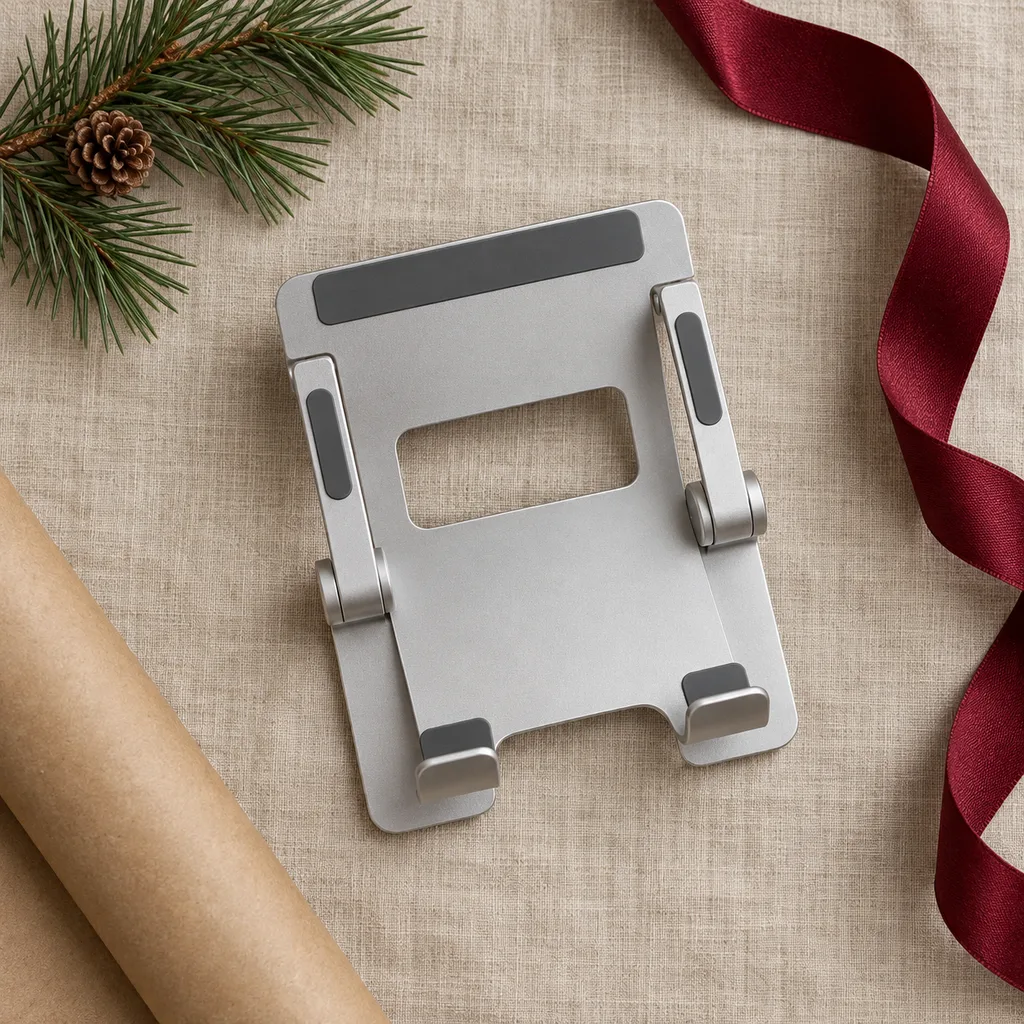
A folding travel stand collapses flat enough to slip into a backpack or laptop sleeve, then opens up on a library table, airplane tray or café counter. It suits college students, commuters and coworkers who move between rooms. Check the folded size and weight, whether the hinges feel solid, and whether the cradle is deep enough for the tablet in its case. Many folding stands also hold a phone, which makes them handy for video calls.
A compact and lightweight stand that easily folds for transport, perfect for on-the-go productivity or entertainment.
Kind 6 of 6
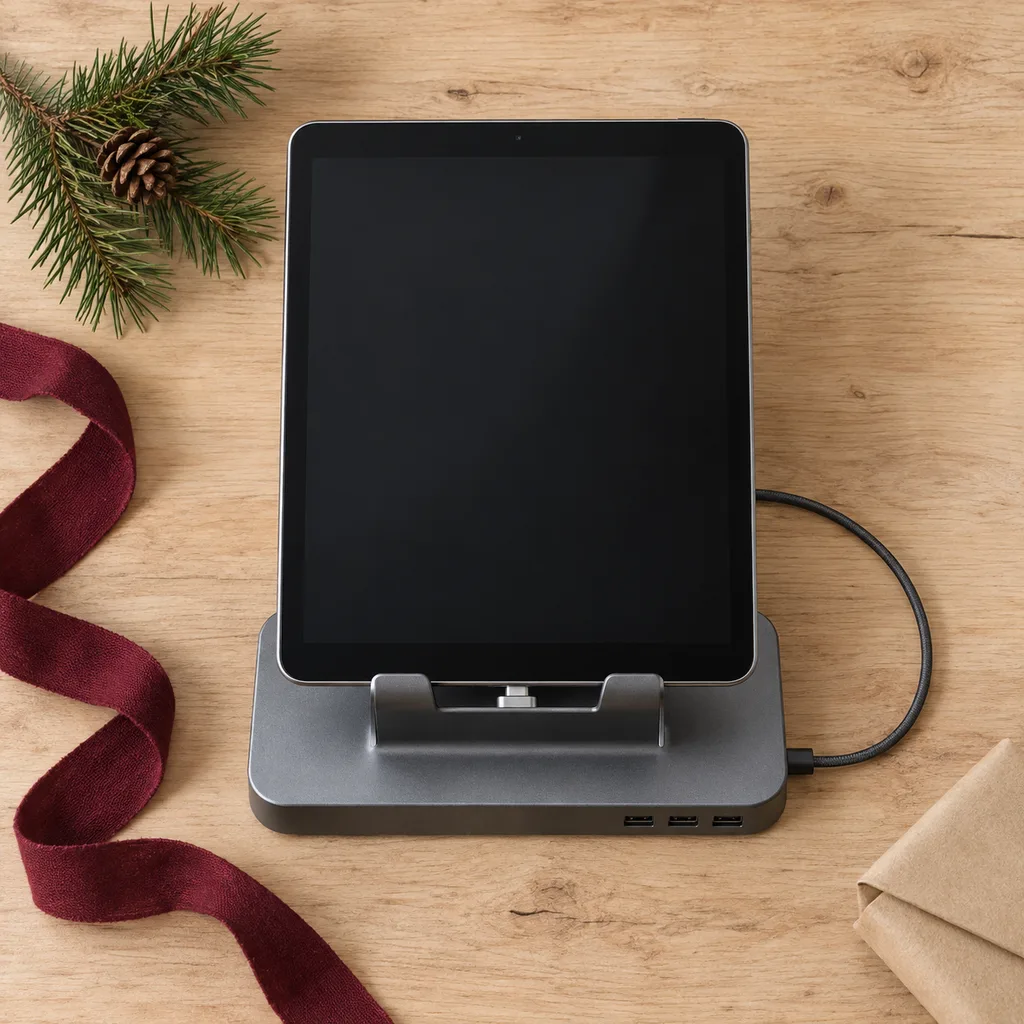
A charging dock holds the tablet upright and connects it to power, so it's always topped up and ready on a desk or counter. It works for someone who uses a tablet as a kitchen screen, a photo frame or a family calendar. The most important check is the connector: make sure it matches the tablet's port and that the tablet fits with its case on. Also confirm whether a cable and wall adapter come with it.
A convenient dock keeps a tablet powered and ready, ideal for a desk or nightstand setup.
Looking for one person in particular? Shop by person.
Everything else
Showing 1–9 of 9