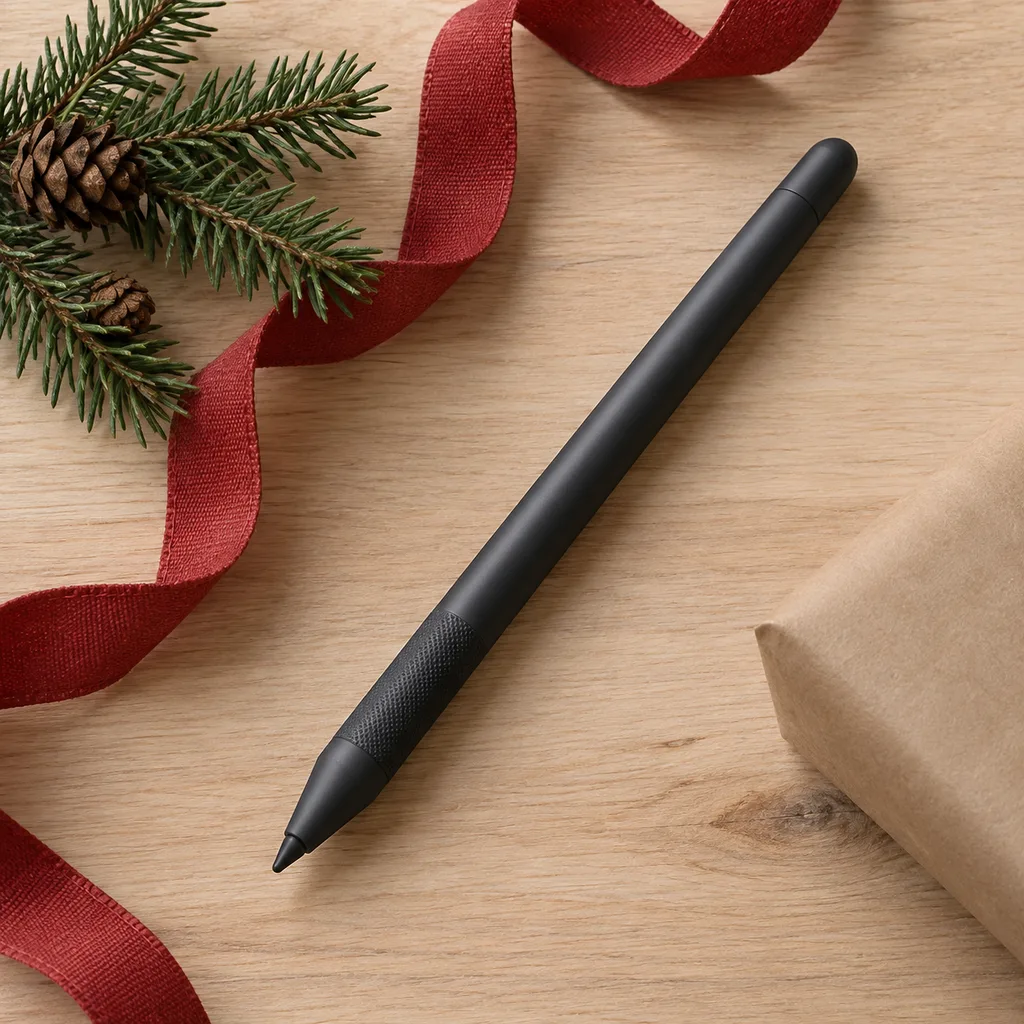
Palm rejection drawing stylus
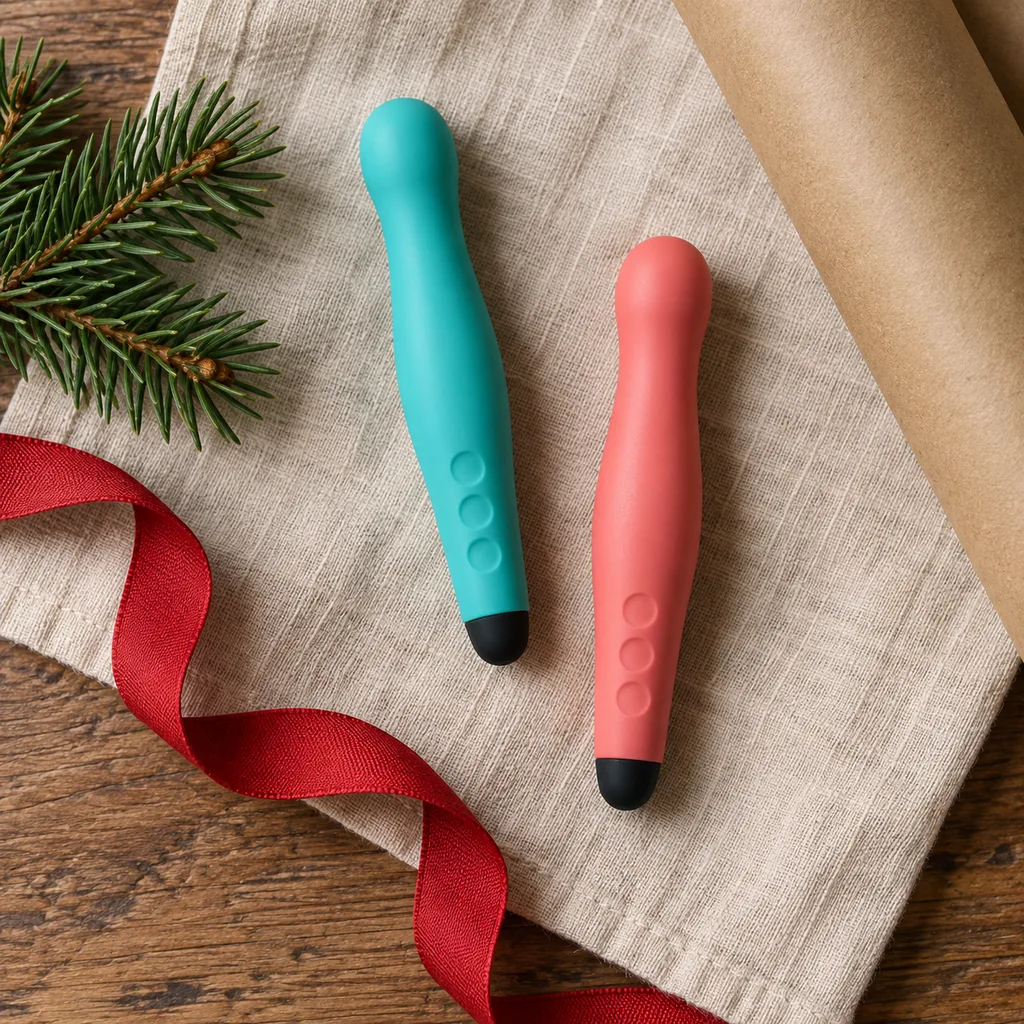
Designed for comfortable and natural creative work, this stylus allows users to rest their hand on the screen without interfering with input.
Tech & Gadgets
6 kinds worth knowing, 7 picks, and what to check before you buy.
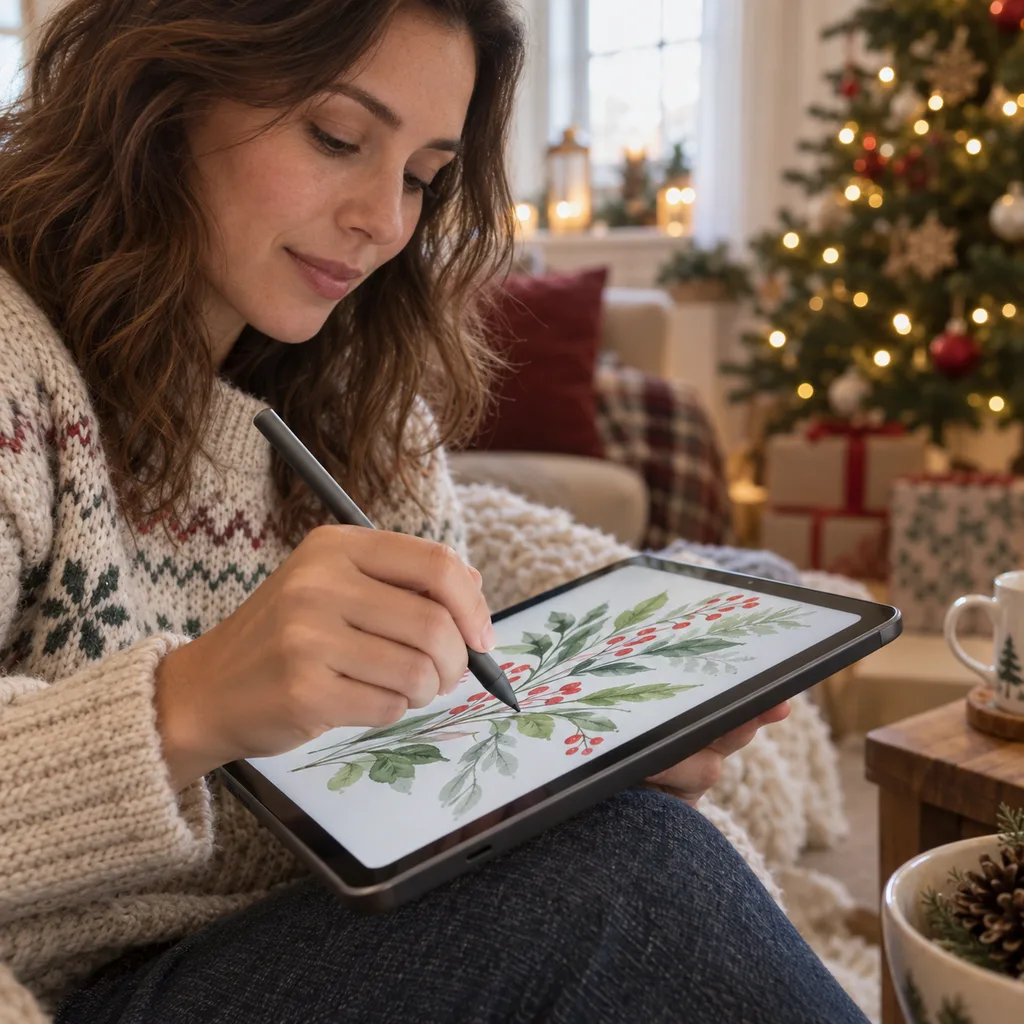
A stylus suits anyone who takes notes, sketches or marks up documents on a touchscreen. College students use one for lecture notes and annotating readings, and coworkers use one for signing forms and scribbling on slides. It's a small gift, but whether it gets used depends on the device it's paired with. Before you shop, find out what tablet or phone the person owns. A basic capacitive stylus works on almost any touchscreen. An active stylus pen gives finer lines and a more natural writing feel, but it only works with certain devices. If the person has no tablet yet, a tablet with a pen can be the whole gift.
Kind 1 of 6
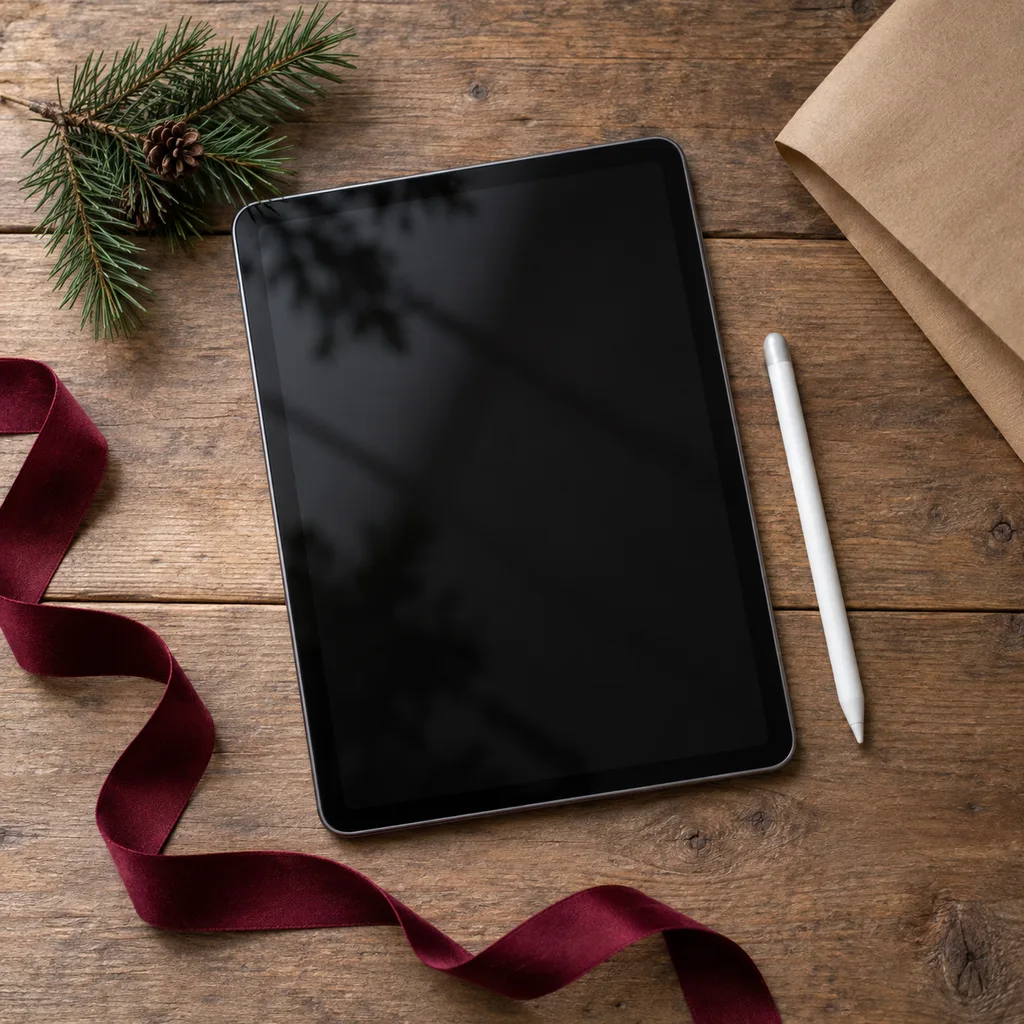
This option pairs a tablet with a pen made for it, so everything works together from the first day. It suits students who want to go paperless, people who like to draw, and anyone who writes more than they type. Before buying, check that the pen comes in the box and isn't sold separately. See whether the screen can tell your palm apart from the pen tip, since that makes long writing sessions much easier. Also look at screen size: smaller tablets are easier to carry, while larger ones give more room for drawing and marking up pages.
Designed for comfortable and natural creative work, this stylus allows users to rest their hand on the screen without interfering with input.
Kind 2 of 6
A capacitive stylus has a soft or disc-shaped tip that acts like a fingertip on the screen. It needs no charging, no pairing and no setup, so it works on nearly any phone or tablet. That makes it a safe pick when you don't know what device someone owns, and a good fit for kids, older relatives, or anyone who just wants to tap and scroll with more accuracy. The trade-off is precision, since the thicker tip isn't great for small handwriting or detailed drawing. Check the tip material and whether spare tips come in the package.
A robust and easy-to-hold stylus designed for younger users, encouraging creative play and learning on tablets without worry.
Kind 3 of 6
These tablets come with a stylus that often snaps onto the side with a magnet, so it's harder to lose and easier to grab. They work well for coworkers who take meeting notes, students who move between classes, and anyone who wants a light device for reading and quick sketches. Before buying, check how the stylus stores and charges, whether the tablet's apps support handwriting, and whether the stylus feels comfortable for more than a few minutes. Also see whether replacement tips are easy to find, because they wear down with regular use.
Ideal for specific tablets, this stylus conveniently attaches magnetically to the device for secure storage and easy access.
Kind 4 of 6
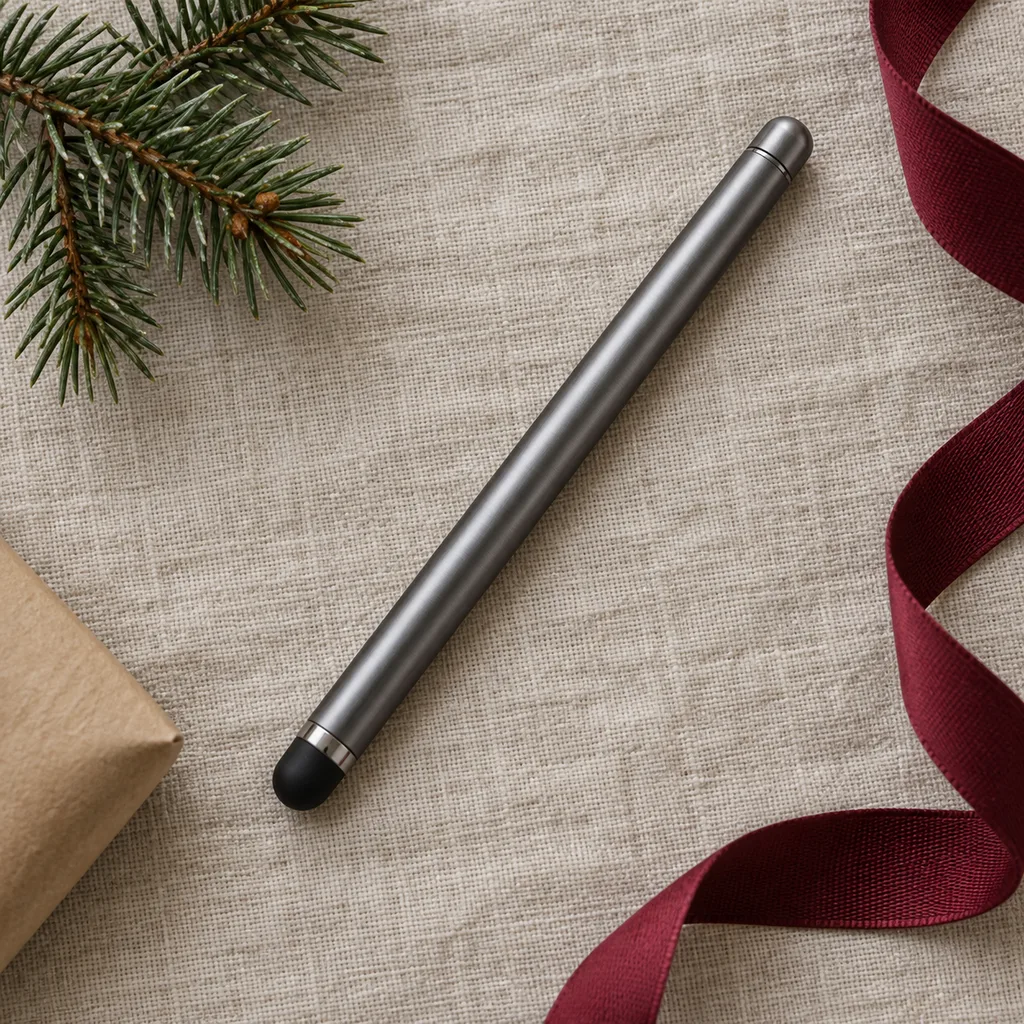
A universal stylus pen is made to work across many phones, tablets and touchscreen laptops. Many have two ends, such as a fine clear disc on one side and a soft rubber tip on the other. It's a practical gift for someone who switches between devices or who replaces their phone often. Before buying, read the compatibility notes closely, since some so-called universal pens still leave out certain screens. Look for replaceable tips and a cap or clip so the pen survives life in a bag or pocket.
This versatile stylus pen enhances interaction with any touchscreen device, ideal for everyday navigation and basic drawing.
This long-lasting stylus is an excellent choice for frequent users, ensuring consistent performance with easily replaceable tips for extended use.
Kind 5 of 6
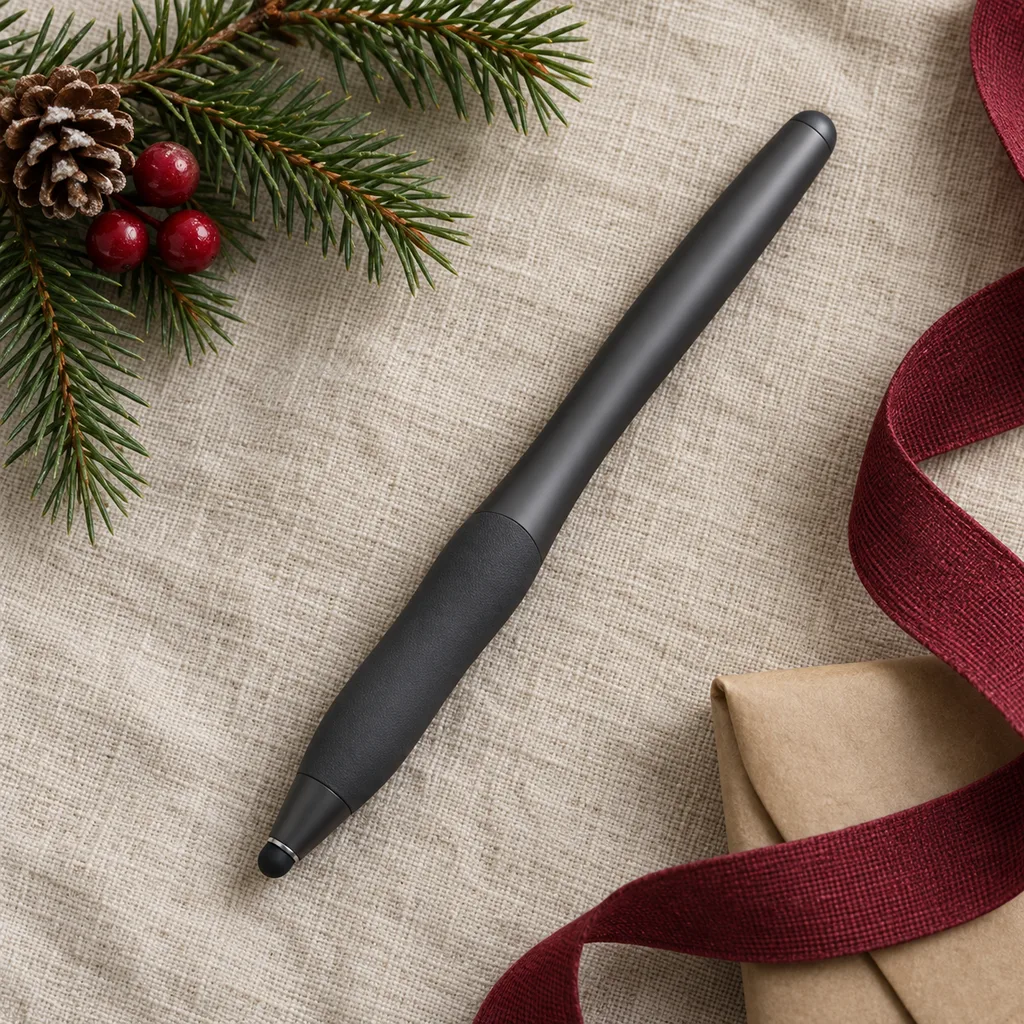
People use "digital pen" loosely. It can mean a stylus for a screen or a pen that saves handwriting from special paper. For gifting, focus on how the person writes. Someone who fills pages of notes will care most about grip, weight and balance, so an ergonomic pen shaped more like a regular pen can make a real difference over long sessions. Check the length and thickness, whether it has a flat side so it won't roll, and whether it matches the note apps they already use.
Designed for extended use, this stylus features an ergonomic grip that reduces hand fatigue during long drawing sessions or extensive note-taking.
Kind 6 of 6
An active stylus has a powered fine tip that talks to the screen, which gives sharper lines than a capacitive tip. Some models also offer pressure sensitivity, tilt support and shortcut buttons. It suits students who handwrite equations, people who draw, and anyone bothered by lag or thick strokes. Compatibility matters most here, since many active pens work only with specific tablet models or product lines. Before buying, confirm the exact device, how the pen charges, and roughly how long it lasts between charges.
Perfect for digital artists and detailed note-takers, this active stylus offers enhanced precision and control on compatible screens.
Looking for one person in particular? Shop by person.
Everything else
Showing 1–7 of 7