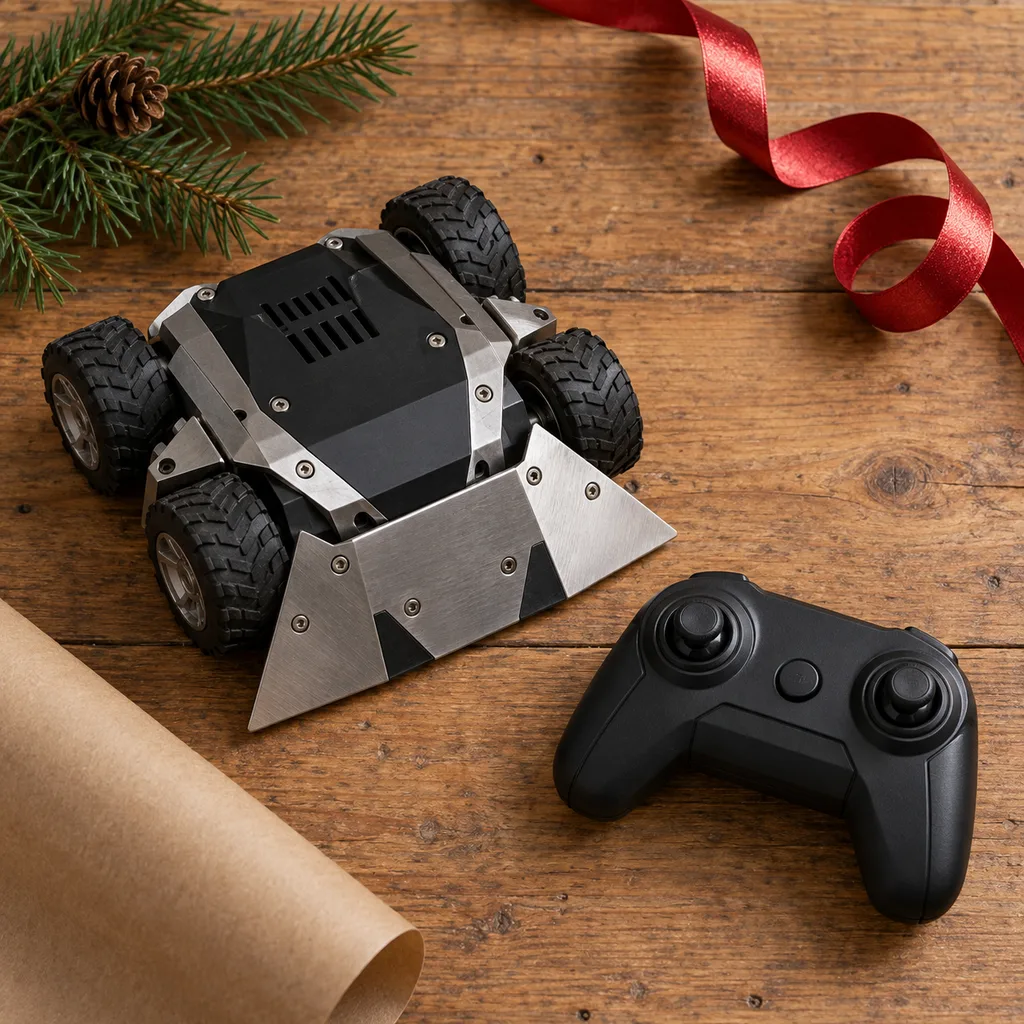
Remote control combat robot
Provides thrilling competitive fun for friends and family, allowing players to battle it out with durable, maneuverable robots.
Tech & Gadgets
7 kinds worth knowing, 7 picks, and what to check before you buy.
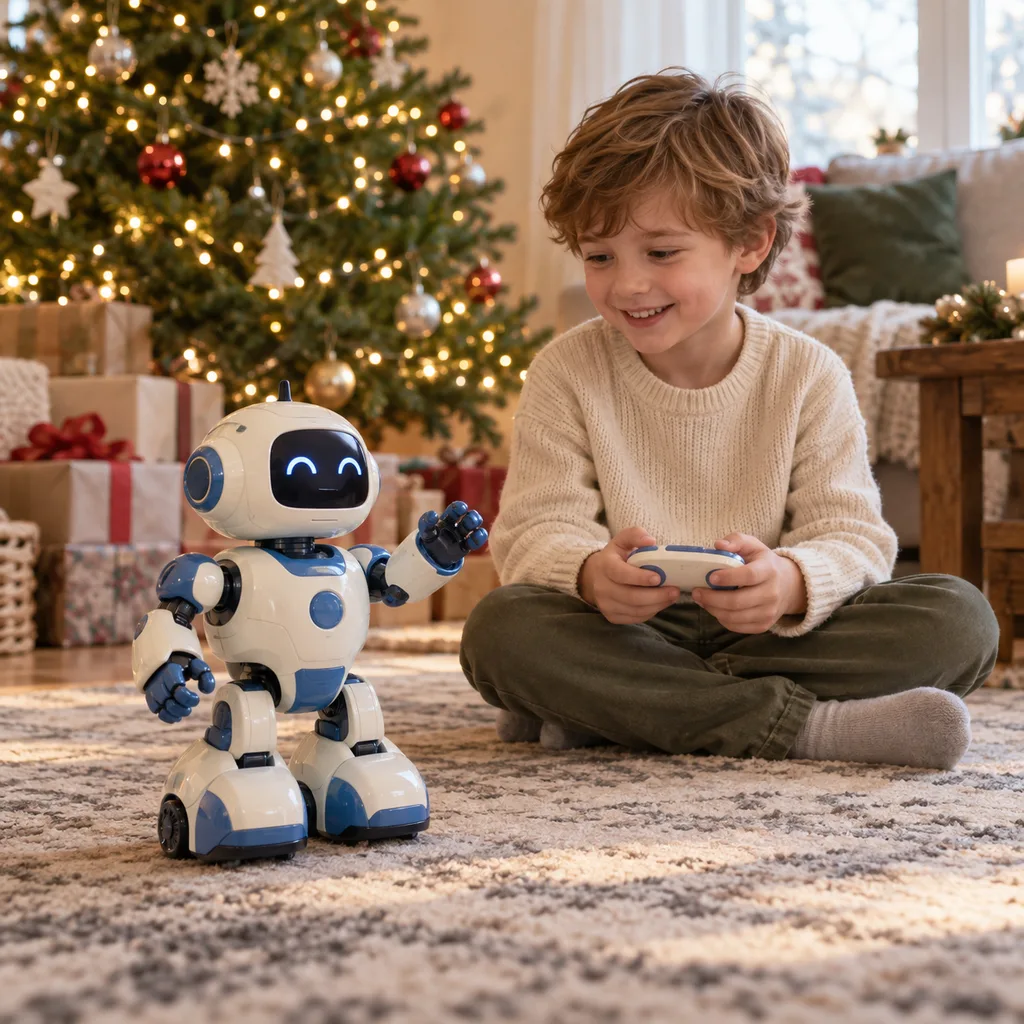
Robotic toys usually go to kids, tweens and teens who like to tinker, and the best ones keep them busy well past Christmas morning. A remote control robot suits a child who wants to drive, battle and show off right away. An interactive robot toy that responds to voice, touch or movement suits younger kids who want a companion more than a machine. Before you choose, think about how the child likes to play. Some want instant action, and others enjoy building, programming and fixing things. Match the robot to that, and to the child's age and patience. A simple robot that gets played with makes a better gift than a complicated one left in its box.
Kind 1 of 7
A remote control robot is driven with a handheld controller or a phone app. Most walk, roll, spin or fire soft projectiles, and some are built to battle a second robot. They suit kids who want action straight out of the box and like playing with a sibling or friend. Before buying, check whether the robot needs a phone or tablet to work, what kind of batteries or charging it uses and how long it runs on a charge. For combat robots, check that two units can play against each other without interfering.
Provides thrilling competitive fun for friends and family, allowing players to battle it out with durable, maneuverable robots.
Kind 2 of 7
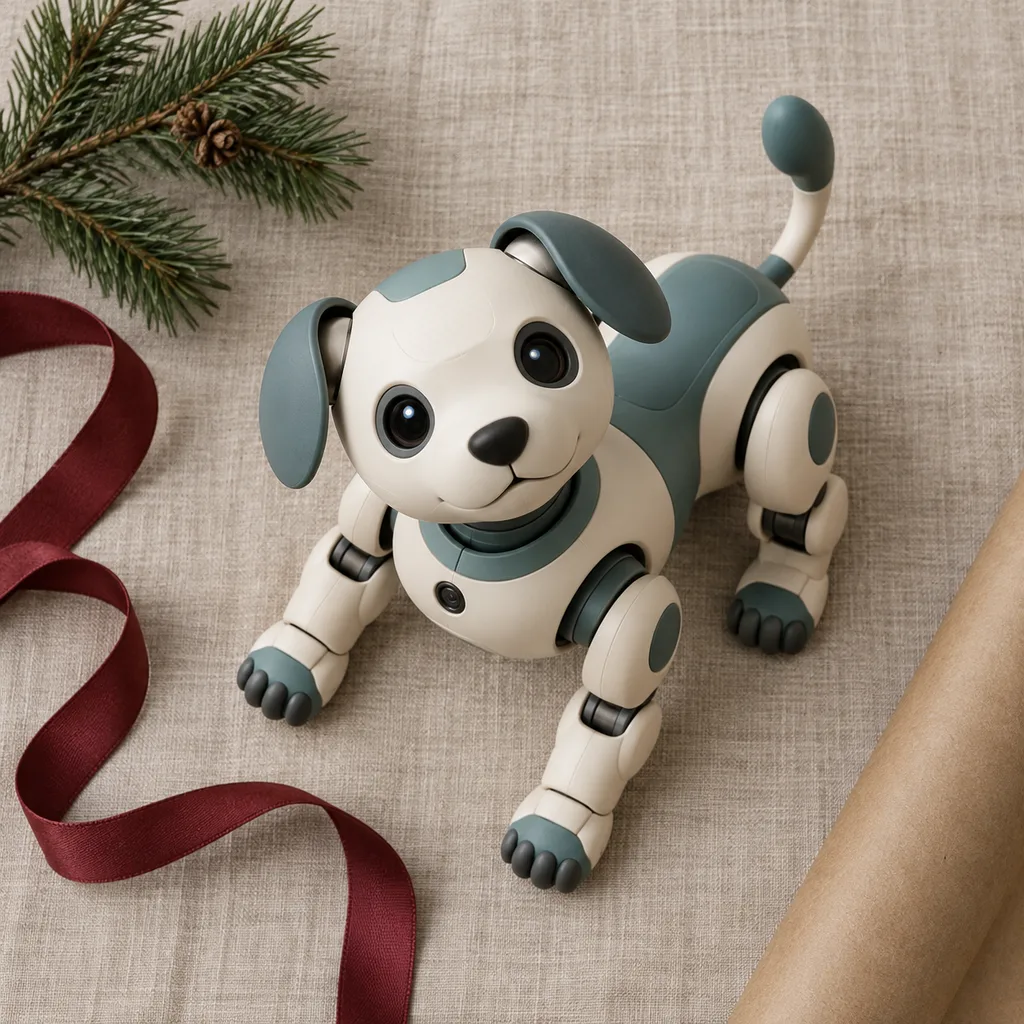
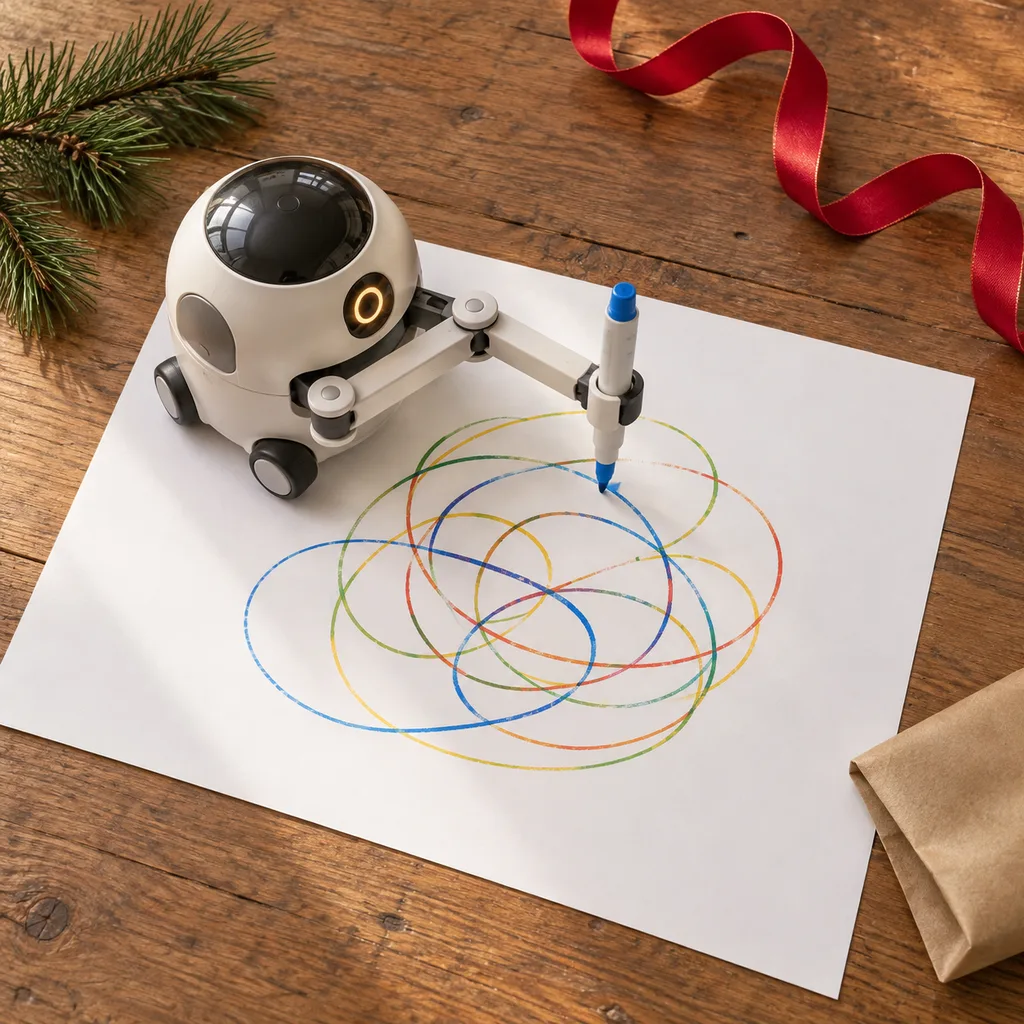
An interactive robot toy reacts to what a child does. It might respond to touch, sound, voice commands or hand gestures, or have moods and expressions that change over time. Robotic pets and drawing robots fit here, since both give a child something to do together with the toy. These suit younger kids who like characters and routines. Check what the robot can actually do after the first hour, whether the reactions change or repeat, and how loud it is. A volume control or off switch is worth looking for if it will live in a shared room.
A delightful companion for children or adults who enjoy playful interaction without the responsibilities of a live animal.
A creative gadget that combines technology with art, enabling users to program a robot to draw various patterns and designs.
Kind 3 of 7
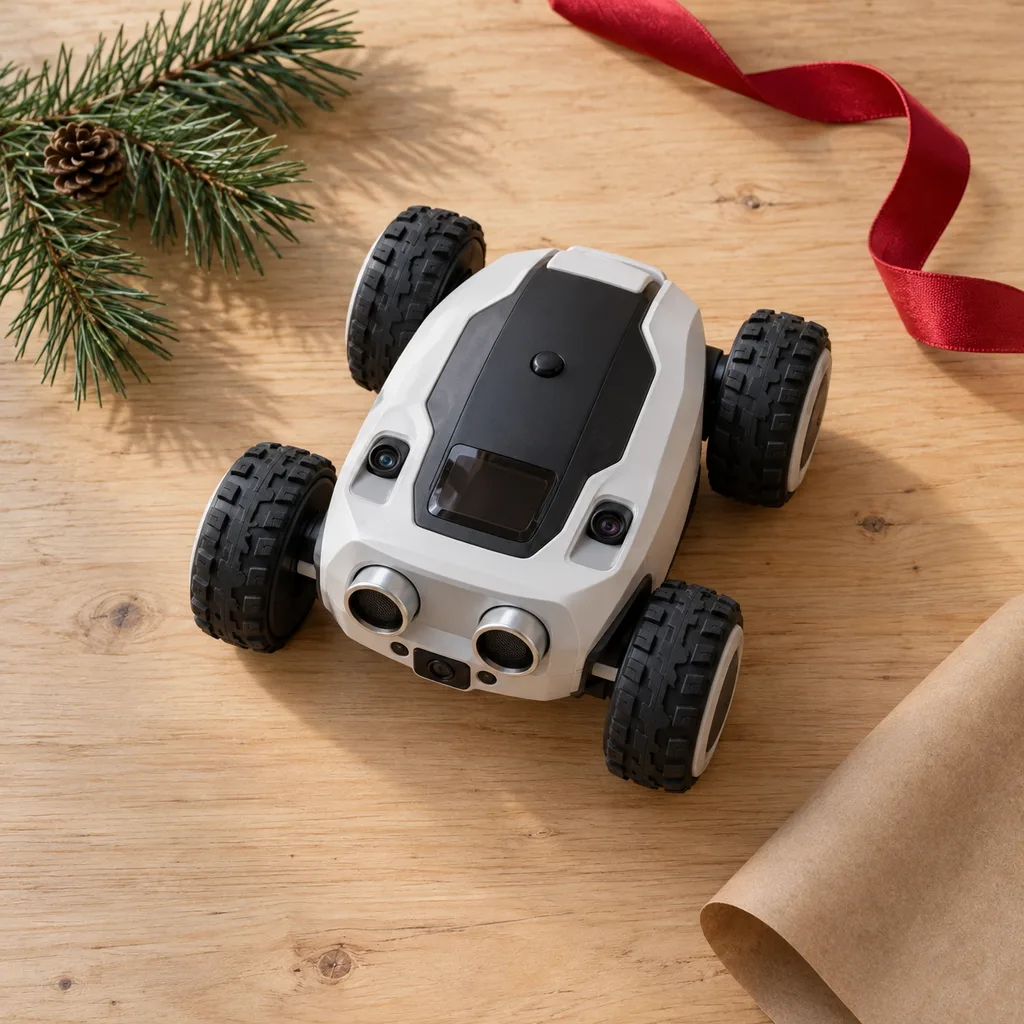
A smart robot toy uses sensors, cameras or app connections to find its way around, avoid obstacles, follow lines or map a room. Explorer robots that react to their surroundings are a good example. They suit curious kids and tweens who like watching how a machine makes decisions. Before buying, check which phone or tablet systems the app supports, whether an account or internet connection is needed, and whether the robot still does something useful without the app. Look for features that let the child change its behaviour, not just watch it.
This robot engages curious minds by autonomously navigating environments, detecting obstacles, and reacting to its surroundings.
Kind 4 of 7
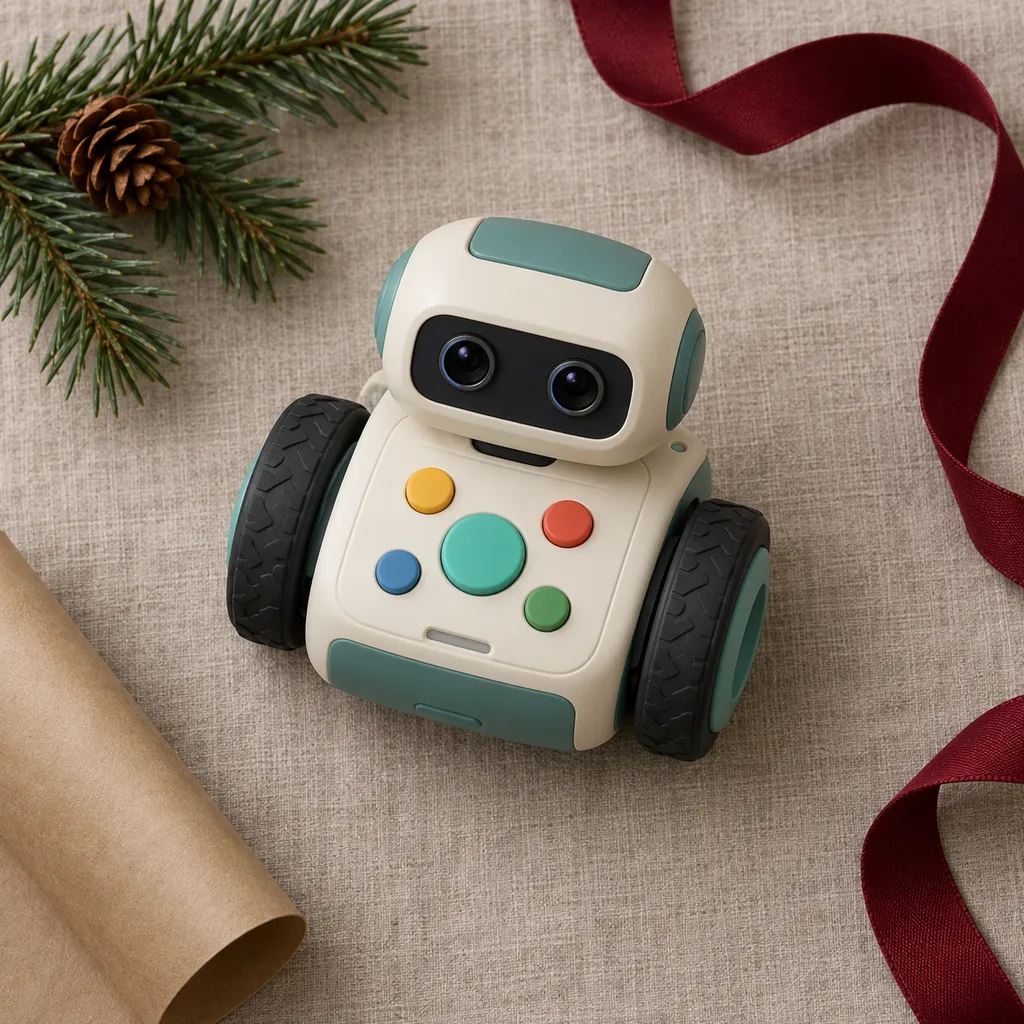
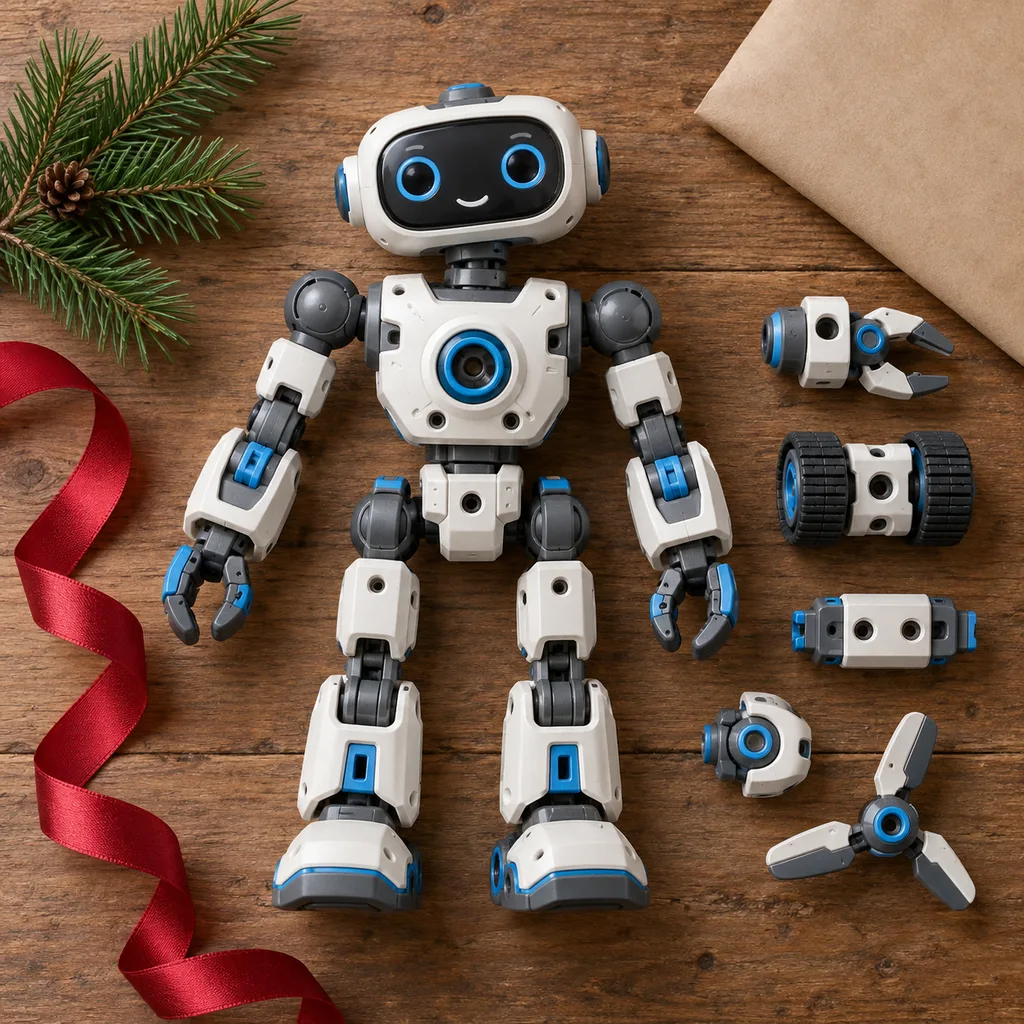
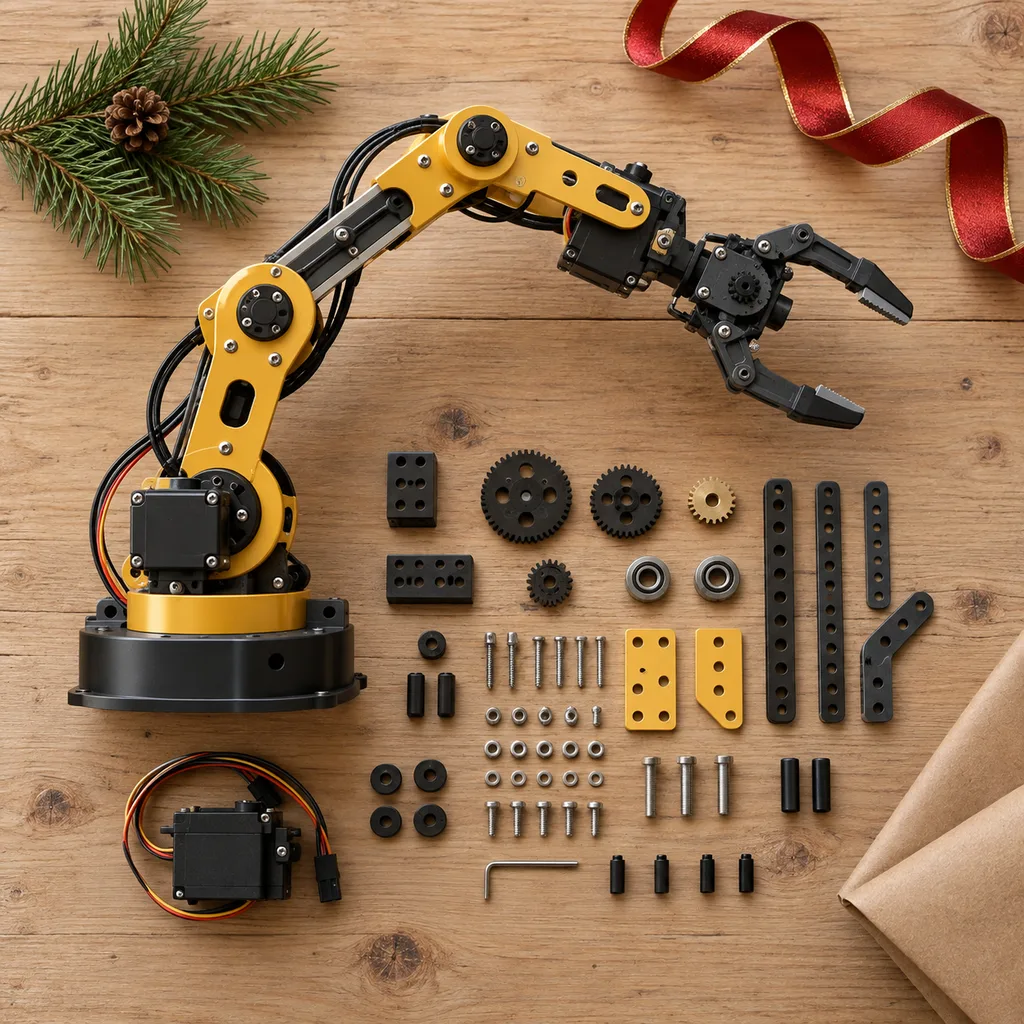
Coding toys teach programming through a robot a child can see move. Younger kids often start with cards, buttons or drag-and-drop blocks, and older kids can move up to typed code. Modular construction kits and robotic arm sets belong here too, since building the machine is part of the learning. These suit patient kids, tweens and teens who enjoy a challenge. Check the age range and the coding method, whether there are enough projects to grow into, and whether building takes an adult's help. Kits with expansion options last longer.
Designed to introduce fundamental programming concepts through engaging play, making learning accessible and fun for young minds.
Offers endless possibilities for imaginative play and experimentation, allowing users to reconfigure parts into different robotic forms.
An engaging project for budding engineers, allowing them to build and control a functional robotic arm that can grasp and move objects.
Kind 5 of 7
People searching for a blue robot toy usually have a child with a clear favourite colour, or want a robot that looks like a familiar character. Colour is a fine way to narrow the list, but choose the type of robot first, then look for a blue version. A blue remote control robot, coding robot or robotic pet can all work. Check that the colour in the listing photos matches the actual product, and that the blue model has the same features as other colours, since some versions differ.
Kind 6 of 7
A red robot toy often appeals to kids who like bold, fast-looking machines, and red is common for battle robots and sporty remote control models. It can also help when two kids get matching robots and need to tell them apart. Pick the kind of play first, whether that's driving, building or coding, then find a red option. Before buying, confirm the red version is the same model and not a simpler one, and check whether paired battle robots come in contrasting colours.
Kind 7 of 7
A mini robot toy fits in a hand or a stocking, so it works as a small extra gift or for kids with limited play space. Many do one thing well, like rolling, dancing, reacting to sound or following a simple set of commands. They suit younger kids, travel and collectors who like a shelf of small bots. Check the recommended age, how it's powered and how long a charge lasts. Tiny batteries and parts matter more at this size, especially with younger siblings around.
Looking for one person in particular? Shop by person.
Everything else
Showing 1–7 of 7