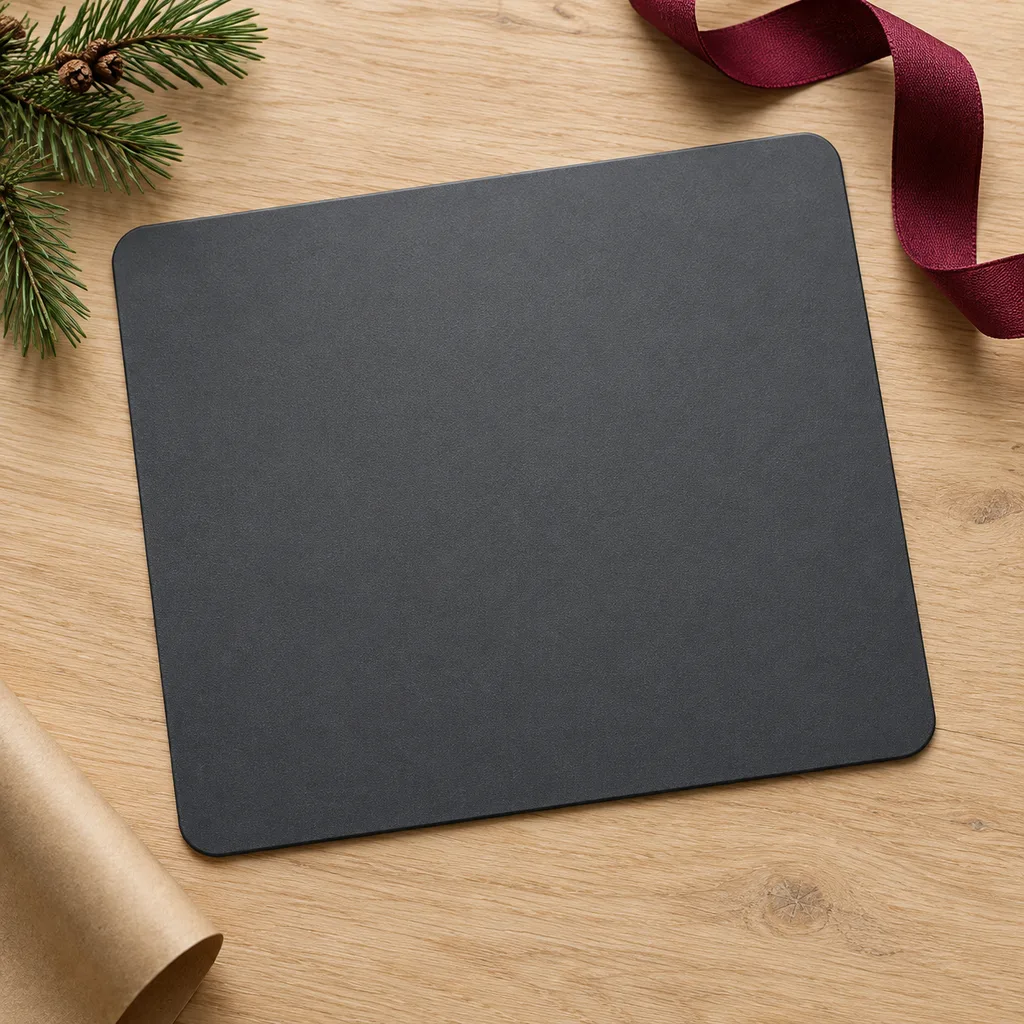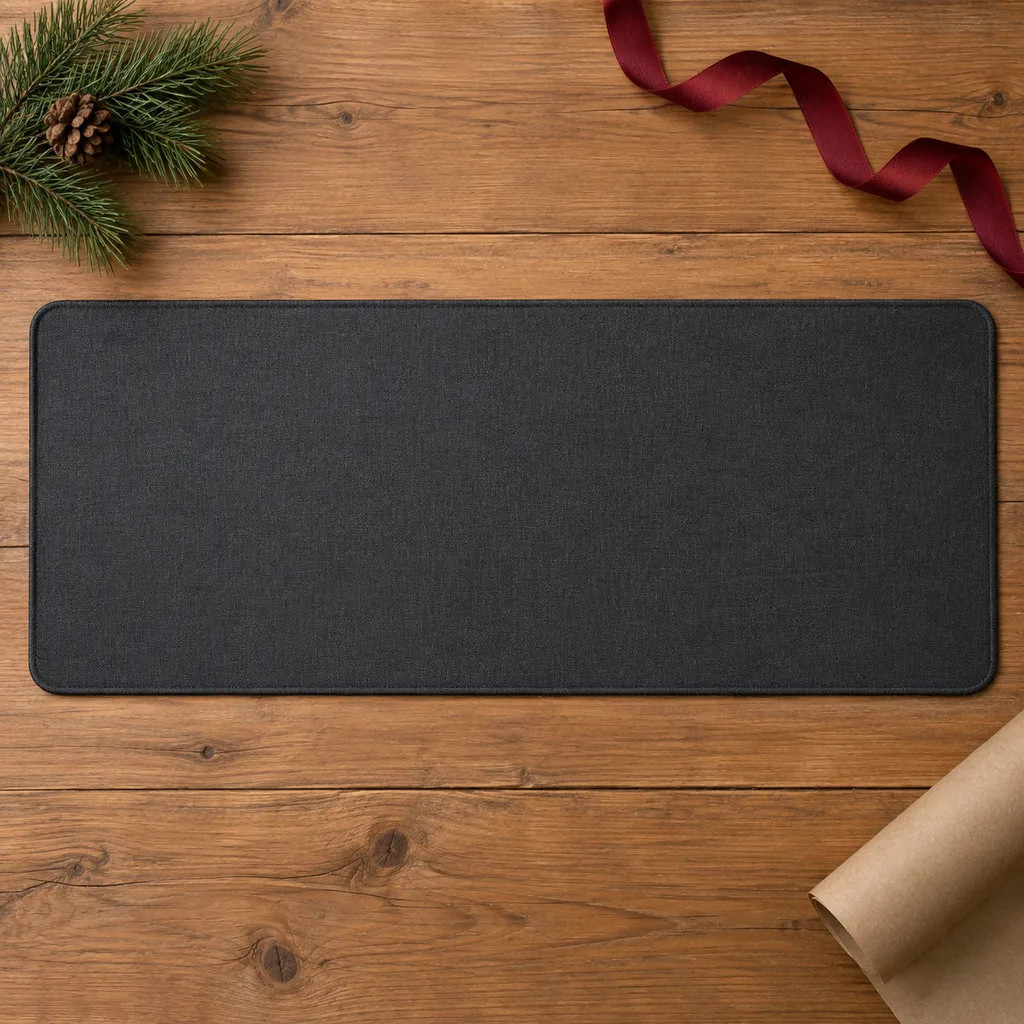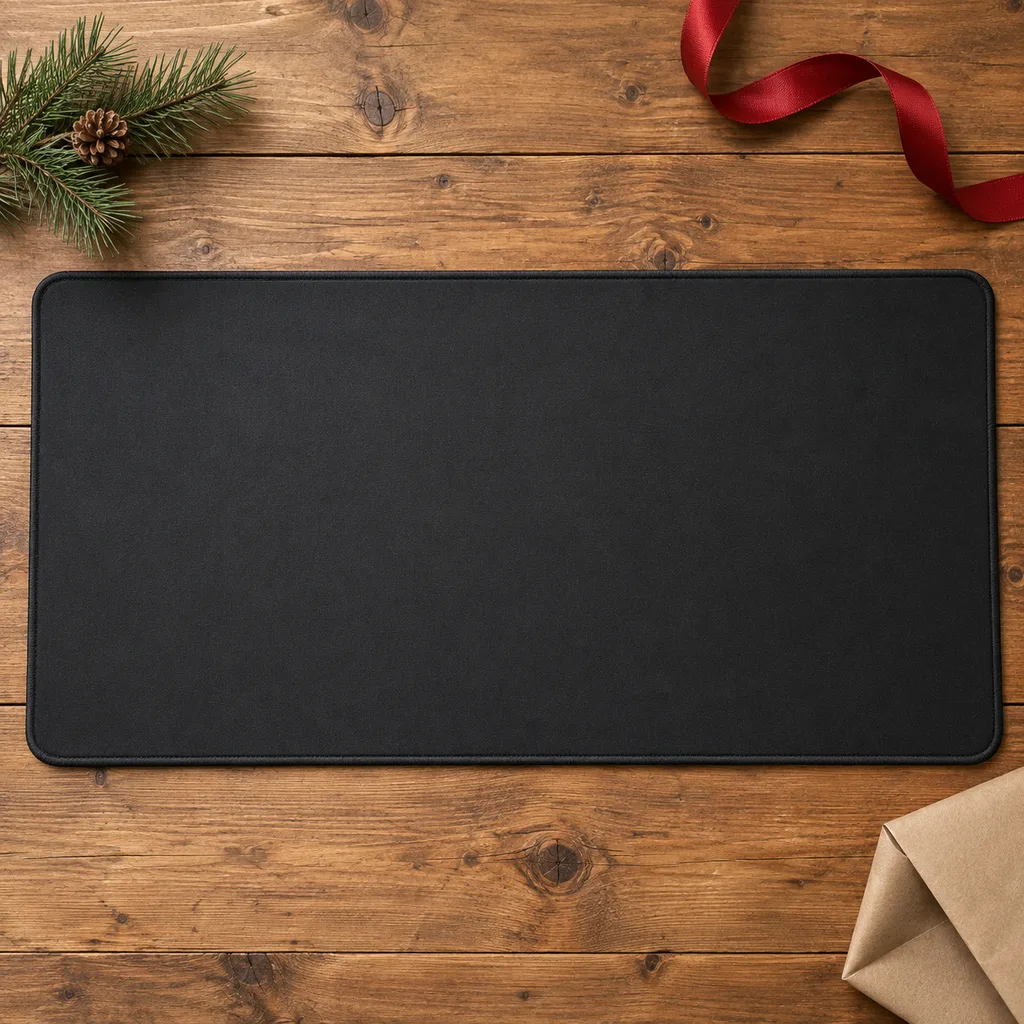
Large gaming mouse pad
This oversized surface provides ample space for mouse movements, ideal for gamers seeking precision and control during intense play.
Tech & Gadgets
6 kinds worth knowing, 10 picks, and what to check before you buy.

A mouse pad is a small gift that gets used every day, which is why it works so well for a coworker, a student heading back to residence, or a son who games late into the night. The pad people keep is the one that fits their desk and how they use the mouse. Someone who plays shooters wants a smooth, consistent surface and plenty of room. Someone working long hours may prefer a large mouse pad that covers the keyboard area, or a pad with wrist support. Before you pick a colour or pattern, look at the desk it will sit on and think about how the person actually works or plays.
Kind 1 of 6
Gaming pads come in two main types. Cloth pads have a bit of grip, so fine aiming is easier. Hard pads let the mouse glide faster. Many players use low mouse sensitivity and sweep their whole arm, so they need a wide surface. Before you buy, find out what games they play and whether their mouse ever slides off the edge of their current pad. Stitched edges keep the cloth from fraying, and a rubber base stops the pad from creeping. Lighting is fun for a setup that already glows, but a plain pad suits a player who only cares about the surface.
This oversized surface provides ample space for mouse movements, ideal for gamers seeking precision and control during intense play.
Provides a consistent, low-friction surface for highly accurate mouse movements, favored by graphic designers and competitive gamers.
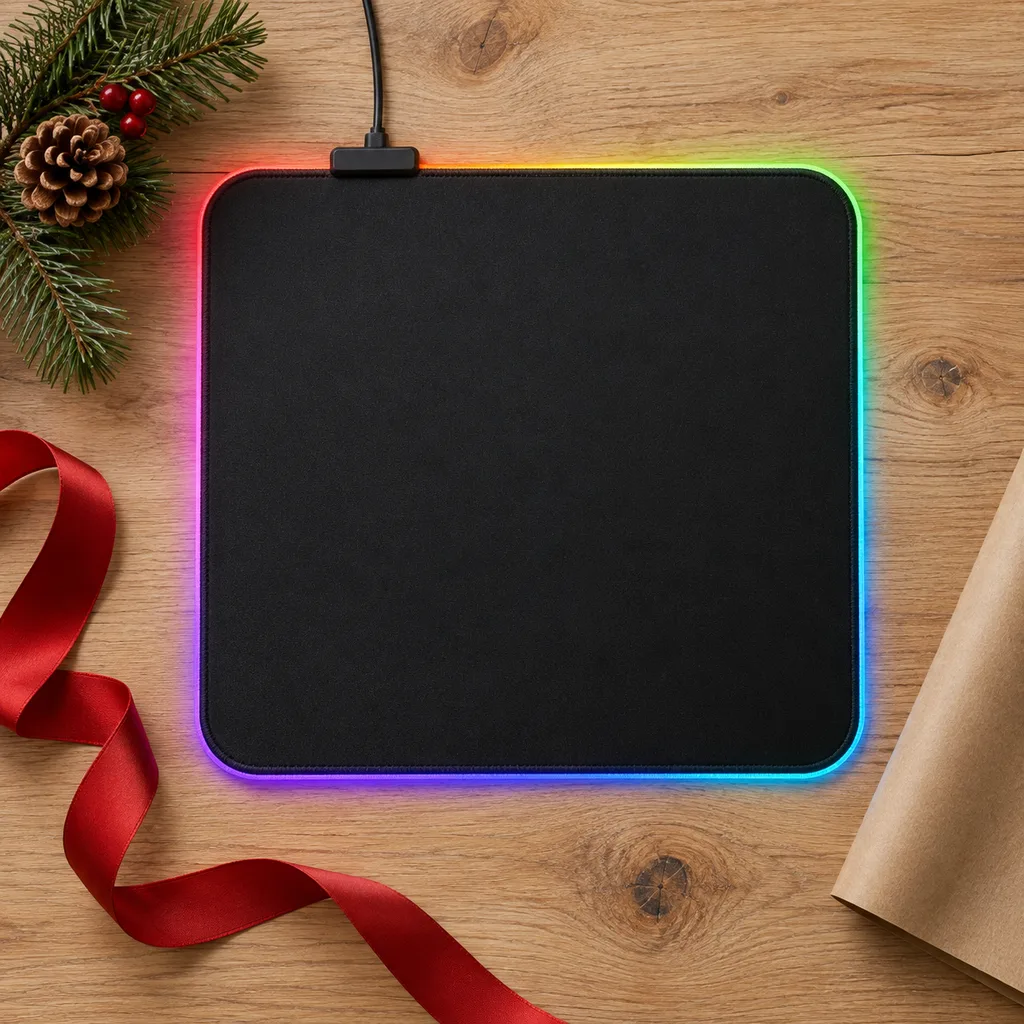
Add a vibrant aesthetic to any desk setup with customizable lighting effects, appealing to those who enjoy personalized tech accessories.
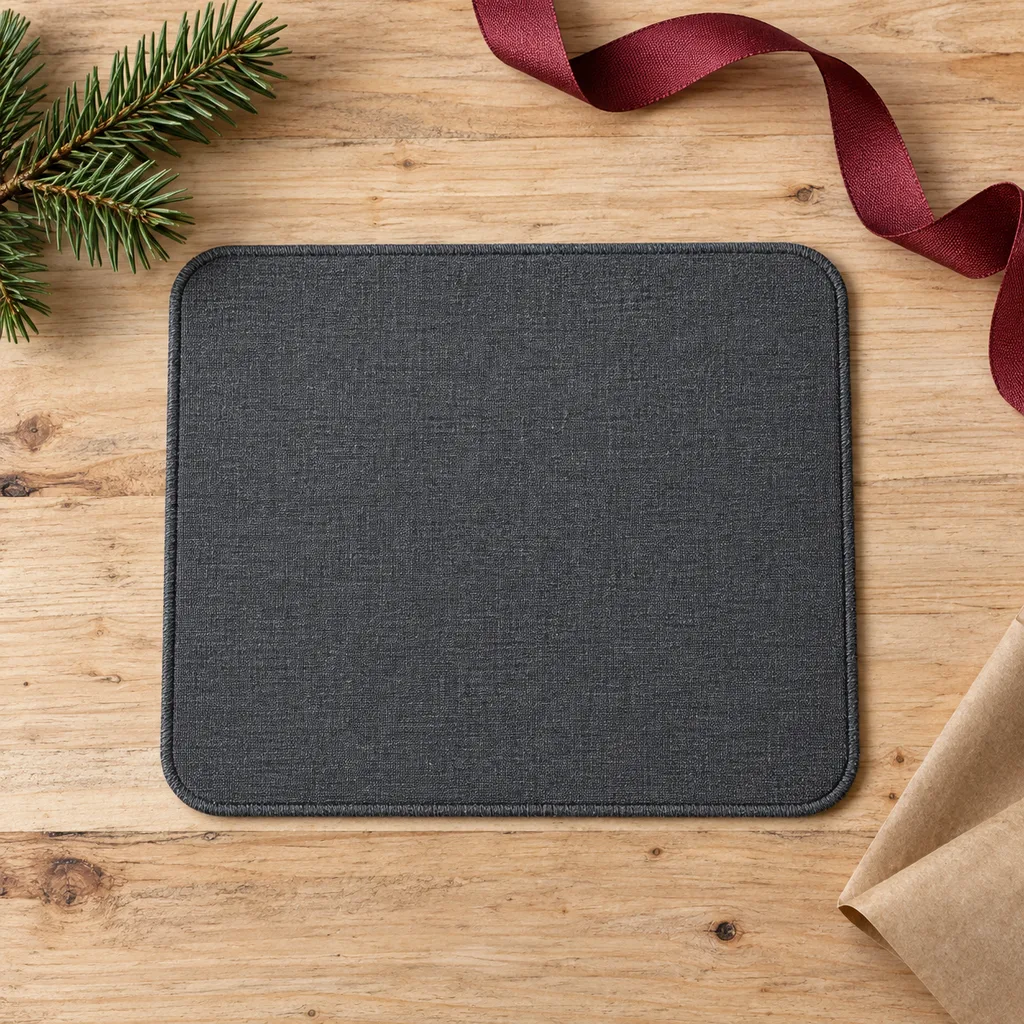
Ideal for students, remote workers, or travelers, offering a compact and easy-to-transport surface for computing on the go.
Kind 2 of 6
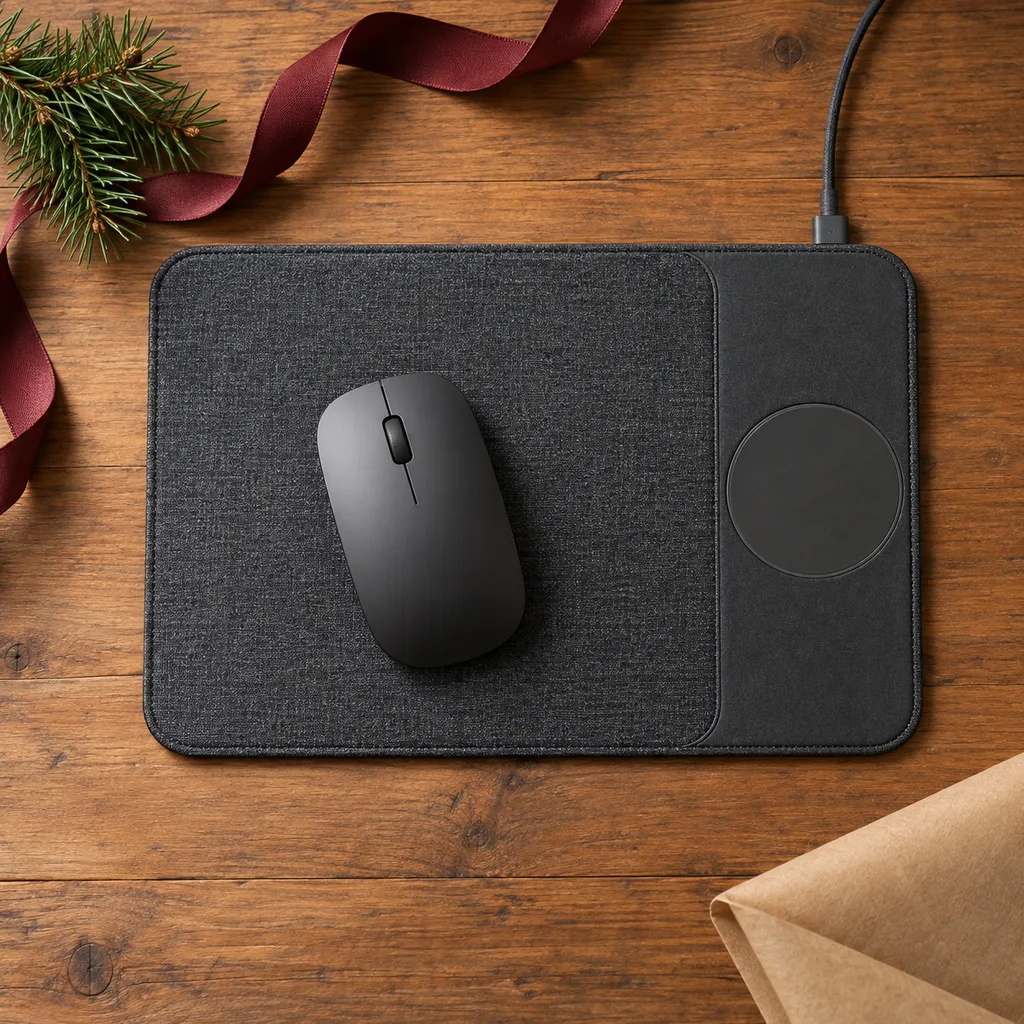
A large mouse pad gives the mouse more room than a standard square and usually sits under part of the keyboard too. It suits anyone who uses a big monitor, more than one screen, or quick, wide mouse movements. Measure the free desk space first, since an oversized pad hanging off the edge gets annoying fast. Check that it's thin enough for the keyboard to sit level on it. Some larger pads have built-in phone charging, which saves space on a crowded desk, but only if their phone supports wireless charging.
Combine mouse functionality with convenient device charging, perfect for tech-savvy individuals who appreciate multi-functional accessories.
Kind 3 of 6
A desk mat covers most of the desk, so the keyboard, mouse and sometimes a notebook all sit on one surface. It protects the desk from scratches and makes a gaming or work setup look tidy. It's a good fit for a student with a new desk or anyone rebuilding their setup. Measure the desk's width and depth before choosing, and consider the colour of the room and their gear. Darker mats hide spills and wear better, while lighter ones show marks sooner.
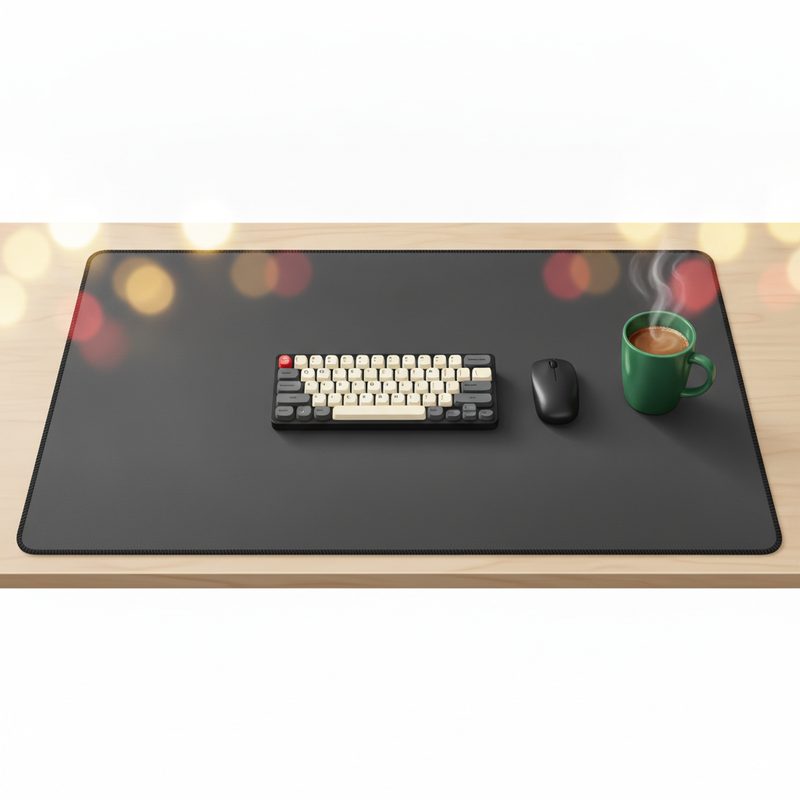
Transform a workspace with a unified surface that protects the desk and provides a consistent area for mouse and keyboard.
Kind 4 of 6
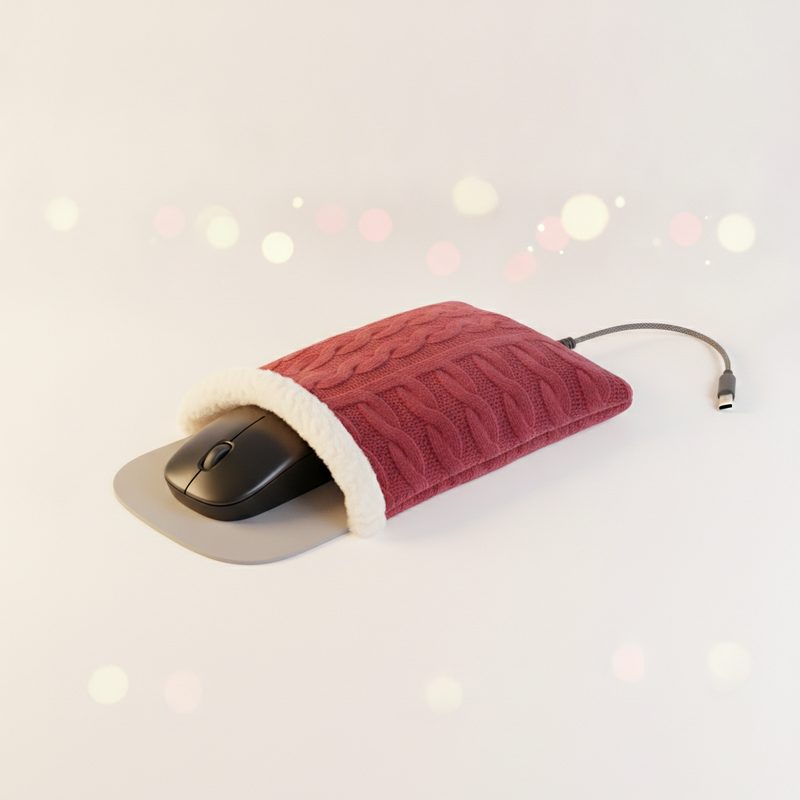
Ergonomic pads are about comfort during long stretches at a computer. Some have a raised, cushioned shape, and others add gentle warmth for chilly home offices or basement setups in January. They suit coworkers, remote workers and anyone who spends most of the day with a hand on the mouse. Check the cushion's height against their mouse, since a tall mouse with a low rest can feel awkward. For heated pads, make sure there's a free USB port nearby and that the cable can reach it.
Kind 5 of 6
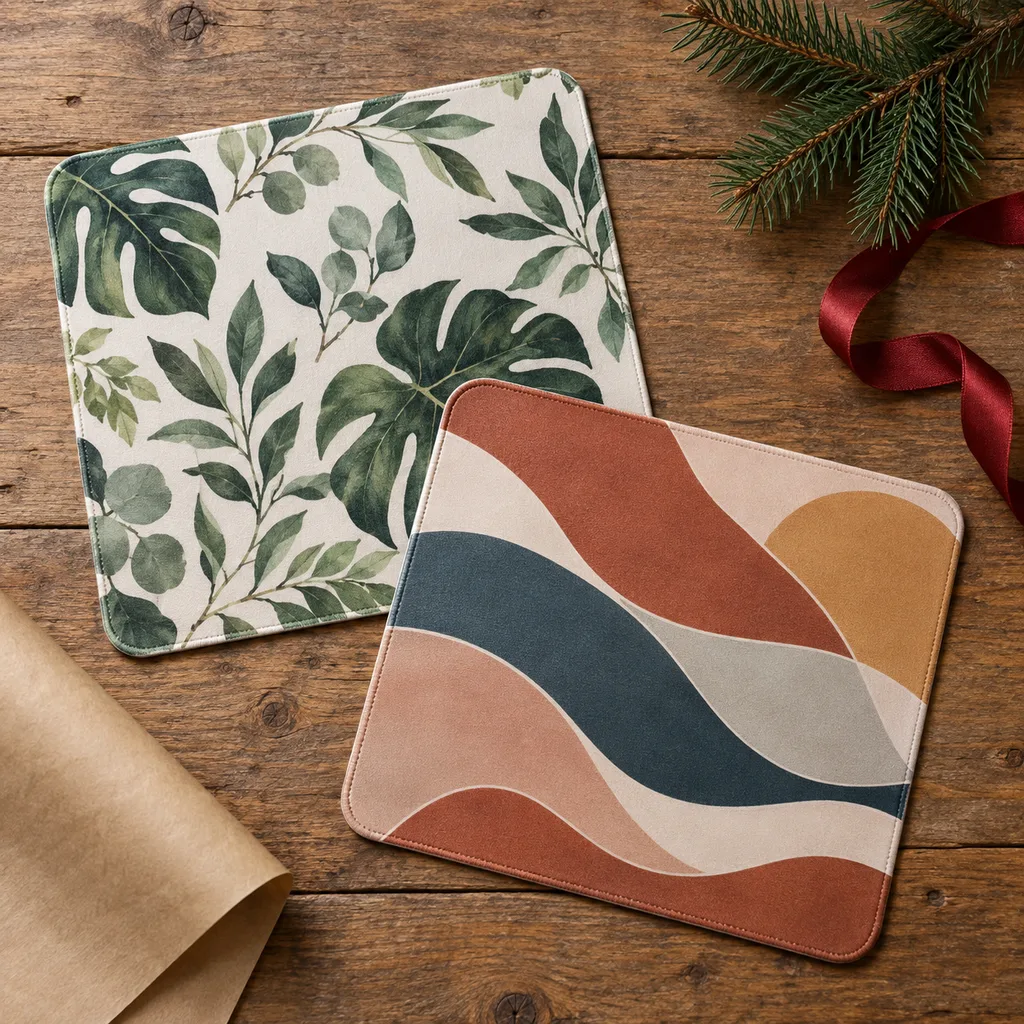
Some people choose a pad for how it looks: white pads to match a light-coloured setup, or pads printed with art, maps or patterns that show some personality. These work well when you know the person's taste or the look of their desk. White surfaces show marks, so look for one that can be washed by hand. On printed pads, check that the design is dye-set into the cloth rather than printed on top, so it won't peel after a few months of use.
Elevate a workspace with a visually appealing design or theme, perfect for individuals who appreciate personalized decor and unique accessories.
Kind 6 of 6
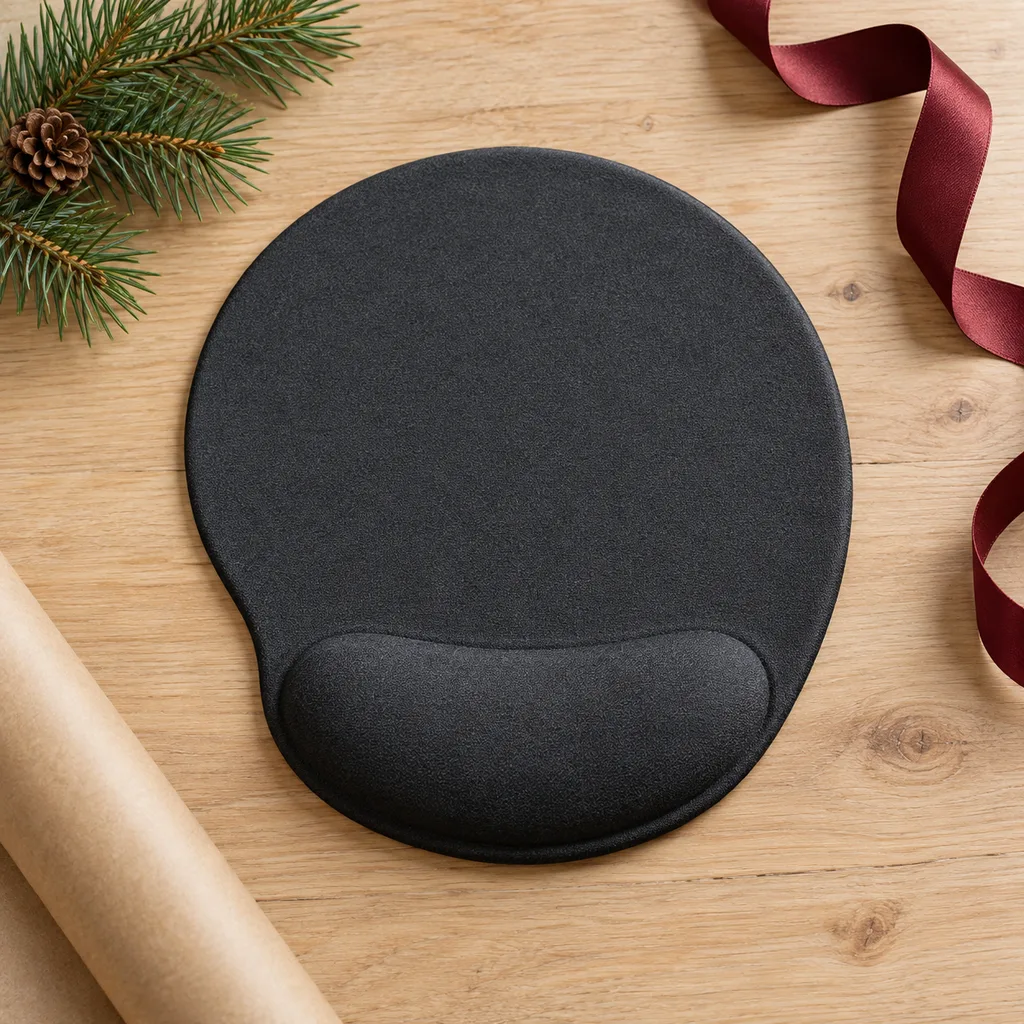
A mouse pad with wrist support has a soft rest along the front edge, usually filled with gel or memory foam. It's a thoughtful, practical gift for an office worker or student who spends hours on spreadsheets and essays. Check the covering: smooth fabric feels nicer than plastic and is easier to clean. The pad itself is usually small, so it's better for office work than for gaming with big arm movements. If the person is left-handed, choose a shape that works for either hand.
Offer enhanced comfort for long hours at the computer, designed to help maintain a natural wrist position.
Looking for one person in particular? Shop by person.
Everything else
Showing 1–10 of 10