High-performance thunderbolt dock
Perfect for creative professionals and power users, this dock offers ultra-fast data transfer and support for multiple high-resolution displays.
Tech & Gadgets
7 kinds worth knowing, 8 picks, and what to check before you buy.
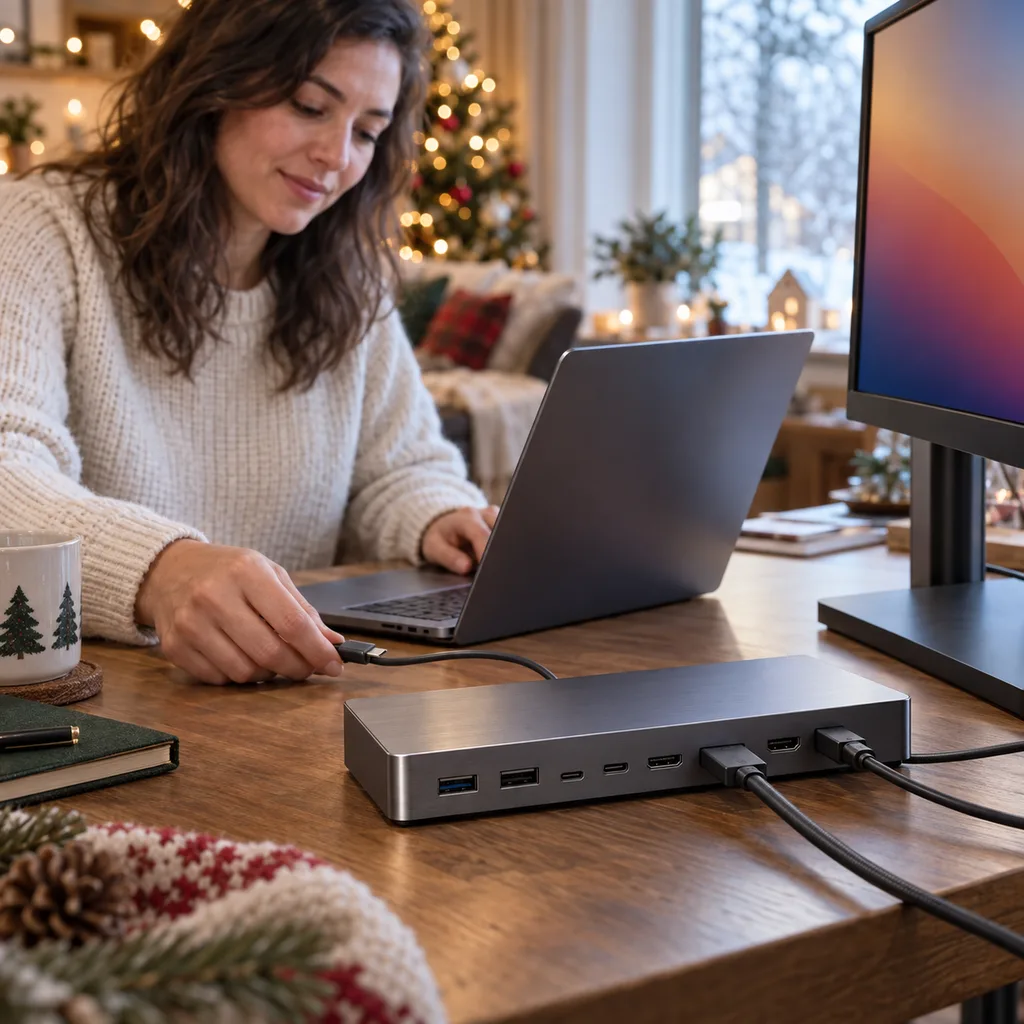
A docking station turns a laptop into a full desk setup with one cable: screens, keyboard, mouse, wired internet and charging all connect at once. It suits people who work from home, students who study at a desk, and anyone tired of plugging in five things every morning. The docks that get used every day are the ones that fit the laptop and the desk the person already has. Before you choose, find out which ports their laptop has and how many screens they use. Most people are looking for a USB-C laptop docking station, and dual monitor docking stations come a close second for anyone running two screens.
Kind 1 of 7
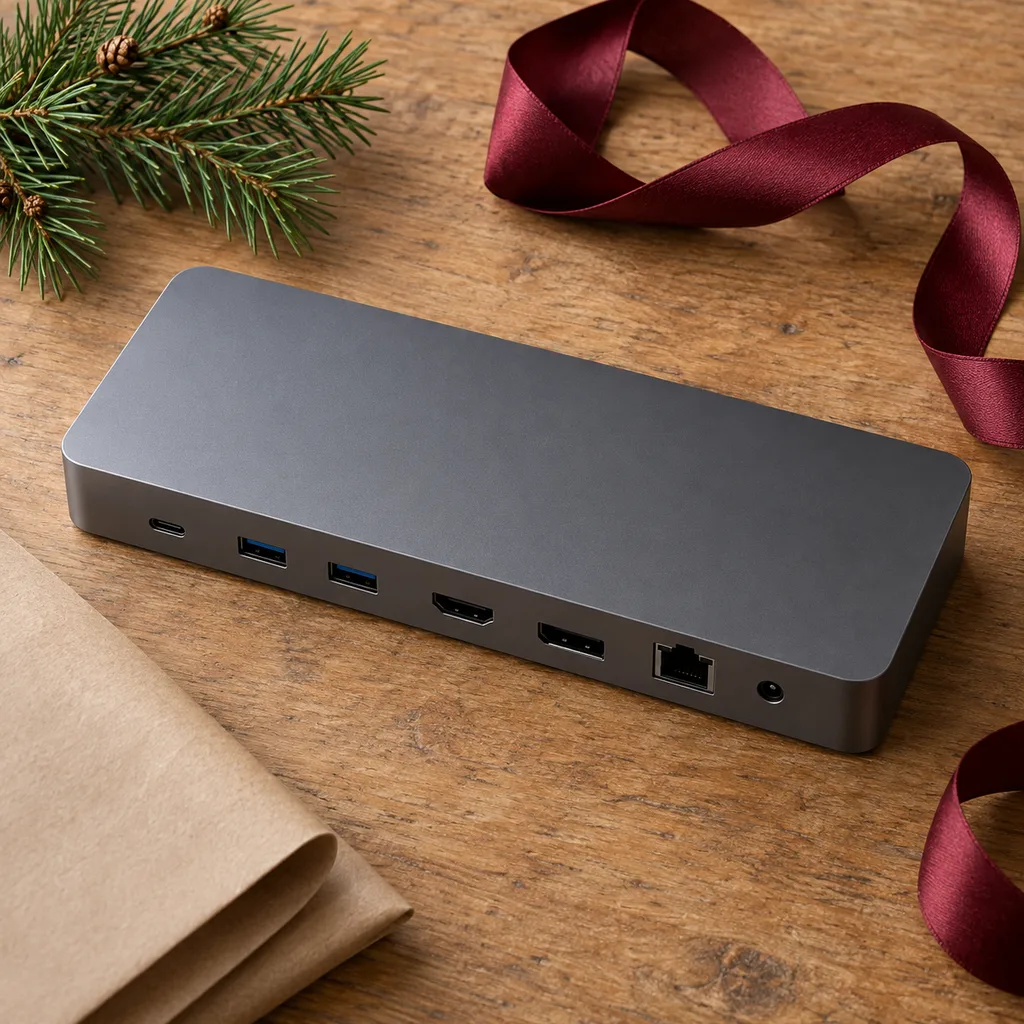
A desktop docking station stays on the desk and gives a laptop a permanent home. Typically it has several USB ports, one or two video outputs, an ethernet jack and an audio port, and it charges the laptop through the same cable. It suits someone who works or studies at the same desk every day. High-bandwidth docks cost more but handle fast external drives and high-resolution screens without lag. Before buying, check that the laptop's port supports video and charging over one cable, and count how many devices they really plug in. More ports than they need just adds clutter.
Perfect for creative professionals and power users, this dock offers ultra-fast data transfer and support for multiple high-resolution displays.
Kind 2 of 7
Most newer laptops charge and send video through USB-C, so a USB-C dock is the most common choice. The key detail is power delivery: the dock needs to supply enough wattage to keep the laptop charged while it works. Otherwise the battery slowly drains during long days. This kind of dock suits someone with a newer thin laptop that has only a couple of ports. Check the laptop charger's wattage and make sure the dock matches or beats it. Also confirm the laptop's USB-C port supports video output, because not every port does.
A robust solution for a permanent desk setup, this dock charges the laptop while connecting multiple peripherals and external displays with ease.
Kind 3 of 7
A dual monitor dock drives two external screens at once, which makes a big difference for people who juggle spreadsheets, code, design files or video calls. It suits someone who already owns two monitors or plans to add a second one. This is where compatibility matters most. Some laptops can only send one external display over a single cable, and on those laptops a dual dock will mirror the screens instead of extending them. Check the laptop model's display support, the monitors' inputs (HDMI or DisplayPort), and the resolution and refresh rate they run at.
Specifically designed for users who require two external monitors, this hub simplifies connecting multiple screens for enhanced productivity.
Kind 4 of 7
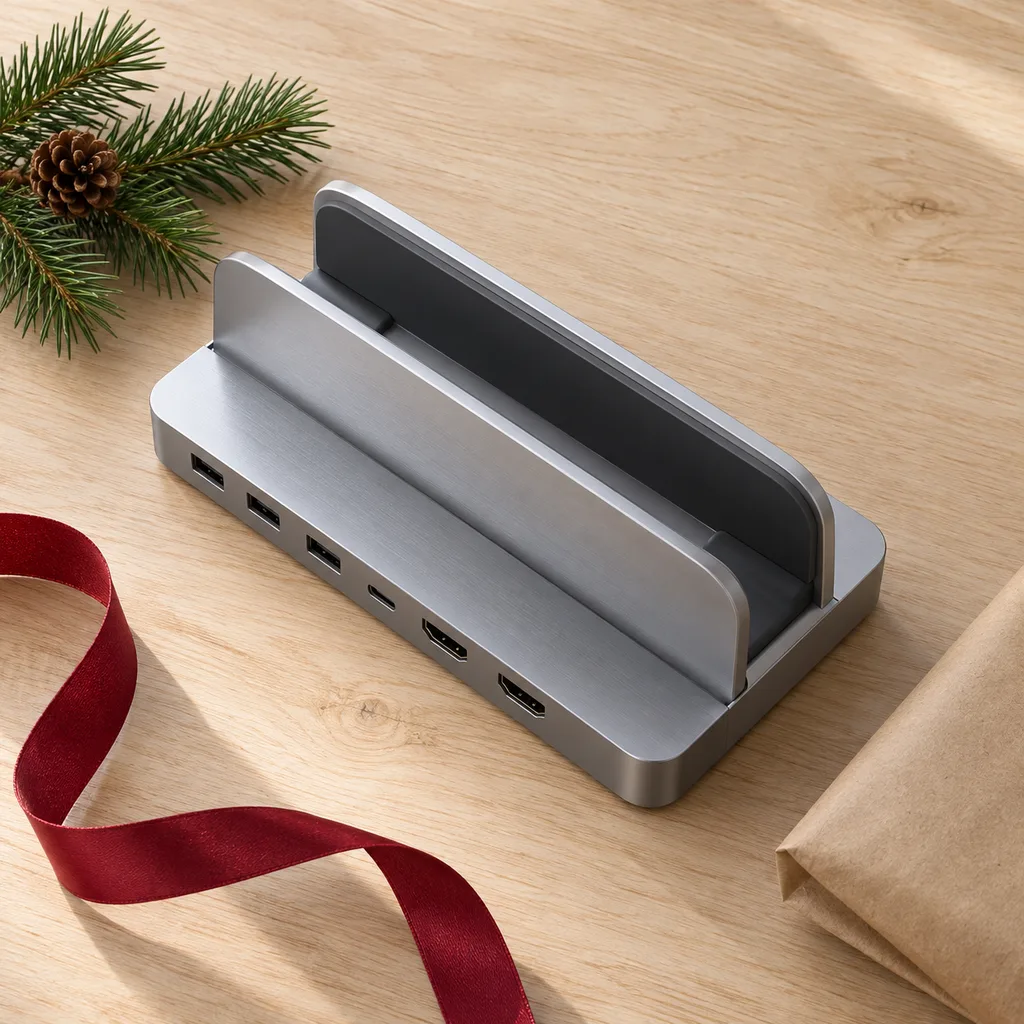
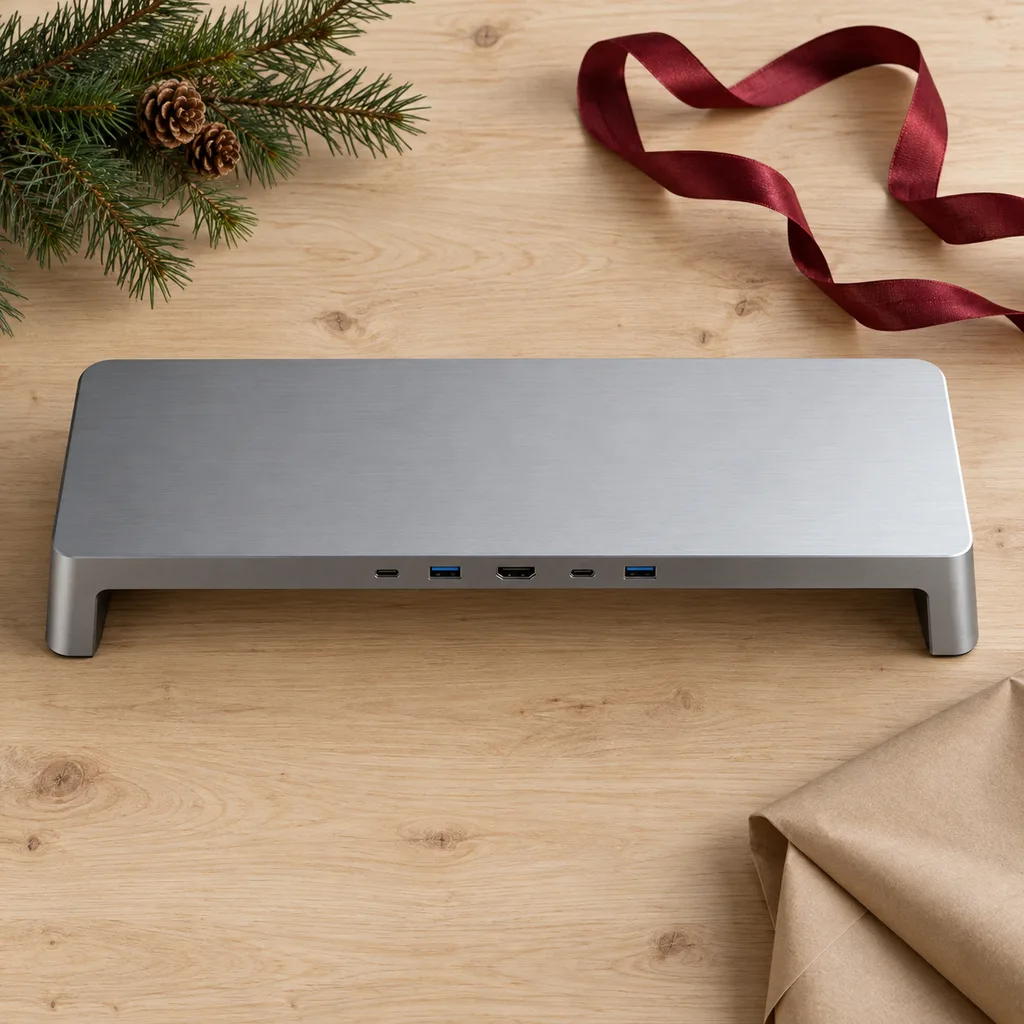
Some laptop docks are built into a stand. A vertical stand holds a closed laptop upright, like a book, which frees up desk space when it's connected to a monitor. A monitor stand dock raises the screen to a more comfortable height and puts the ports within reach underneath. Both suit someone who likes a tidy desk or works in a small space. Check that the stand fits the laptop's thickness and width, that the ports face a convenient direction, and that a closed laptop has enough airflow to stay cool in a vertical stand.
This space-saving dock holds a laptop vertically while providing all necessary ports, perfect for creating a minimalist desktop setup.
This innovative dock combines a monitor riser with a full docking station, helping to declutter a workspace and improve ergonomic posture.
Kind 5 of 7
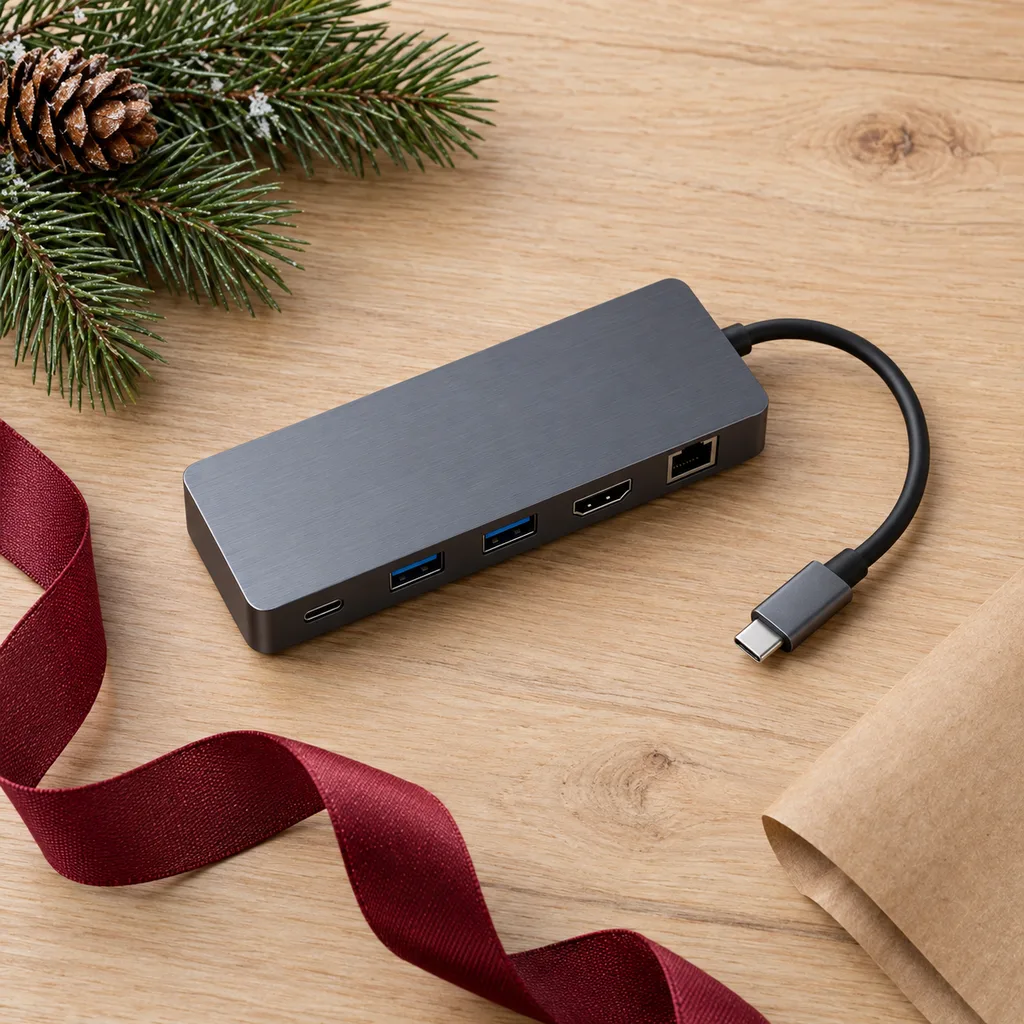
A USB-C multiport adapter is a short cable with a small block that adds a few ports, usually HDMI, a couple of USB-A ports and pass-through charging. It's lighter and simpler than a full dock and works well as a stocking stuffer for someone whose laptop has too few ports. It suits students plugging into classroom screens and anyone who connects to a TV or projector now and then. Check which ports they miss most. Some people want an SD card reader, others need ethernet, and the port mix varies a lot from one adapter to the next.
This compact adapter is ideal for modern laptop users needing extra ports for peripherals, external displays, and memory cards.
Kind 6 of 7
A universal docking station is designed to work with laptops from many makers, which is useful in homes where family members share a desk or where someone switches between a work laptop and a personal one. It's also a safer choice when you aren't sure what laptop the recipient will own next year. Check that it supports the operating systems they use, since some universal docks need a driver installed for extra screens. That can be blocked on managed work laptops, so ask about it before you buy a dock for a work computer.
A versatile solution for any office, this dock provides broad compatibility with various laptop brands and operating systems using DisplayLink technology.
Kind 7 of 7
A USB-C multiport hub is compact enough to live in a laptop bag. It suits consultants, students and anyone who works from cafés, libraries or hotel rooms and needs an extra USB port or a screen connection now and then. Look for a short attached cable or a flat design that won't strain the laptop's port, and a sturdy casing that can take being tossed in a bag. If they also charge through it, check that it passes through enough power. A hub with fewer, well-chosen ports usually travels better than a crowded one.
Designed for the mobile professional, this lightweight and durable hub easily fits into a laptop bag, providing essential ports on the go.
Looking for one person in particular? Shop by person.
Everything else
Showing 1–8 of 8