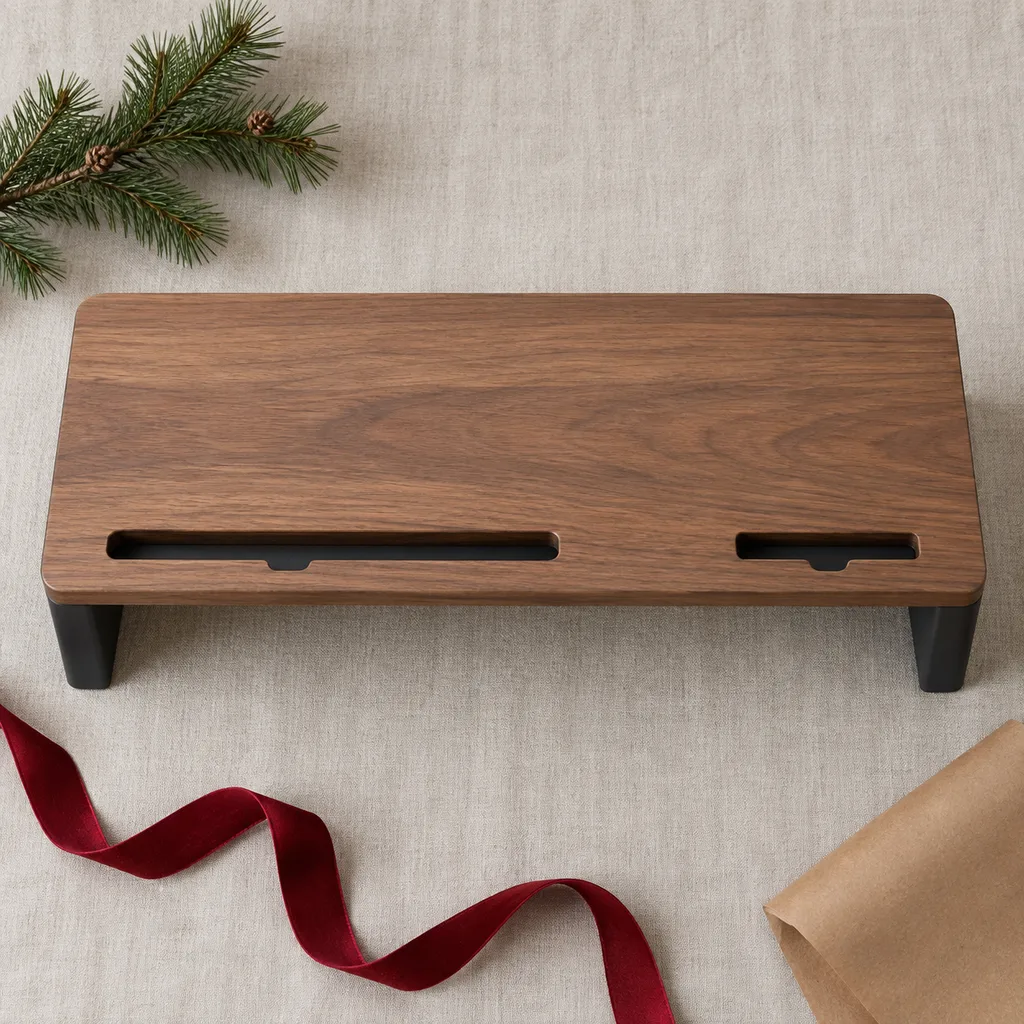
Desktop monitor riser with storage
This stand elevates a computer monitor to eye level, reducing neck strain and providing convenient desk organization for any workspace.
Tech & Gadgets
8 kinds worth knowing, 9 picks, and what to check before you buy.

Computer risers and stands suit anyone who spends long hours at a desk, like a coworker with two screens, a student working off a laptop, or a friend who games at home. The ones that get used every day fix a problem the person already has: a laptop sitting too low, a desk full of cables, or dust in a keyboard. A dual monitor stand can tidy a crowded workspace, and a foldable laptop stand fits someone who works from cafés or the library. Before choosing, find out what's on their desk now and how much room they have.
Kind 1 of 8
A dual monitor stand sits on the desk and holds two screens side by side, with no clamping or drilling. It suits renters, people with glass or thin desks, and anyone who moves their setup around. Some versions are simple risers with a shelf or drawer underneath for small things. Before buying, check the screen sizes and weight the stand is built for, whether the screens have mounting holes on the back, and how much desk depth the base takes up.
This stand elevates a computer monitor to eye level, reducing neck strain and providing convenient desk organization for any workspace.
Kind 2 of 8
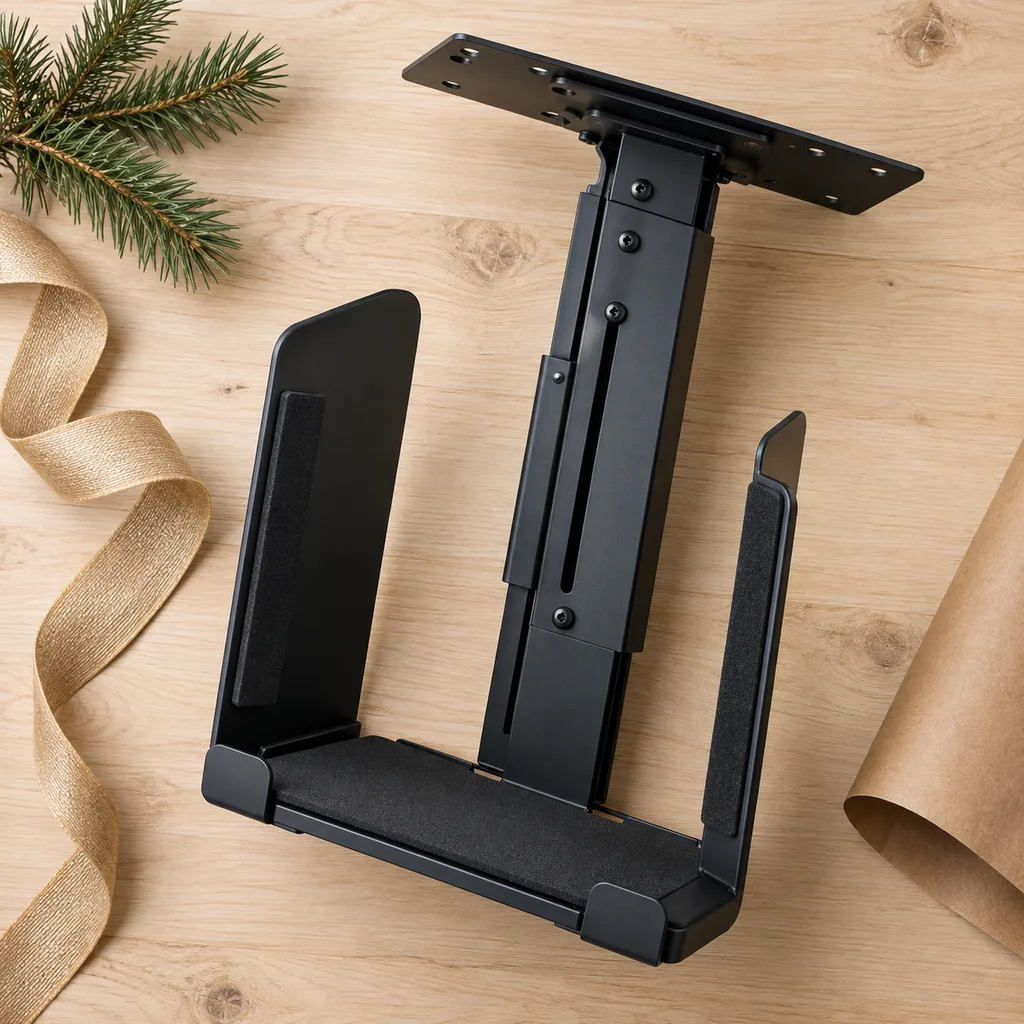
A dual monitor holder is a broad term people use for anything that keeps two screens steady and off the desk surface. The idea also covers holders for other gear, like a stand that keeps a tablet and phone upright, or a bracket that hangs a computer tower under the desk. These make sense for someone whose desk feels cramped. Check how the holder attaches, what sizes it fits, and whether it leaves room for cables to run cleanly.
A versatile stand that holds tablets and smartphones at an optimal viewing angle, perfect for video calls or media consumption.
This solution keeps a desktop computer off the floor, protecting it from dust and freeing up space around the workstation.
Kind 3 of 8
An electric air duster blows a strong stream of air to clear crumbs and dust from keyboards, vents, and camera gear. It replaces the disposable cans people keep running out of, so it suits gamers, PC builders, and anyone who likes a clean setup. Look at how it charges, how long it runs between charges, which nozzle tips come with it, and how loud it is, since some are noisier than people expect.
The last can of compressed air they'll ever buy — rechargeable, blasty, oddly fun.
Kind 4 of 8
People searching for an electric computer duster usually want to clean inside a desktop tower or around a laptop's fans, not just the keyboard. It's a practical gift for someone who built their own PC or keeps an older machine running. Check that the nozzles are narrow enough for tight spaces, that the airflow can be adjusted, and that it's easy to hold with one hand while the other steadies the device.
Kind 5 of 8
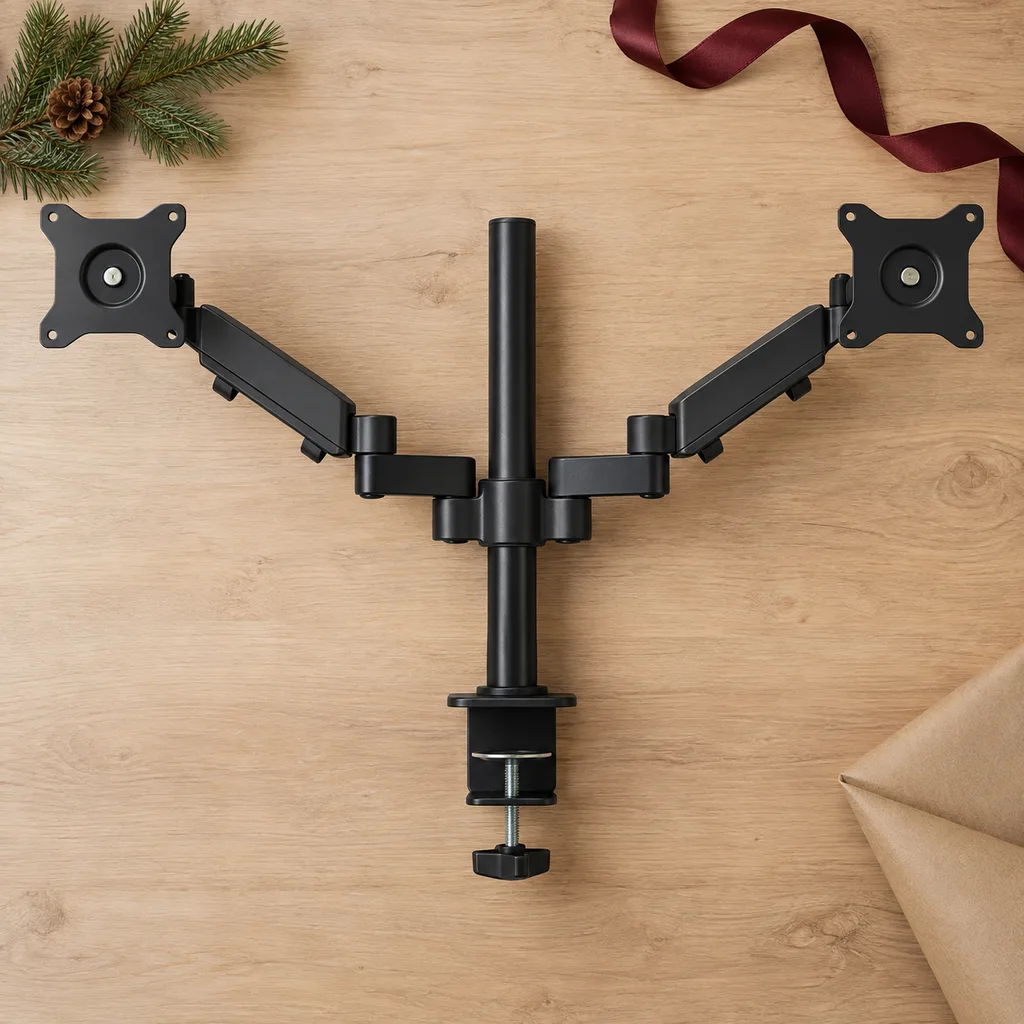
A dual monitor mount clamps to the edge of a desk or goes through a grommet hole, so the screens float above the surface. It clears more room than a freestanding stand, which helps on smaller desks. It suits someone settled in a permanent workspace. Before buying, measure the desk's thickness and confirm the edge can take a clamp, then match the mount to the screens' size, weight, and back mounting pattern.
Ideal for professionals with multiple screens, this mount frees up valuable desk space and allows for flexible monitor positioning.
Kind 6 of 8
Dual monitor arms let each screen move on its own. The screens can tilt, swivel, rotate to portrait, or pull closer. They suit coders, editors, and traders who change how they work during the day. Arms with gas springs move smoothly but need to be set for the screen's weight. Check the arm's reach, its weight range, and whether the desk sits close to a wall, which can limit how far the arms swing back.
Kind 7 of 8
An ergonomic laptop stand lifts the screen closer to eye level. It works best with a separate keyboard and mouse, and a keyboard riser can round out the setup. It suits students and remote workers who use a laptop as their main computer. Look for adjustable height and angle, a sturdy base that doesn't wobble while typing, and open sides or vents so the laptop's fans aren't blocked.
Perfect for remote workers or students, this stand elevates a laptop screen and improves posture during long work sessions.
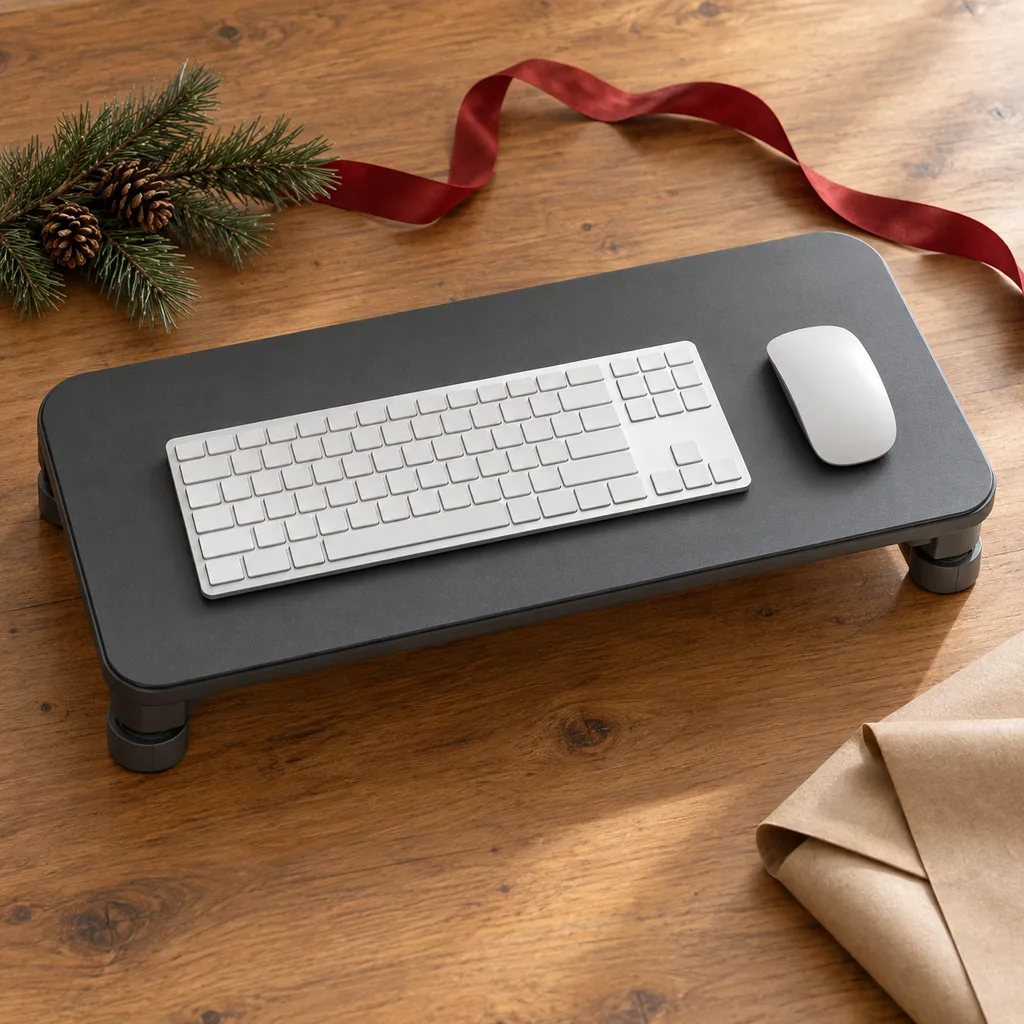
Designed for comfort, this riser elevates and angles a keyboard and mouse, promoting a more natural wrist position for typing.
Kind 8 of 8
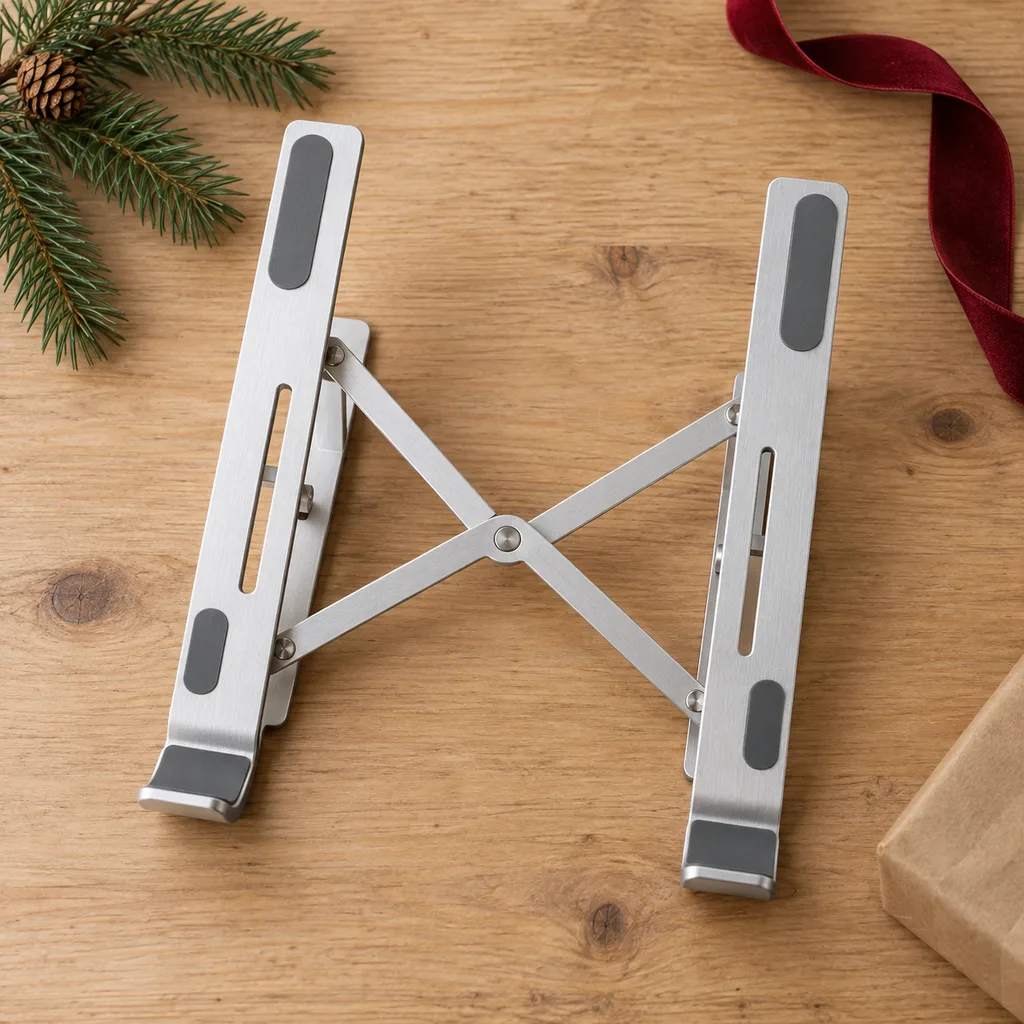
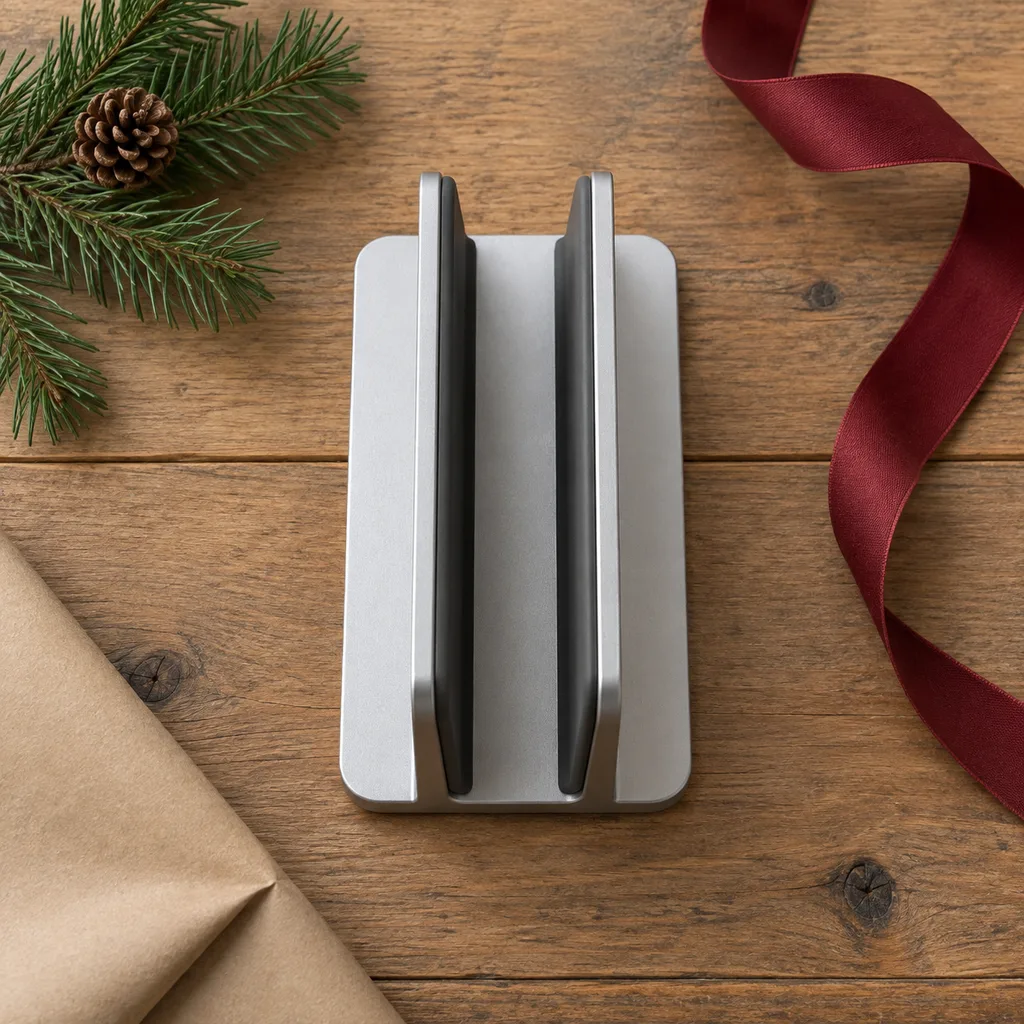
A foldable laptop stand collapses flat or into a small pouch, so it fits in a backpack with the laptop. It suits college students, commuters, and anyone who works from different places. A vertical stand is the at-home cousin: it stores a closed laptop upright to save desk space. For a foldable one, check the folded size, whether the hinges lock firmly, and whether it fits the laptop's width.
An essential for digital nomads or students, this compact stand offers ergonomic benefits wherever work takes them.
This stand holds a closed laptop upright, ideal for decluttering a desk and creating a cleaner, more organized workspace.
Looking for one person in particular? Shop by person.
Everything else
Showing 1–9 of 9