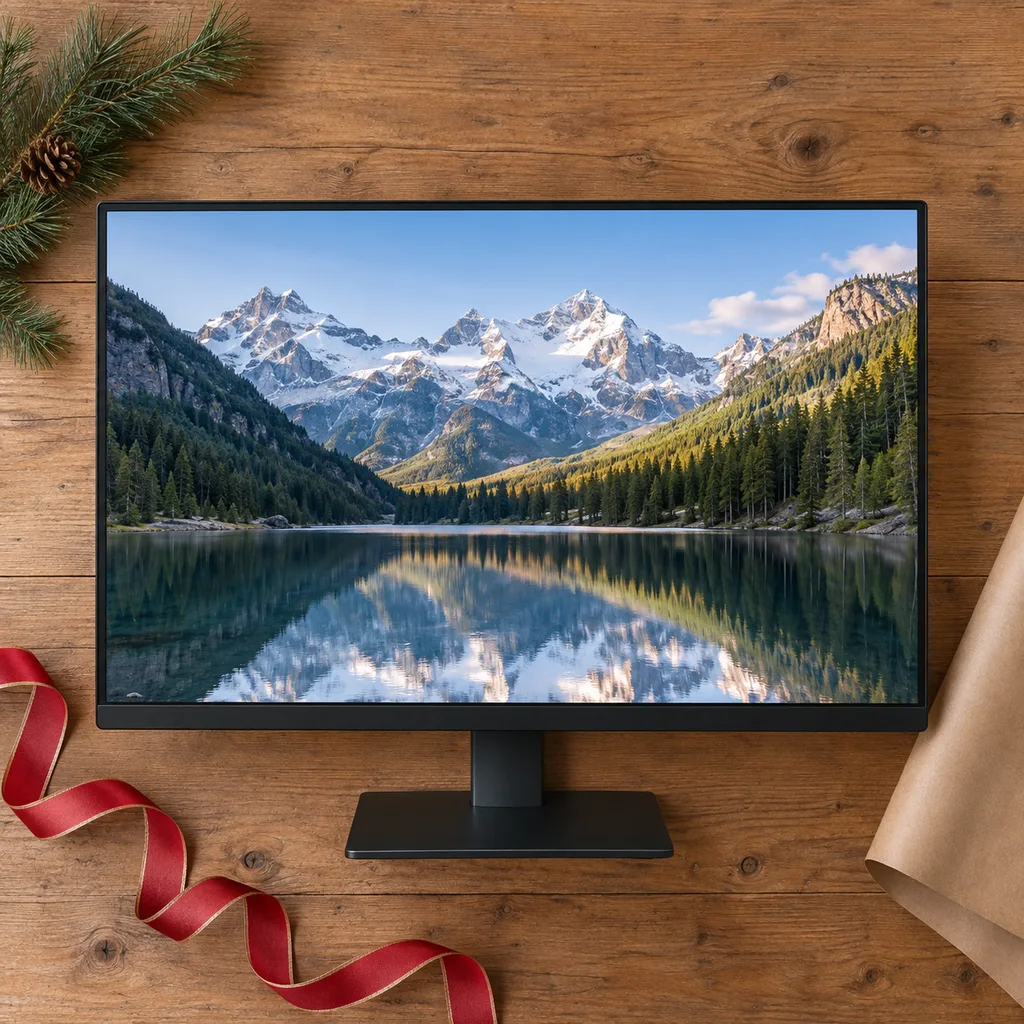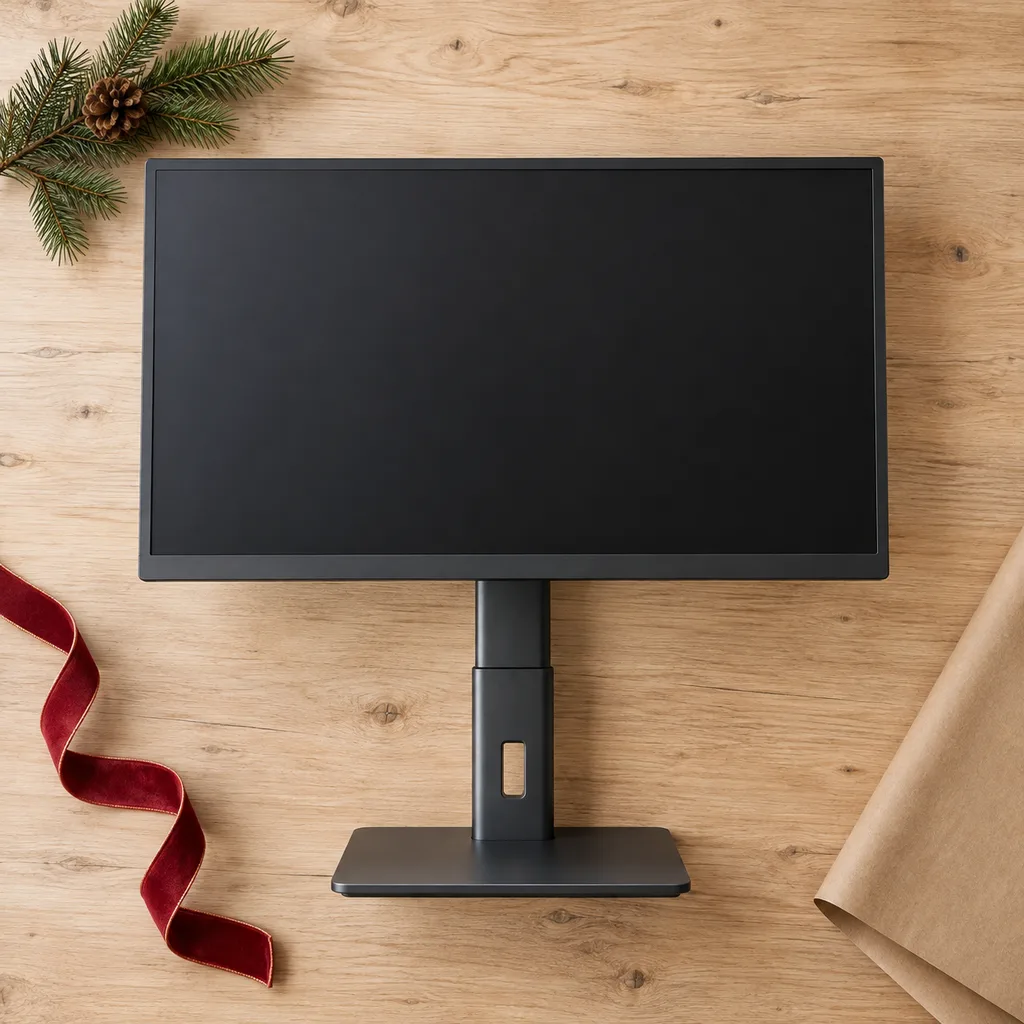
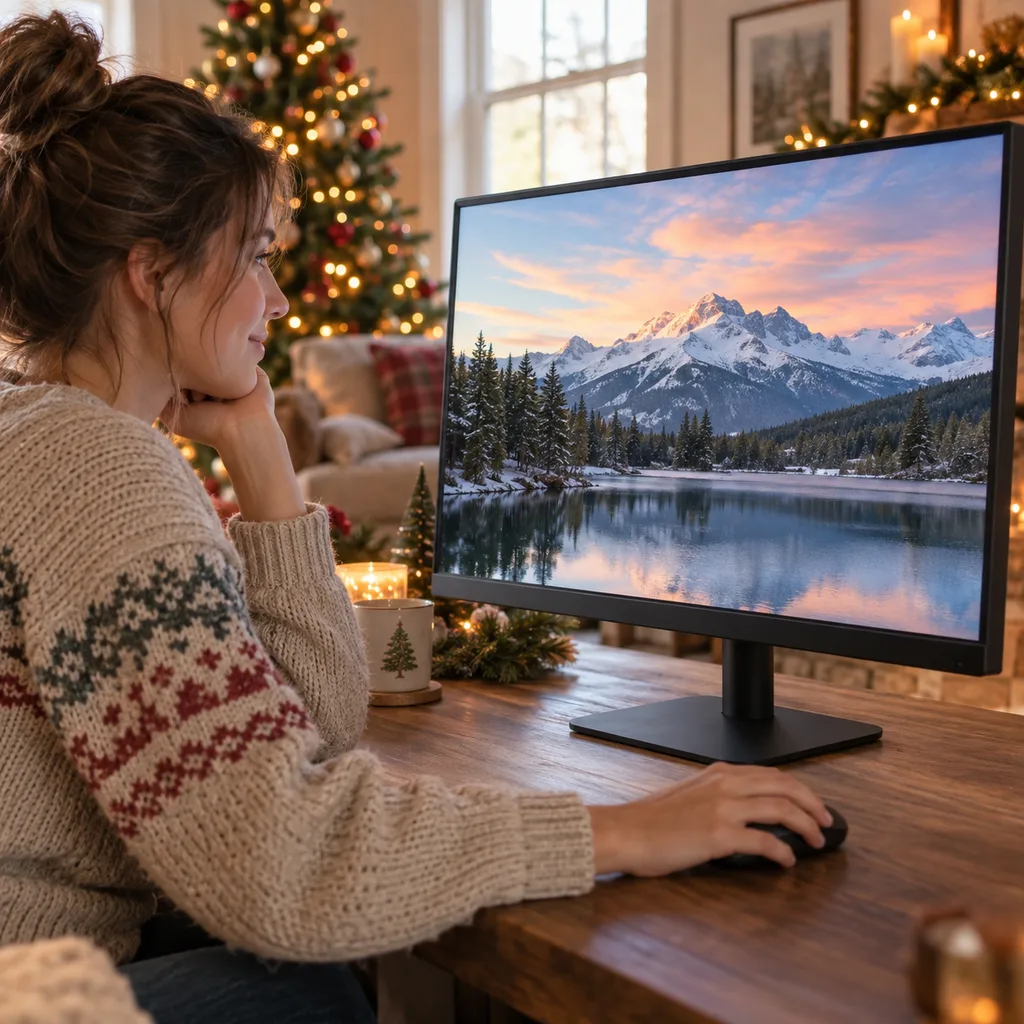
Ergonomic height-adjustable monitor
This monitor promotes better posture and reduces strain during long work sessions, making it an thoughtful gift for anyone spending hours at their desk.
Tech & Gadgets
8 kinds worth knowing, 8 picks, and what to check before you buy.
A new monitor is usually a gift for someone who already spends real hours at a desk: a partner working from home, a young adult heading into school or a first job, or someone who games in the evening. The screens that get used most do one job well, whether that's a sharp desk display for spreadsheets or a portable computer monitor that goes to a café or a hotel room. Before you buy, find out what computer it will plug into, how much desk space there is and what they mostly do on screen. A gaming monitor and a work display look alike in a photo but suit very different people.
Kind 1 of 8
This is the standard screen that sits on a desk and gets used for work, school, streaming and browsing. It suits almost anyone using a laptop at a desk or a desktop with an old or too-small display. Before buying, check which ports their computer has (HDMI, DisplayPort or USB-C) and whether the monitor's stand tilts and adjusts in height. For photo or design work, look for a screen described as colour-accurate, with good coverage of standard colour ranges. Also check whether a cable comes in the box, because nobody wants to open a gift they can't use until a store trip.
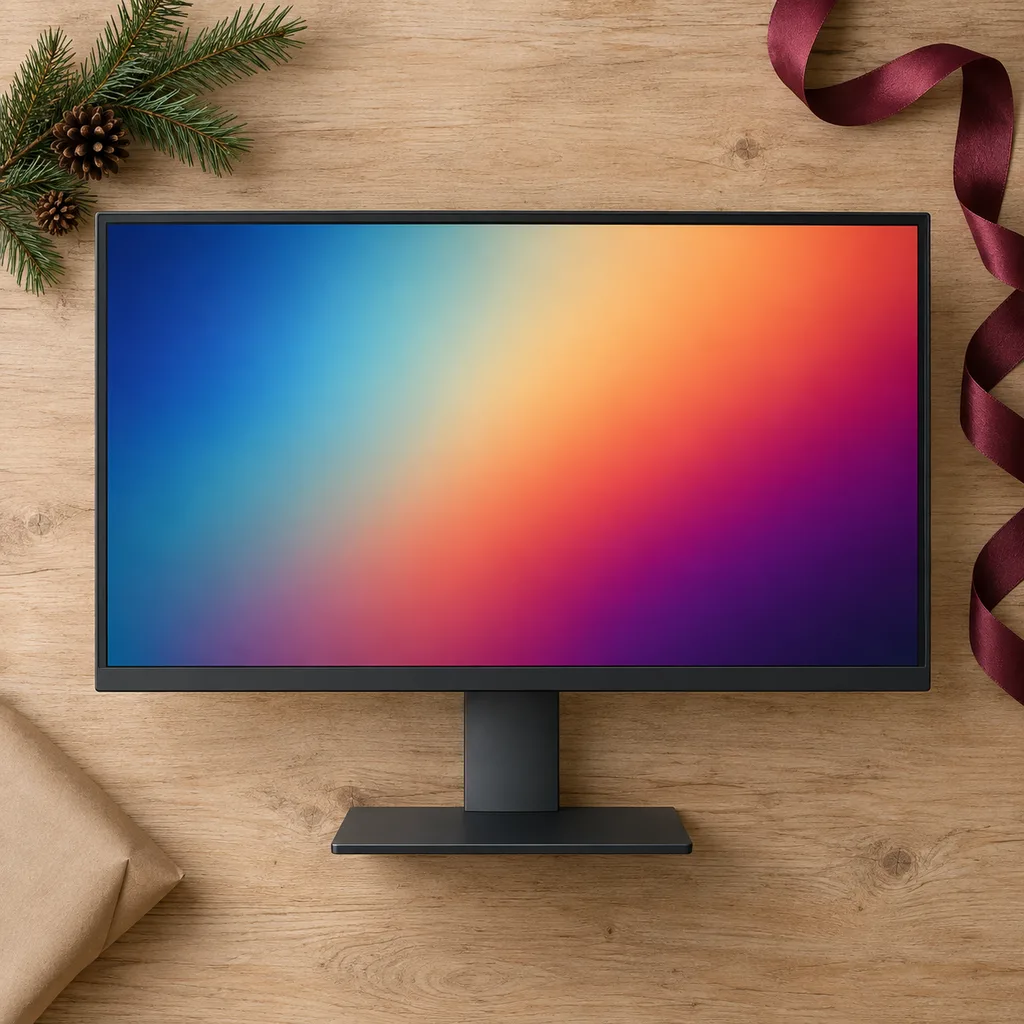
This monitor promotes better posture and reduces strain during long work sessions, making it an thoughtful gift for anyone spending hours at their desk.
Essential for photographers, graphic artists, and video producers, this monitor ensures precise color representation crucial for creative work.
Kind 2 of 8
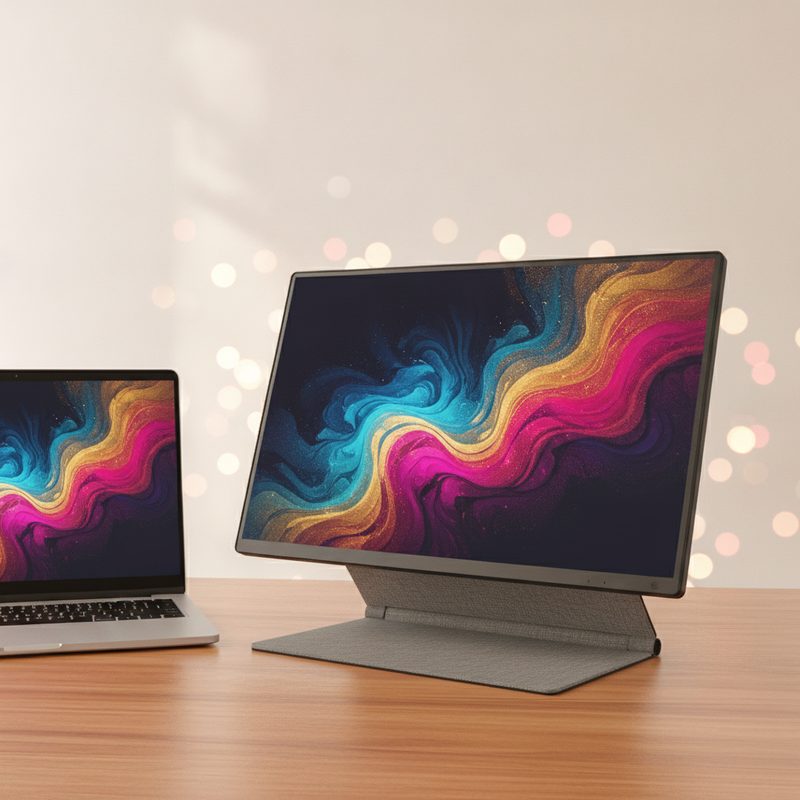
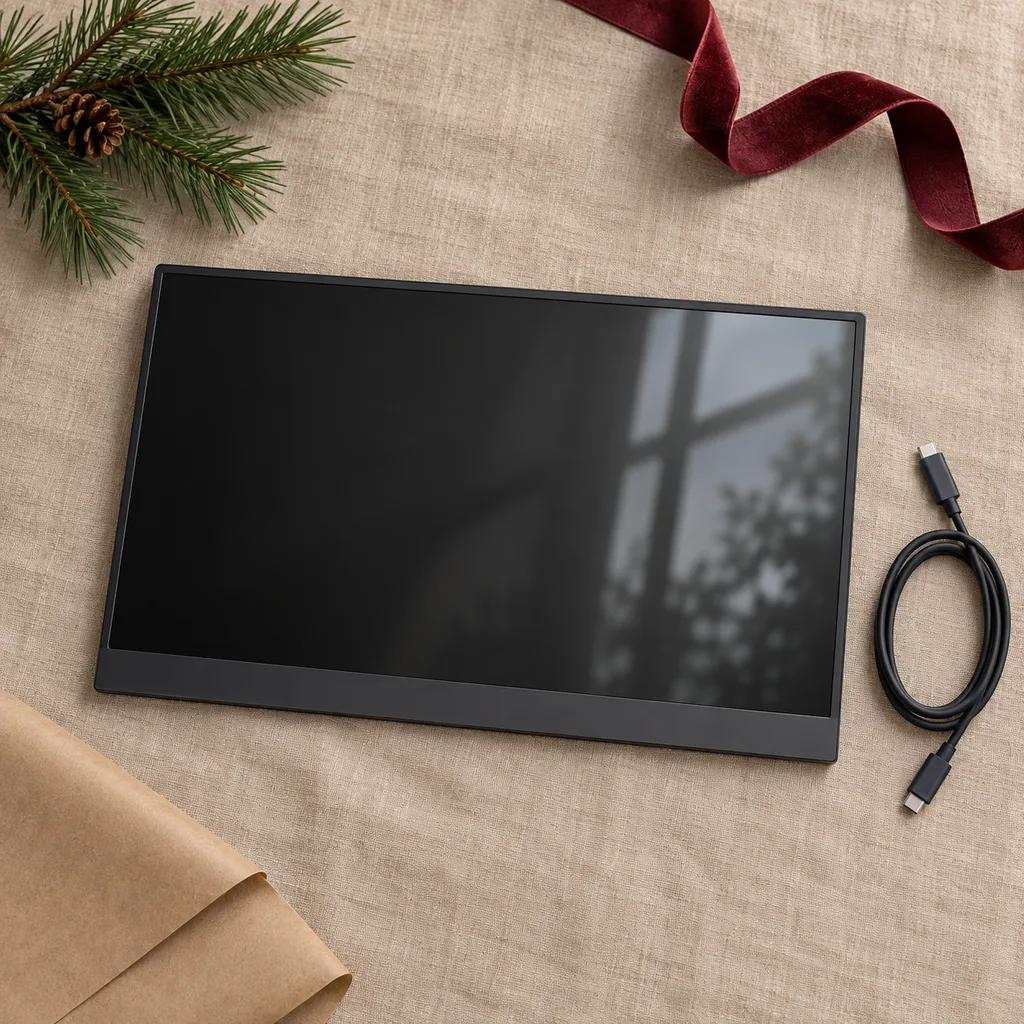
A portable monitor is a thin screen, often around 15 inches, that connects to a laptop and folds into a bag. It suits students, remote workers and anyone who works from more than one spot and misses having a second display. Check that their laptop has a USB-C port that supports video output, because not every USB-C port does. If it doesn't, find out whether the monitor can also connect by HDMI with separate power. A built-in cover that doubles as a stand makes a real difference, since propping up a bare screen gets old fast.
An excellent gift for remote workers or students, offering a convenient second screen solution for laptops and mobile devices on the go.
Kind 3 of 8
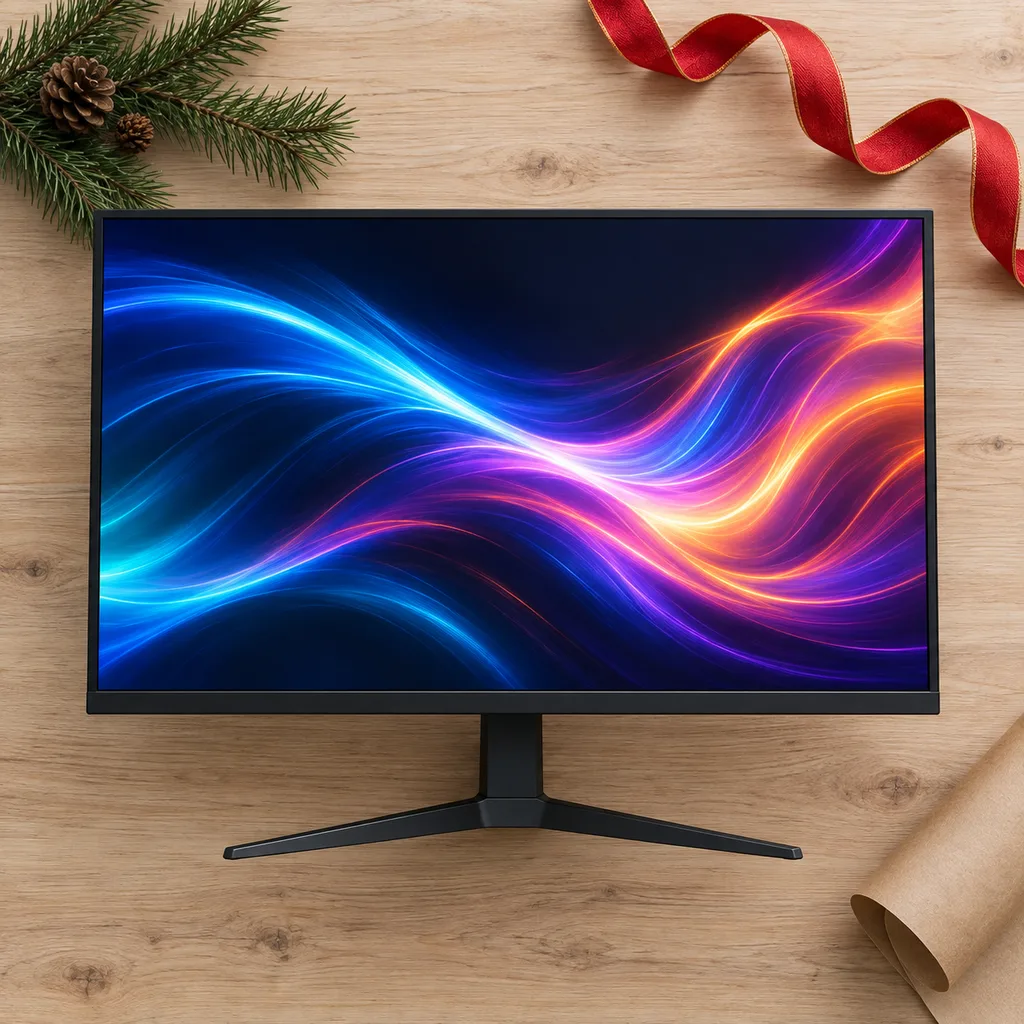
Gaming monitors are built for fast motion, with high refresh rates (144Hz and up) and quick response times so action looks smooth. They suit people who play on a PC or a current console and care about how the game feels. Before buying, match the monitor to their hardware: a console may not use very high refresh rates, and an older graphics card may not reach them either. Check for adaptive sync that works with their graphics card or console, and think about size, since 24 to 27 inches is the usual sweet spot for competitive play.
This monitor enhances competitive gaming with smoother visuals and reduced input lag, ideal for dedicated players seeking an edge.
Kind 4 of 8
When you're comparing a long list of monitors, a few details matter more than the model name. Resolution and screen size go together: 1080p looks fine at 24 inches, but 27 inches and up looks noticeably sharper at 1440p or 4K. Panel type affects the picture, with IPS offering wide viewing angles and VA offering deeper blacks. Check the ports against their computer, and whether the stand adjusts or the monitor can go on a wall or arm mount. A plain, well-matched screen gets more use than a feature-packed one that doesn't suit the setup.
Kind 5 of 8
Large monitors, usually 32 inches and up, give more space for side-by-side windows, video editing or relaxed viewing from further back. They suit people with a deep desk who spend long hours juggling several apps. At this size, resolution matters: a 4K panel keeps text crisp, while a lower resolution can look soft up close. Measure the desk depth first, since a big screen needs distance to be comfortable. Also check that their computer can drive 4K smoothly, which older laptops sometimes struggle with.
This display offers stunning clarity and detail, making it ideal for graphic designers, video editors, or anyone who appreciates crisp visuals for media consumption.
Kind 6 of 8
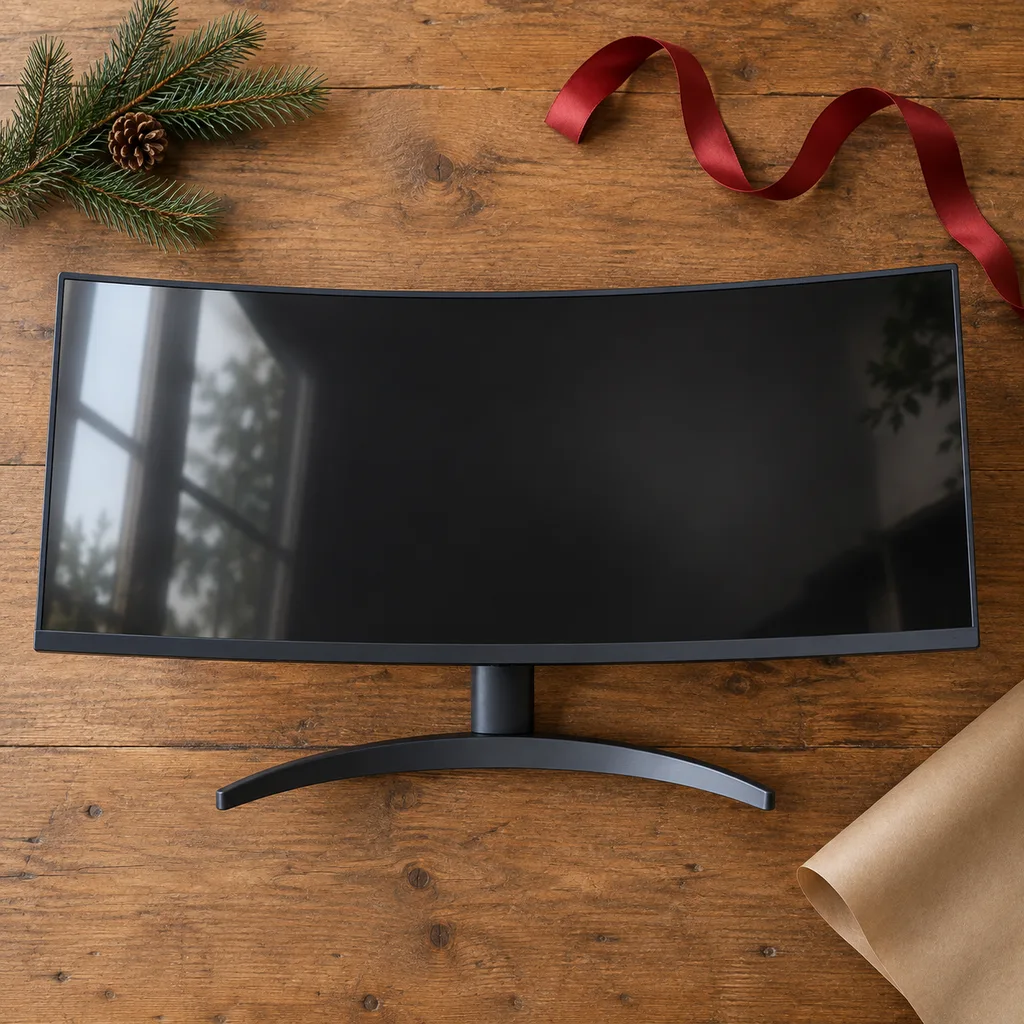
A curved monitor bends slightly toward the viewer, so the edges sit at a more even distance from the eyes. It suits gamers and movie watchers who enjoy a more immersive picture, and anyone sitting close to a larger screen. The curve is listed as a number such as 1500R or 1800R; smaller numbers mean a tighter curve. Curves make the most sense at 27 inches and wider. Check the desk space too, because curved monitors need more depth than flat ones and don't sit neatly side by side.
Designed to wrap around the viewer's field of vision, this monitor creates a more engaging and comfortable experience for gaming or movie watching.
Kind 7 of 8
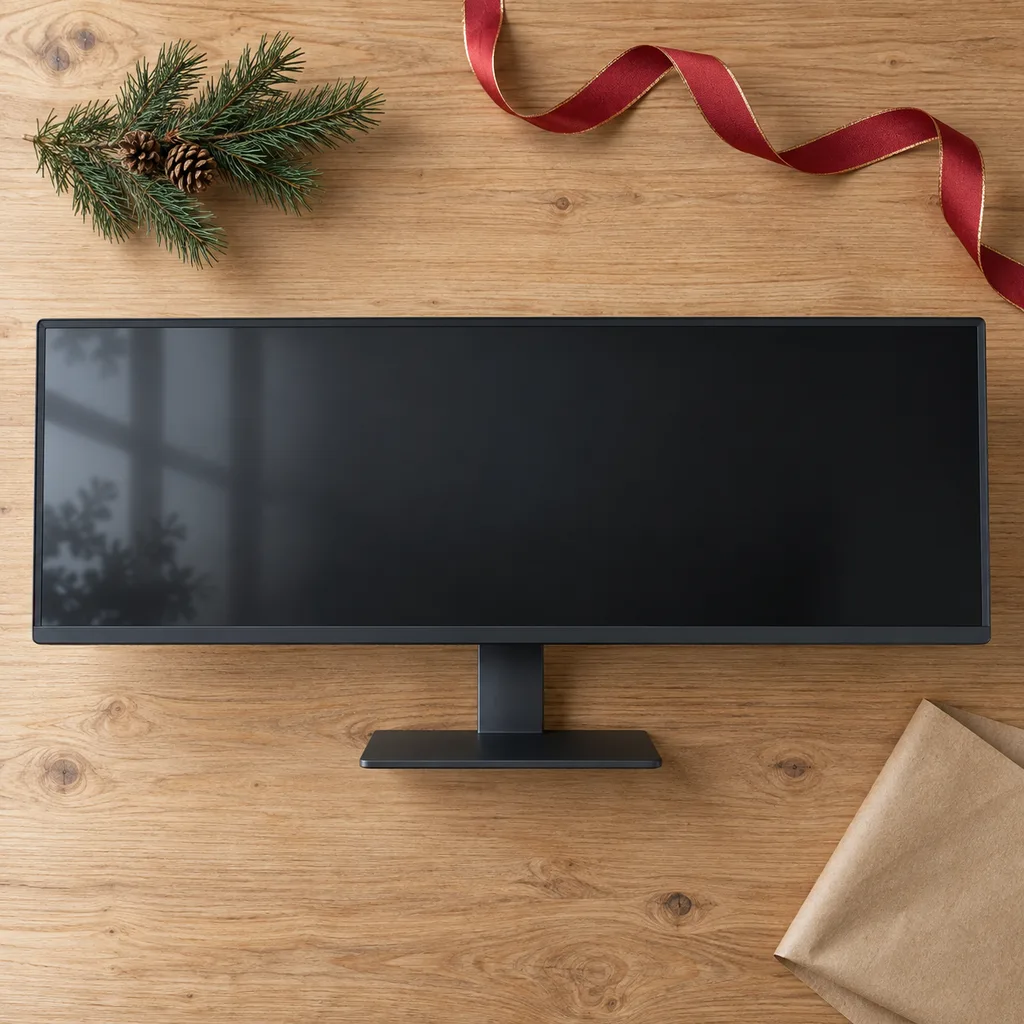
Ultrawide curved monitors use a 21:9 or wider shape, giving about the width of two screens with no gap in the middle. They suit people who edit video, work with long timelines or spreadsheets, trade, or play racing and flight games. Check that their computer supports the ultrawide resolution, often 3440 by 1440, and that their favourite games or apps handle the wide format. Measure the desk width carefully, and look at the stand, since these screens are heavy and a wobbly base is a common complaint.
Perfect for professionals and multitaskers, this expansive screen allows multiple applications to be open side-by-side without needing a second display.
Kind 8 of 8
People searching for a wireless monitor usually want a tidier desk or an easy way to show a phone or laptop screen. True wireless video is still limited: many screens sold this way use screen mirroring or a smart-TV-style system, and some just need a single USB-C cable for video and power. They suit casual use like streaming or presenting more than gaming, where lag can show. Before buying, check exactly which devices it can mirror from, and whether it still needs a power cord.
Looking for one person in particular? Shop by person.
Everything else
Showing 1–8 of 8