The verdict
Buy for a PS5 household with a proven network and a contested television
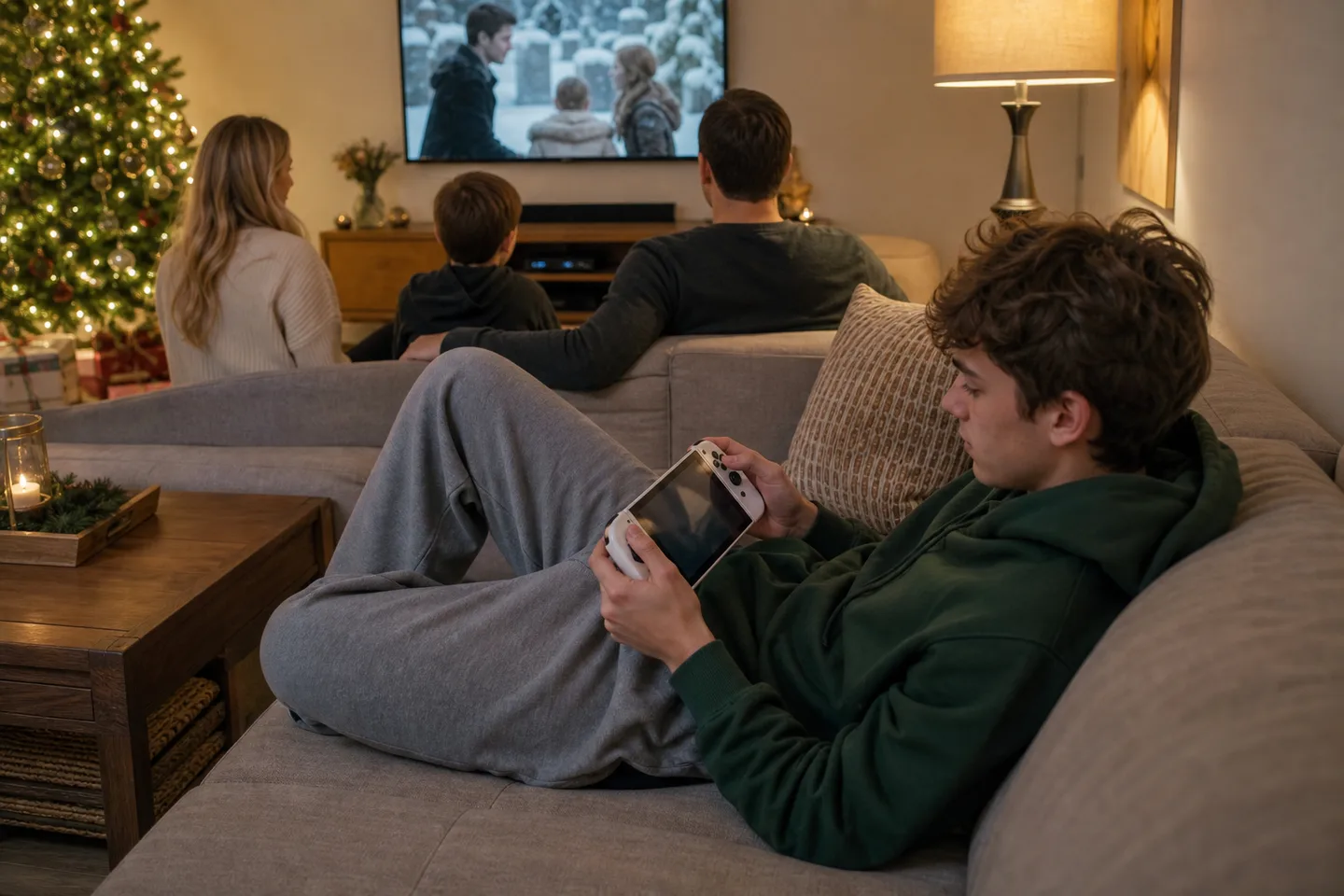
Portal is a delightful gift when its purpose is specific: comfortable PS5 play in bed, on the sofa or away from the main screen. Cloud streaming makes it more independent for an eligible Premium adult account, but the catalogue and subscription can change. It is a poor fit for offline travel, twitch-sensitive competitive play, ordinary Bluetooth headphones or anyone expecting a Switch-style console with games installed locally.
Why it works
- ✓ Full-size controls preserve supported haptics and adaptive triggers more naturally than a phone clip
- ✓ The bright 8-inch 1080p display can stream at up to 60fps and weighs less than most handheld PCs
- ✓ Remote Play needs no Plus subscription, while Premium cloud mode can work when the PS5 is off or busy
Tradeoffs
- × Streaming quality and latency can change with router placement, congestion, internet path and public Wi-Fi
- × It cannot install or run games locally and is not a general video-streaming tablet
- × Wireless audio uses PlayStation Link rather than ordinary Bluetooth; otherwise use 3.5 mm or speakers
Test the network before wrapping the hardware
- At home: try PS Remote Play on an existing phone or tablet in the rooms the recipient will use. Hard-wiring the PS5 and using clean 5GHz Wi-Fi near Portal often matters more than headline internet speed.
- Remote Play: the PS5 must be paired, online, powered on or in Rest Mode, and configured for remote access. Compatible installed PS4 and PS5 games can stream.
- Cloud: independent streaming requires an eligible PlayStation Plus Premium account and supported game. Availability changes by title, account, region and time.
- Travel: Sony recommends at least 15Mbps for a better experience. Captive-portal Wi-Fi may require a phone for validation, and quality remains outside the user's control.
What comes with PlayStation Portal
| Decision | Included | Not included |
|---|---|---|
| Core kit | PlayStation Portal Remote Player and printed materials | PS5 console, games, PlayStation Plus membership, case or screen protector |
| Power and audio | USB charging cable, built-in stereo speakers and 3.5 mm headset jack | USB power adaptor or PlayStation Link headset/earbuds |
Portal, phone controller or native handheld?
| Decision | Choose Portal | Choose the alternative |
|---|---|---|
| PS5 at home | Large display, full controls and one-button access justify a dedicated device | Use a phone and controller when Remote Play is occasional and budget matters |
| Away from home | Reliable Wi-Fi and Premium cloud or a reachable PS5 are consistently available | Choose Steam Deck or Switch 2 when games must run without a network |
| Fast multiplayer | The recipient has tested and accepts streaming latency | Use the PS5 and television directly for the lowest latency and best image quality |
Quick answers before gifting
Does Portal still require a PS5?
Remote Play does. Premium cloud streaming does not require a connected PS5 for eligible catalogue and select owned digital PS5 games. It does require an active eligible Premium membership.
Can two people use the same PS5 at once?
Portal Remote Play controls the paired PS5 session; it does not create a second independent console session. Someone can use the television for another input or activity while Portal uses the PS5.
Does it work on hotel Wi-Fi?
Sometimes. Current software supports select validation pages using a phone or tablet after initial home setup, but bandwidth, latency, firewall rules and congestion can still make play poor or impossible.
Can I use Bluetooth headphones?
Not as a standard native audio option. Use compatible PlayStation Link wireless audio, wired 3.5 mm headphones or the built-in stereo speakers.
Is the screen OLED?
No. It is an 8-inch full-HD LCD capable of 1080p at up to 60fps. Reviews generally find it bright and attractive, but black levels are not OLED-like.
Sources
- PlayStation Canada: PlayStation Portal Remote Player — Official Canadian Remote Play, cloud streaming, display, network, audio and subscription details; checked August 6, 2026.
- PlayStation Support Canada: How to use Remote Play on PS Portal — Official setup, console state, Wi-Fi, controls, settings and cloud guidance.
- PlayStation Blog: Cloud Streaming officially arrives on PlayStation Portal — Official launch timing, Premium requirement, eligible library and current cloud capabilities.
- Stuff: PlayStation Portal review — Independent updated display, comfort, streaming, audio, battery and cloud assessment.
Exact-product Amazon.ca search for PlayStation Portal Remote Player. As an Amazon Associate, XmasGoat earns from qualifying purchases. Verify authentic Canadian model, seller, colour, new condition, warranty, USB cable and returns. Test Remote Play and confirm PS5 or Premium cloud requirements before ordering.