The verdict
Best when the sender does the setup and keeps the frame alive
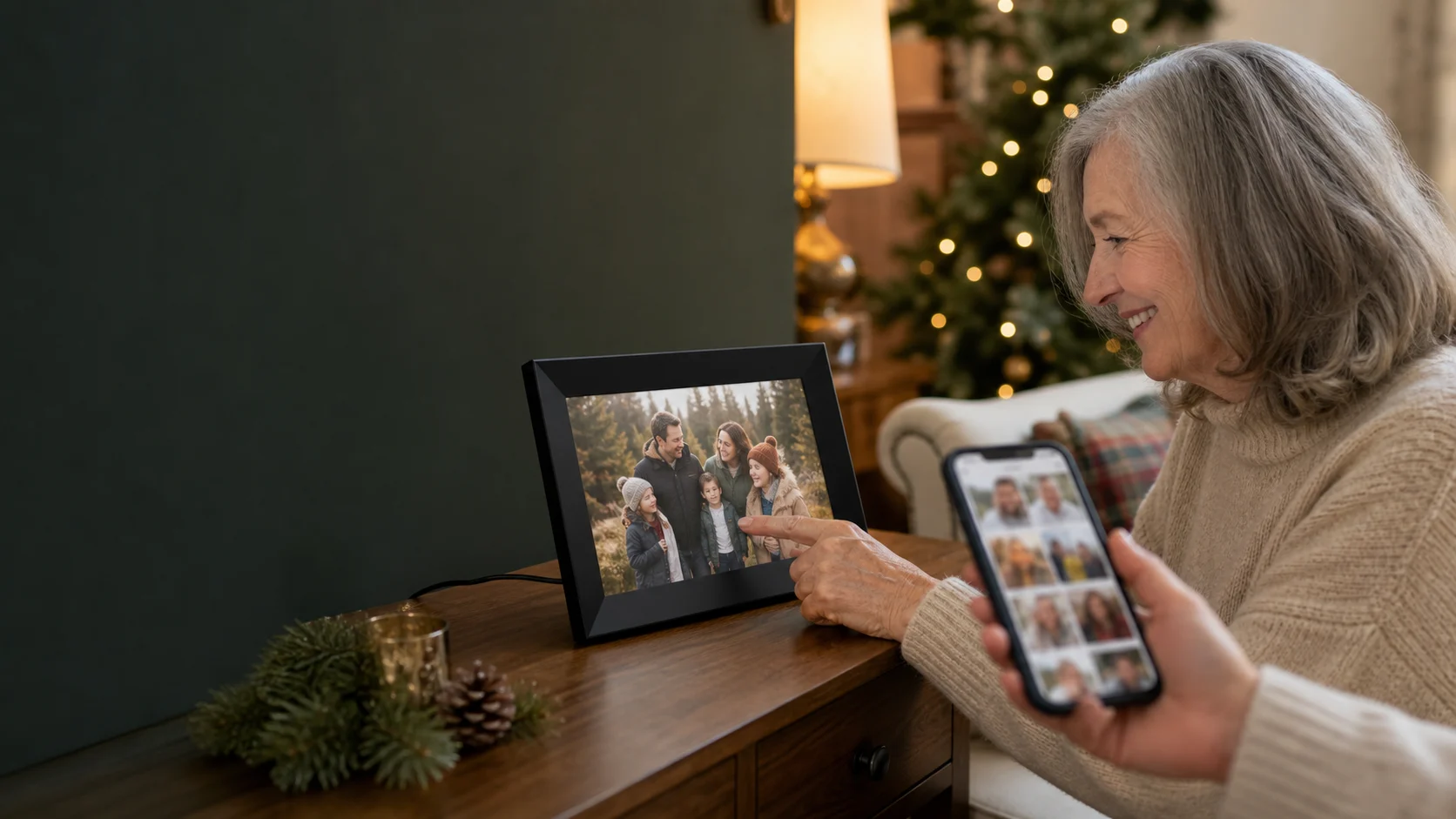
Choose the Skylight Frame for a parent or grandparent who enjoys current family photos but does not want to manage shared albums on a phone. The thoughtful version of this gift is preloaded, connected to stable Wi-Fi, placed away from glare and supported by one family member who approves senders. Skip it for a photography enthusiast who will notice compression and cool colour, a home that wants motion-sensing brightness, or anyone who will resent paying for video, captions, cloud backup and albums.
Why it works
- ✓ Gift Mode can preload photos before the recipient opens and activates the frame
- ✓ App and email sharing work without requiring every contributor to buy a subscription
- ✓ Stored photos remain viewable when Wi-Fi drops, although new uploads must wait
Tradeoffs
- × Independent testing found visible image compression, cool colour and a reflective glass surface
- × There is no motion or ambient-light sensor; brightness and scheduled sleep need manual setup
- × Skylight Plus gates video, captions, albums and cloud backup behind an ongoing fee
Do the family work before wrapping it
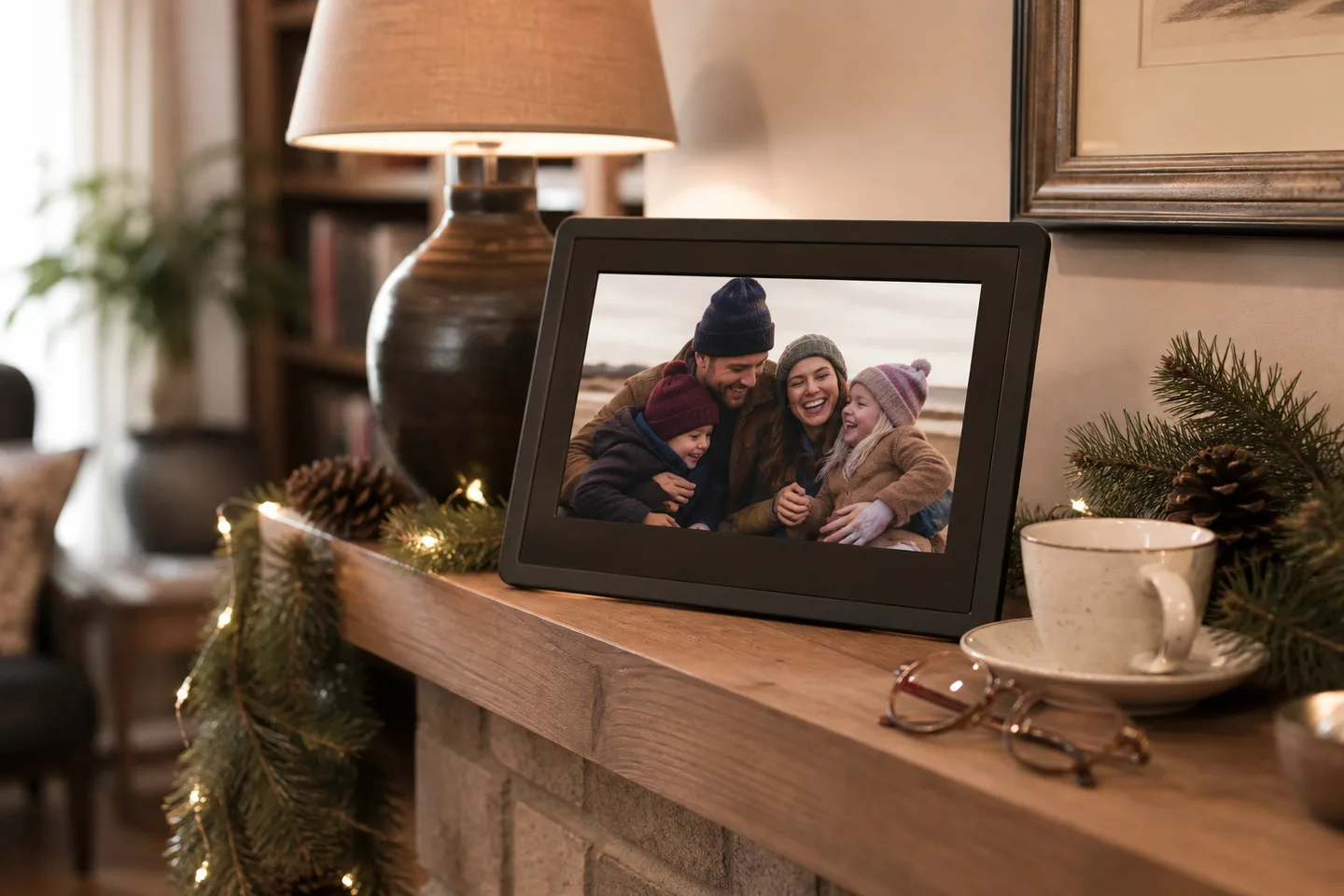
- Use Gift Mode to load a strong opening set: favour clear faces, recent moments and landscape crops that suit the 16:10 screen instead of dumping an entire camera roll.
- Confirm the recipient has stable Wi-Fi for receiving new photos and an always-available outlet. The frame is corded, not a tablet that can live unplugged.
- Place the glossy screen away from a bright window, set a sleep schedule and choose a brightness the recipient will not need to adjust every day.
- Decide whether photos alone are enough. Treat Skylight Plus as a separate recurring purchase and verify its current Canadian price and terms before promising videos or cloud backup.
What the 10-inch frame provides—and what the giver still owns
Display
- Skylight provides
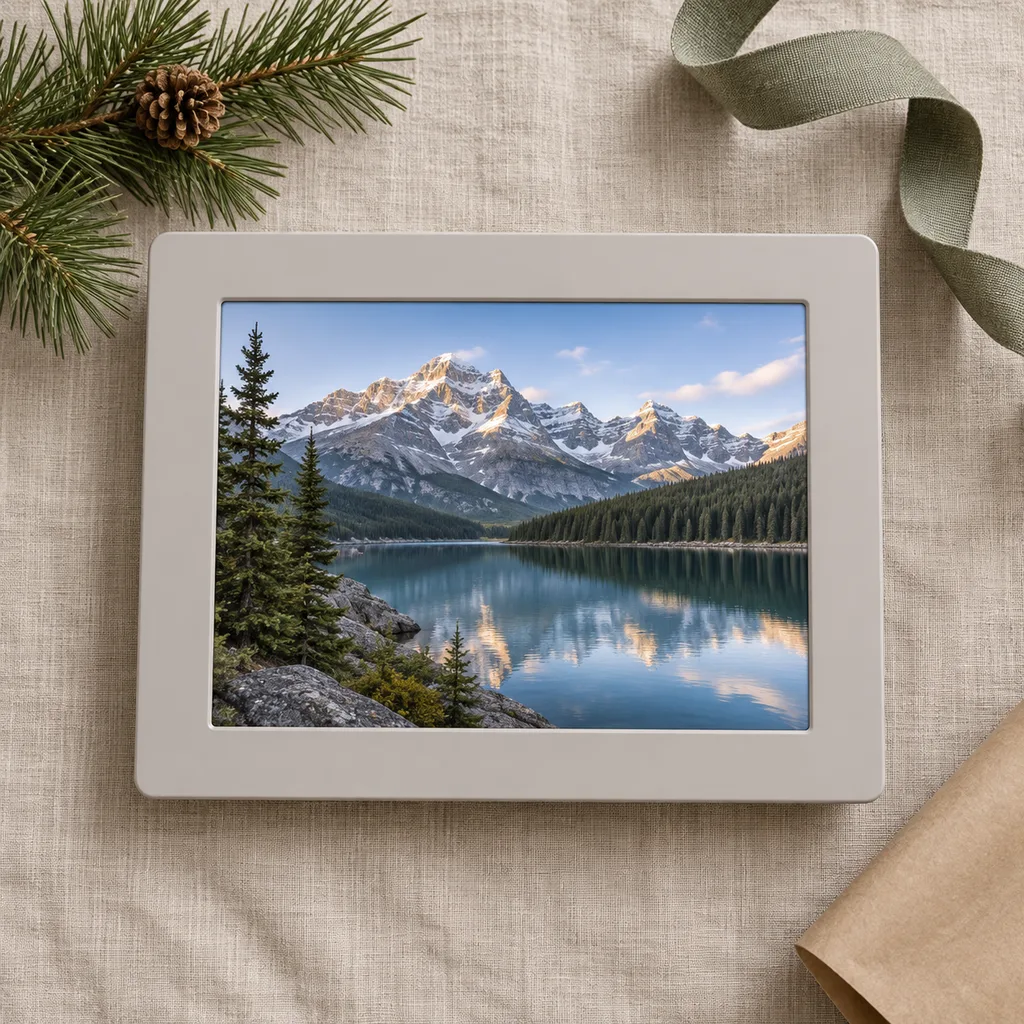
- 10-inch 1280×800 IPS touchscreen, portrait or landscape placement
- The family provides
- A glare-aware location, nearby outlet and photos cropped for the screen
Sharing
- Skylight provides
- Free app or email uploads, Gift Mode and 8GB local storage
- The family provides
- Wi-Fi, approved contributors, privacy around the frame email and ongoing photo curation
Skylight, a sharper premium frame or an offline frame?
Priority
- Choose Skylight Frame
- Simple remote contributions and an approachable touchscreen matter most
- Choose the alternative
- Choose a sharper premium frame when image fidelity and automatic light sensing matter more
Internet
- Choose Skylight Frame
- Family will keep sending new photos through Wi-Fi
- Choose the alternative
- Choose USB/SD storage when the recipient has no dependable Wi-Fi or rejects cloud-linked accounts
Subscription
- Choose Skylight Frame
- Still photos are enough, or the family accepts the current Plus cost
- Choose the alternative
- Choose a rival with included video, albums and cloud backup if recurring fees are a deal-breaker
Quick answers before gifting
Does the recipient need a Skylight Plus subscription?
No for the core still-photo experience: approved family can share through the free app or email and the recipient can view stored photos. Plus is for extras including videos, captions, albums and cloud backup; check current terms before buying.
Will it show photos without Wi-Fi?
Photos already stored on its 8GB internal memory remain viewable offline. Wi-Fi is required for initial setup and to receive or upload new photos.
Can it arrive with photos already loaded?
Yes. Skylight's Gift Mode lets the giver preload photos without opening the box, so they appear after the recipient connects and activates the frame.
Is the picture quality excellent?
It is a respectable 1280×800 at normal frame-viewing distance, but not a high-resolution photography display. TechRadar found aggressive compression, cool colour and reflections, so image-quality-first buyers should compare alternatives.
Can anyone email photos to it?
The frame receives through a unique address, but the owner can require approval for new senders. Keep that address private, approve only known contributors and remove access when circumstances change.
Sources
- Skylight Canada: Skylight Frame product page — Official Canadian 10-inch size, 1280×800 IPS display, 8GB storage, sharing, Gift Mode, offline viewing and sleep schedule; checked August 6, 2026.
- Skylight: Skylight Frame support centre — Official setup, sender management, Wi-Fi and account support documentation.
- TechRadar: Skylight Frame 10-inch review — Independent testing of touchscreen usability, compression, brightness, reflections, offline storage, sharing and Plus limitations.
- Tom's Guide: Skylight Frame review — Independent specifications and assessment of placement, orientation, ease of use, sensors and subscription features.
Exact-product Amazon.ca search for the 10-inch Skylight Frame digital picture frame. As an Amazon Associate, XmasGoat earns from qualifying purchases. Verify 10-inch Frame—not the 15-inch Frame, Skylight Calendar, Calendar 2 or an unrelated generic frame—plus colour, Canadian-compatible power supply, new condition, intact activation process, seller, warranty, returns and whether any Skylight Plus offer is included or renews automatically.