Reviewed by XmasGoat Editorial · Updated
Why Razer BlackWidow V4 Pro works as a Christmas gift
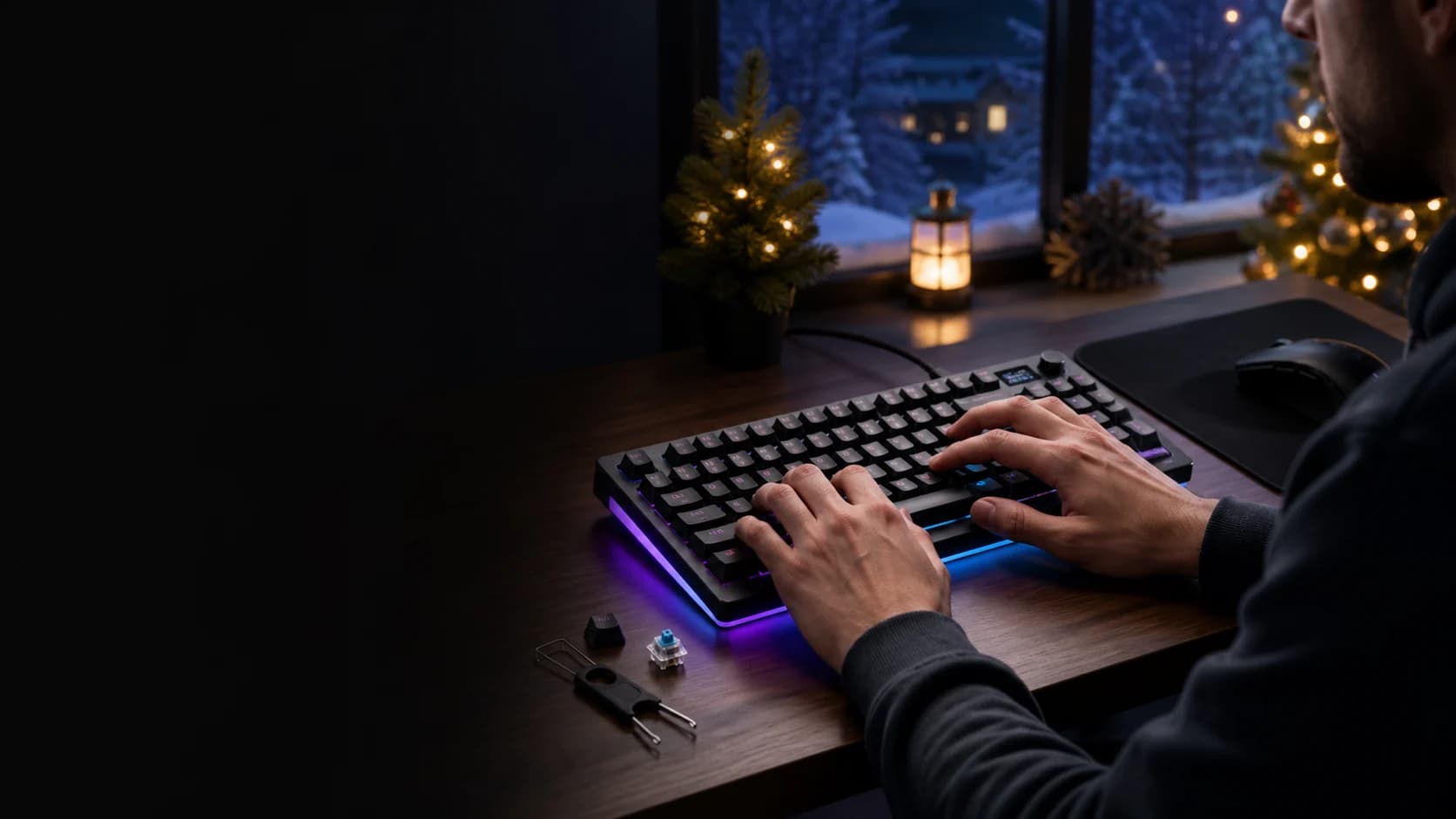
This brings several enthusiast features into one finished board: gasket mounting, sound-dampening foam, hot-swap sockets, an OLED status display and a command dial. It can connect by USB, 2. 4 GHz wireless or Bluetooth, but device support and advanced configuration are separate questions — Razer's full Synapse 4 workflow requires a supported 64-bit Windows PC.
- Hot-swap sockets — new switch feel without soldering
- Gasket mounting, dampening foam and a wrist rest in the box
- Wired, Bluetooth and low-latency wireless in one board

Who should receive Razer BlackWidow V4 Pro?
- Great for: mechanical-keyboard tinkerers and switch swappers.
- Great for: desk-space defenders who never touch the number pad.
- Great for: a Windows PC user who will configure the OLED, dial, lighting and key assignments.
- Skip if: they need a number pad, analog switches or full software support on an unsupported platform.
The verdict
Lavish, and priced like it
Give it to the enthusiast who wants this exact mix of wireless modes, tactile switches, hot-swap sockets and screen controls. The headline battery maximum is not a normal RGB-use estimate: Razer's 2,100-hour claim requires Power Saving Mode, which disables the OLED and lighting and pauses communication with Synapse.
Why it works
- Hot-swap sockets — new switch feel without soldering
- Gasket mounting, dampening foam and a wrist rest in the box
- Wired, Bluetooth and low-latency wireless in one board
Tradeoffs
- Premium price against strong cheaper rivals
- No number pad; Razer does not publish one universal RGB-on runtime
As an Amazon Associate, XmasGoat earns from qualifying purchases. Choose Canada or the United States for local pricing.
What to check before buying Razer BlackWidow V4 Pro
- Confirm the exact name is BlackWidow V4 Pro 75% — not the full-size BlackWidow V4 Pro or wired BlackWidow V4 75%. Verify Canadian English key layout, colour, condition and seller before checkout.
- Razer currently documents Gen-3 tactile switches and includes three spare Orange tactile switches. Check the exact offer rather than assuming another switch type or a full replacement set is included.
- The box includes the keyboard, magnetic wrist rest, HyperPolling wireless dongle, USB-A-to-USB-C cable, 2-in-1 keycap/switch puller and three spare switches. Confirm all items for open-box or marketplace offers.
- Core use requires USB-A or compatible Bluetooth. Razer Synapse 4 customization requires 64-bit Windows 10 or Windows 11 plus internet access for installation; feature availability can change with software, firmware and add-ons.
- Razer's up-to-2,100-hour figure uses Power Saving Mode with OLED and lighting disabled and Synapse communication paused. Expect runtime to vary with lighting, display, polling rate, connection and use; wired operation is available while charging.
- Before changing switches, unplug the keyboard, set its mode switch to Wired and follow Razer's ESD guidance. Keep it dry, use the supplied charging cable and do not open or expose the lithium-ion battery to heat, fire, liquid or conductive material.
Razer BlackWidow V4 Pro FAQs
Can they change the switches themselves?
Yes. Razer says most standard 3-pin and 5-pin mechanical switches are compatible, and a puller is included. Unplug the keyboard, set the mode switch to Wired, use ESD protection and follow the manual rather than disassembling the case.
Does it work without Razer's software?
Basic wired or Bluetooth input can work without Synapse on a compatible device, and some onboard controls are available. Advanced key assignments, profiles, lighting, OLED and dial options rely on current Synapse support; Razer's master guide lists 64-bit Windows 10 or later and internet access for installation.
Is the battery really thousands of hours?
The up-to-2,100-hour claim applies only in Power Saving Mode, which limits polling, disables the OLED and keyboard lighting, and pauses Synapse communication. Razer says a full charge takes about two hours; practical runtime varies with configuration and use.

As an Amazon Associate, XmasGoat earns from qualifying purchases. Double-check the layout and included wireless dongle before checkout. Choose Canada or the United States for local pricing.
Keep exploring gift ideas
Compare nearby recipients, budgets and products before making the final call.
Christmas gifts for teens →
Compare more recipient-focused ideas before choosing the final gift.
Christmas gifts for men →
Compare more recipient-focused ideas before choosing the final gift.
Logitech G29 Wheel →
The Logitech G29 gives a PlayStation or PC racer a real wheel, pedals and force feedback. Fit, desk checks, and where to see it on Amazon.ca or Amazon.com or Amazon.com.
Logitech G923 (PlayStation) →
The PlayStation edition of the Logitech G923 adds TRUEFORCE feedback to a complete wheel-and-pedals kit. Fit, game checks, and where to see it on Amazon.ca or Amazon.com or Amazon.com.
Sources
- Razer Canada: Razer BlackWidow V4 Pro 75% — Official current Canadian identity, layout, switches, wireless, battery maximum and construction; checked August 25, 2026.
- Razer Support: Razer BlackWidow V4 Pro 75% support and user guide — Official current model specifications, package contents, firmware and support reference; updated July 8, 2026.
- Razer: BlackWidow V4 Pro 75% master guide — Official contents, requirements, connection, charging, switch-change, moisture, battery and ergonomic guidance; checked August 25, 2026.
- Razer Support: Razer Synapse 4 support and requirements — Official current Windows, installation and feature-support boundaries; checked August 25, 2026.