XmasGoatStart
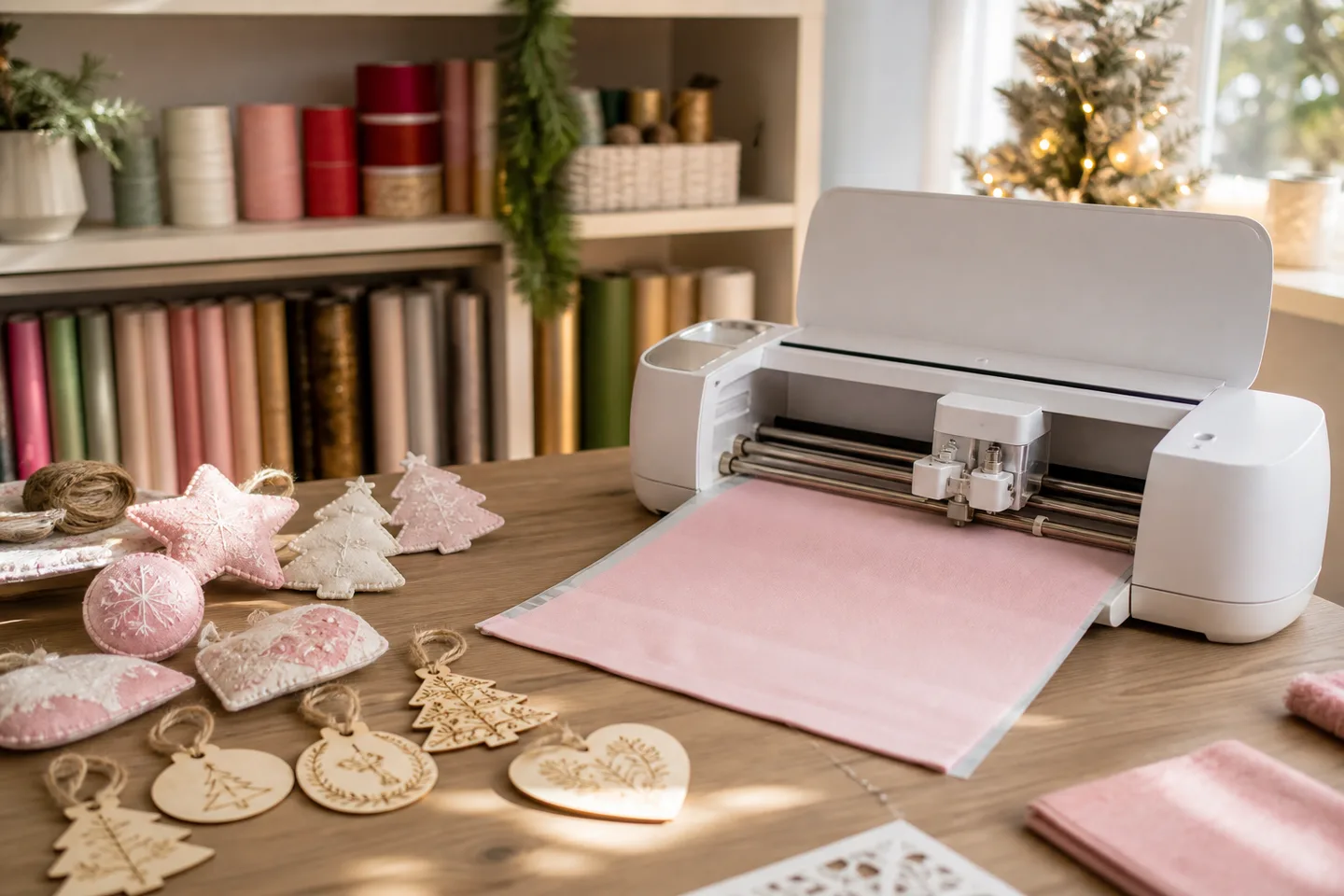
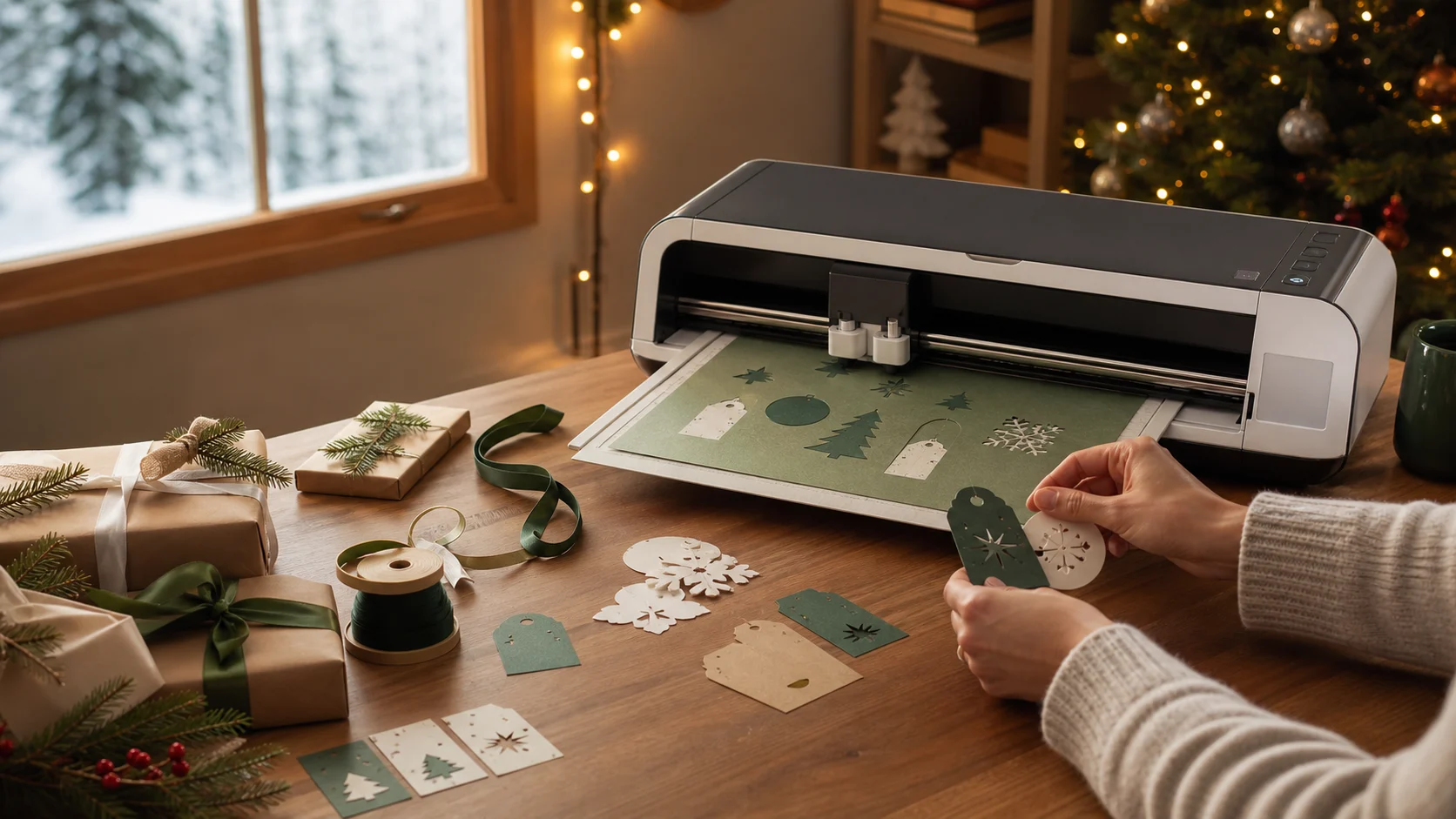
Representative smart cutting machine workspace making holiday gift tags

Digital-crafting gift guide

A powerful gift when their project list already keeps growing

Maker 4 cuts everyday paper, vinyl and iron-on out of the box, then expands through Cricut's Adaptive Tool System. The appeal is its path into fabric, engraving and other advanced projects—but those paths require the right separately sold tools and materials.

Representative illustration—not the Cricut Maker 4.

The verdict

Buy it for creative range, not a promise of free crafting

Choose Seashell base-machine item 2011084 for a committed crafter who wants the broadest Cricut tool path. It supports 13 tools and more than 300 compatible materials when paired with qualified tools and settings. Design Space and a free account are required; Cricut Access is optional, while specialty tools and consumables create the real ongoing cost.

Why it works

  • The included fine-point blade starts paper, vinyl and iron-on projects immediately
  • Adaptive Tool System support leaves room for advanced tools as skills grow
  • Independent reviewers found setup straightforward and cutting precise and fast

Tradeoffs

  • × Design Space ties the workflow to Cricut's supported devices and software
  • × Many headline projects need extra blades, mats, materials or another appliance
  • × Faster cutting does not eliminate loading, multiple passes, assembly or weeding

Check their computer, workspace and intended projects

  • Model: standard Seashell Maker 4 item 2011084—not a retailer bundle or exclusive colour.
  • Device: current supported Windows, macOS, iOS or Android; no Chromebook, Linux or Unix support.
  • Connection: Bluetooth or rear USB-C to a computer, with internet needed for parts of setup and use; offline capability is limited.
  • Space: the closed machine is about 22.1 × 7.1 × 6.2 in and 15.4 lb, with front and rear clearance needed while cutting.
  • Project: Print Then Cut needs a separate compatible inkjet printer; advanced materials need the qualified specialty tool.

The useful base box—and the tempting extras

DecisionMachine-only packageNot included
First projectsPremium Fine-Point Blade and housing, adapter, LightGrip mat, pen, Mini Weeder and test materialSpecialty blades, transfer tape and project-specific consumables
SetupPower adapter, USB cable and documentationHeat press, inkjet printer, roll holder or Cricut Access subscription

Maker 4, Explore 4 or Maker 3?

DecisionChoose Maker 4Choose the alternative
Project ambitionThey genuinely want advanced tools and a wider material rangeExplore 4 for mostly cards, vinyl decals and iron-on projects
Existing machineA new buyer wants the current Maker platform and starter kitMaker 3 owners should not upgrade solely for the up-to-2× speed claim

Quick answers

Does Maker 4 require Cricut Access?

No. Design Space and a free Cricut account are required, but Access is optional. Users can create and upload their own compatible designs without subscribing.

Can it cut 2.4 mm material?

Cricut states up to 2.4 mm for compatible materials. Thickness alone is not approval: use a qualified material, tool and setting.

Can it cut without a mat?

Compatible Smart Materials can run matless, including vinyl up to 11.7 in × 12 ft. Ordinary material generally needs the appropriate mat.

Is it really twice as fast?

Cricut claims up to 2× faster than Maker 3 on a mat, up to 14.1 ips. That maximum does not apply to every material, tool or entire project workflow.

How long is the Canadian warranty?

Do not assume a duration from another region or retailer. The regional warranty terms included with the machine and seller documentation control.

Sources

See Canadian Maker 4 machine-only listings

Exact-model Amazon.ca search for Seashell item 2011084. As an Amazon Associate, XmasGoat earns from qualifying purchases. Verify the item number, colour, seller and package rather than assuming bundle extras.

Cricut Maker 4 Gift Guide | XmasGoat