The verdict
Buy for a crafter with a clear first-project list
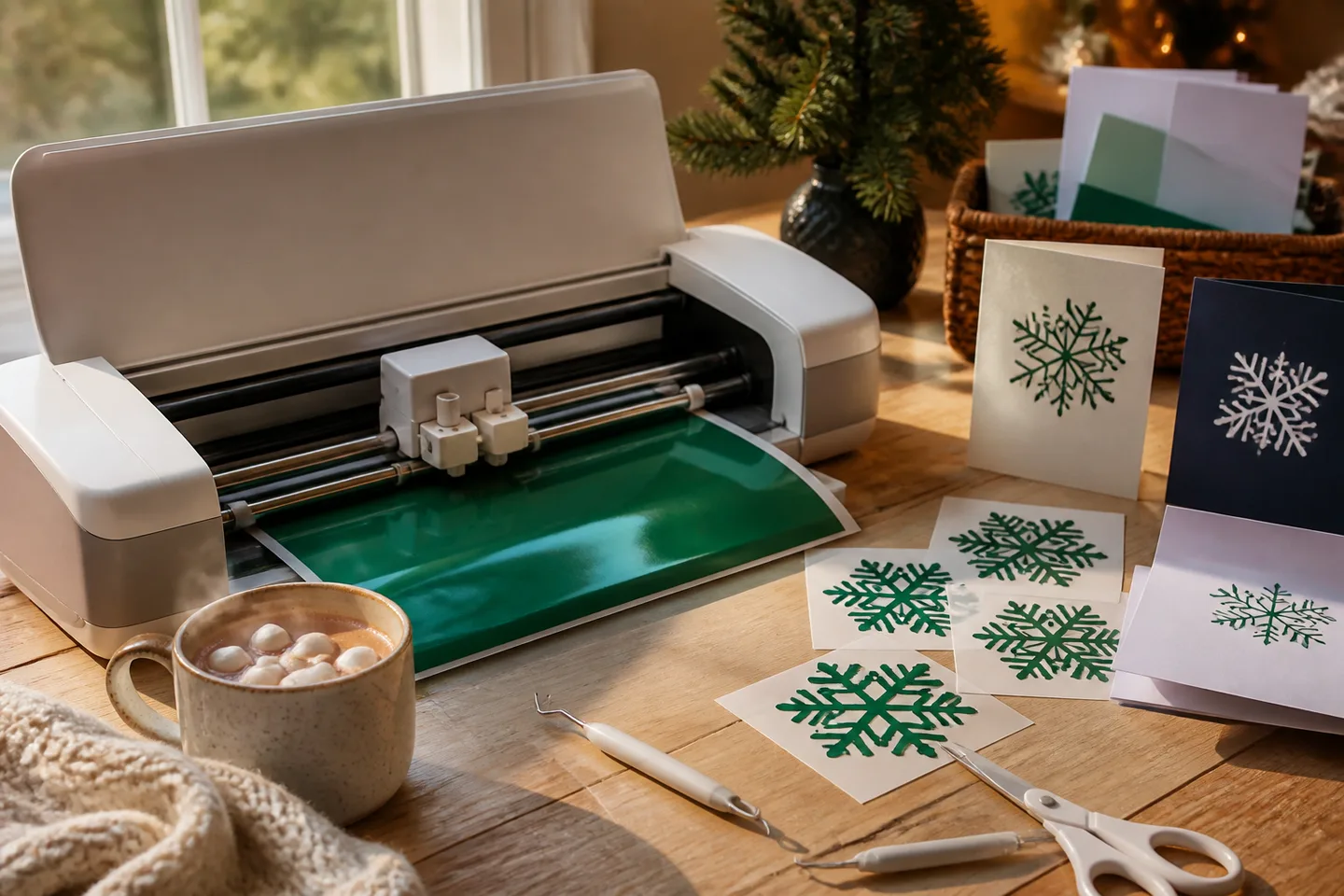
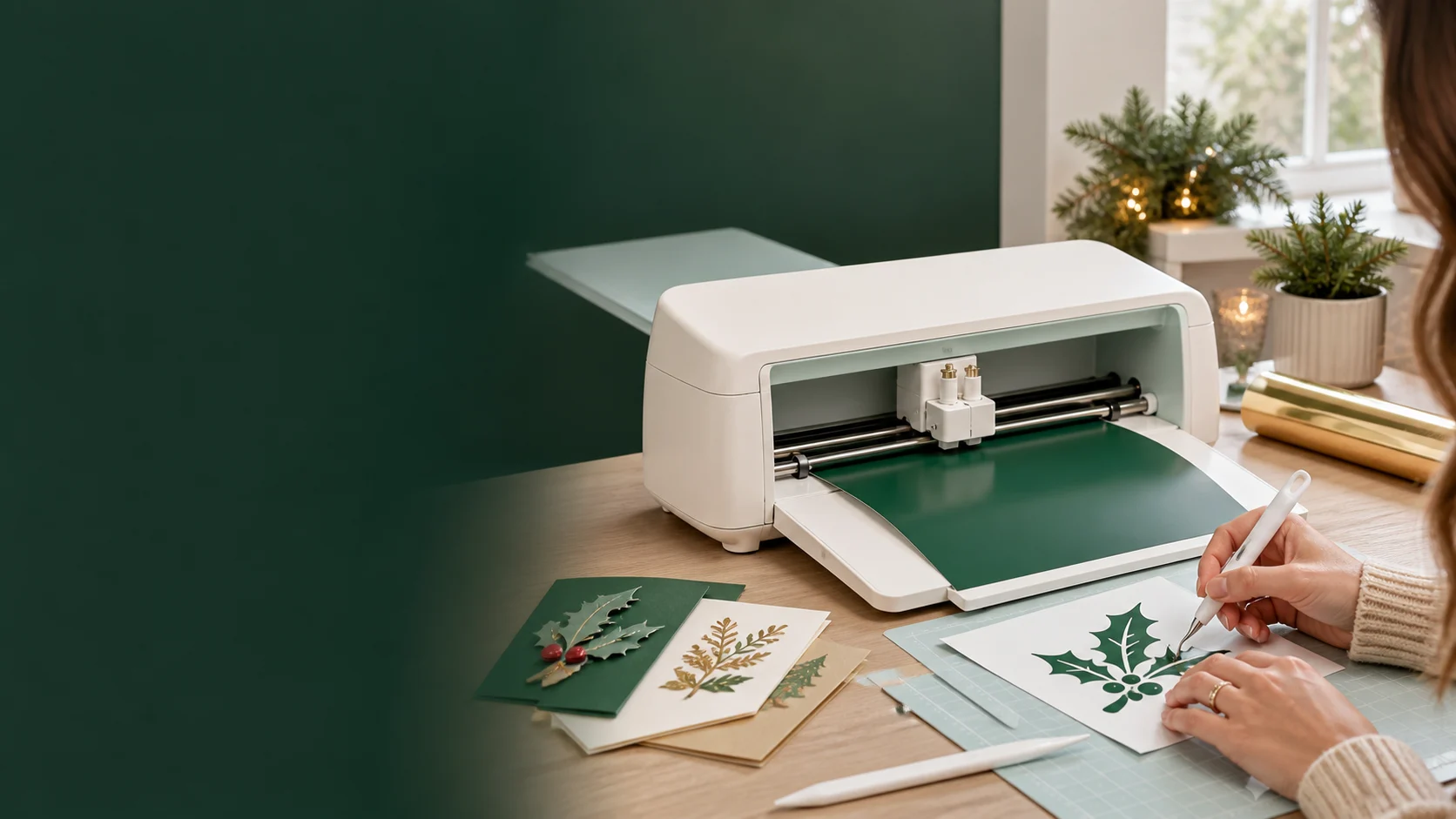
Explore 5 is a strong first full-size cutter for someone excited to personalize mugs, shirts, cards, labels or sticker sheets. Its basic box is unusually usable, but a thoughtful gift should match supplies to two or three planned projects. Do not buy it as a vague creativity appliance: the recipient needs a supported phone or computer, room for material to travel front and back, patience for Design Space, and a budget for vinyl, transfer tape, blanks and replacement mats.
Why it works
- ✓ The standard package includes a blade, scoring tool, marker, LightGrip mat, weeder and starter materials
- ✓ Matless Smart Materials support long cuts up to 12 inches wide when enough material is loaded
- ✓ Print Then Cut enables full-colour stickers when paired with a compatible home printer
Tradeoffs
- × Design Space is required; Cricut Access is optional, but many library assets carry a subscription or per-item cost
- × A heat press, printable printer, blanks and project-specific supplies are separate purchases
- × Explore's tool set is narrower than Maker's, and Explore 5 accessories require exact compatibility checks
Start with the projects, then choose the bundle
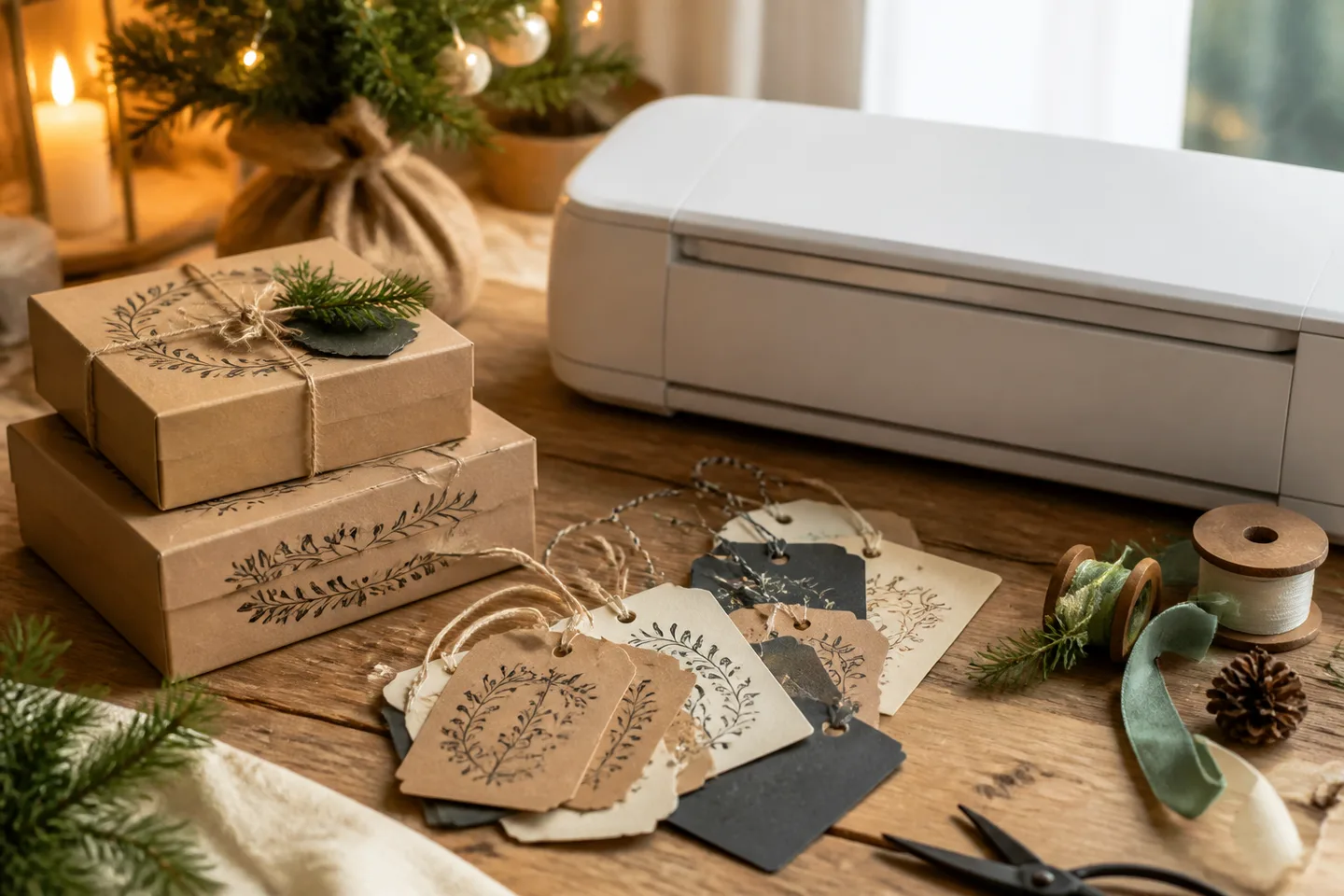
- Vinyl decals: add permanent or removable vinyl, transfer tape, scraper and suitable blanks.
- Iron-on shirts: add Smart Iron-On or compatible mat-loaded material, blank garments and a properly sized heat press or iron.
- Cards and stickers: confirm the bundle's mat, cardstock and scoring tool; Print Then Cut also needs a compatible colour printer and printable material.
- Workspace: the 19.8×4.7-inch machine is compact, but material must feed unobstructed through the front and rear. It also needs power and a supported Design Space device.
The standard box is enough to learn
Tools
- Included
- Fine-point cutting tool, scoring tool, black dual-tip marker, LightGrip mat, mini weeder and ruler
- Buy only for a planned project
- Scraper, spatula, trimmer, extra mats, deep-point or foil tool
Materials
- Included
- Small samples of Smart Vinyl, transfer tape, Smart Iron-On and value cardstock
- Buy only for a planned project
- Full rolls, printable vinyl, blanks, heat press and replacement consumables
Explore 5, Joy 2 or Maker 4?
Project width
- Choose Explore 5
- Full-size vinyl, shirt designs, cards and sticker sheets justify a desktop machine
- Choose the alternative
- Choose Joy 2 for smaller, simpler projects and a tighter storage footprint
Materials
- Choose Explore 5
- Paper, vinyl, iron-on and printables cover the recipient's ambitions
- Choose the alternative
- Choose Maker 4 for fabric, wood and its broader specialty-tool system
Upgrade
- Choose Explore 5
- A new buyer values the smaller 2026 design and stocked starter box
- Choose the alternative
- Keep Explore 4 when it already works; Explore 5 is refinement, not a must-have performance leap
Quick answers before gifting
Is Cricut Access required?
No. Design Space is required, but recipients can use their own uploaded designs and free assets without an Access subscription. Paid library content is separate.
Can it cut ordinary craft-store vinyl?
Yes, when the material is suitable and secured to a compatible mat. Matless feeding is intended for compatible Smart Materials.
Does it print stickers?
It does not print. Print Then Cut sends artwork to a separate compatible printer, then scans registration marks and cuts around the printed design.
Can it cut wood or fabric?
Explore handles a limited material/tool range. A recipient serious about wood, fabric, engraving or specialty effects should compare Maker 4 before buying.
Will older Cricut accessories fit?
Some mats and tools do, but Explore 5 introduced changed tool sizes and a snap-in holder. Check each package for explicit Explore 5 compatibility.
Sources
- Cricut Canada: Cricut Explore 5 — Official current Canadian product identity and positioning; checked August 6, 2026.
- Cricut Help: Cricut Explore 5 quick start guide — Official box contents, tools, mats, materials, dimensions, connectivity and loading guidance.
- Creative Bloq: Cricut Explore 5 review — Independent hands-on assessment of size, noise, workflow, bundle and generation differences.
- Digital Reviews Network: Cricut Explore 5 hands-on review — Independent project tests covering vinyl, cards, iron-on and beginner usability.
Exact-product Amazon.ca search for Cricut Explore 5. As an Amazon Associate, XmasGoat earns from qualifying purchases. Verify Explore 5—not Explore 4, Explore 3, Joy, Maker, an accessory or machine-only return—bundle contents, Canadian power, seller, new condition, warranty and returns.